When it comes to project and data management, users often find themselves torn between powerful tools like Airtable and Smartsheet. Both offer solutions to streamline workflows and collaboration, but they approach it differently. Airtable stands out for its flexibility and ability to function as a relational database, making it ideal for custom workflows and complex content management. Smartsheet, on the other hand, focuses on structured project management with a familiar spreadsheet-like interface, an excellent choice for teams accustomed to Excel seeking more robust project management features. This comparison will help you determine which tool best suits your needs.
⚔️ Detailed comparison
| Criterion | Airtable | Smartsheet |
|---|---|---|
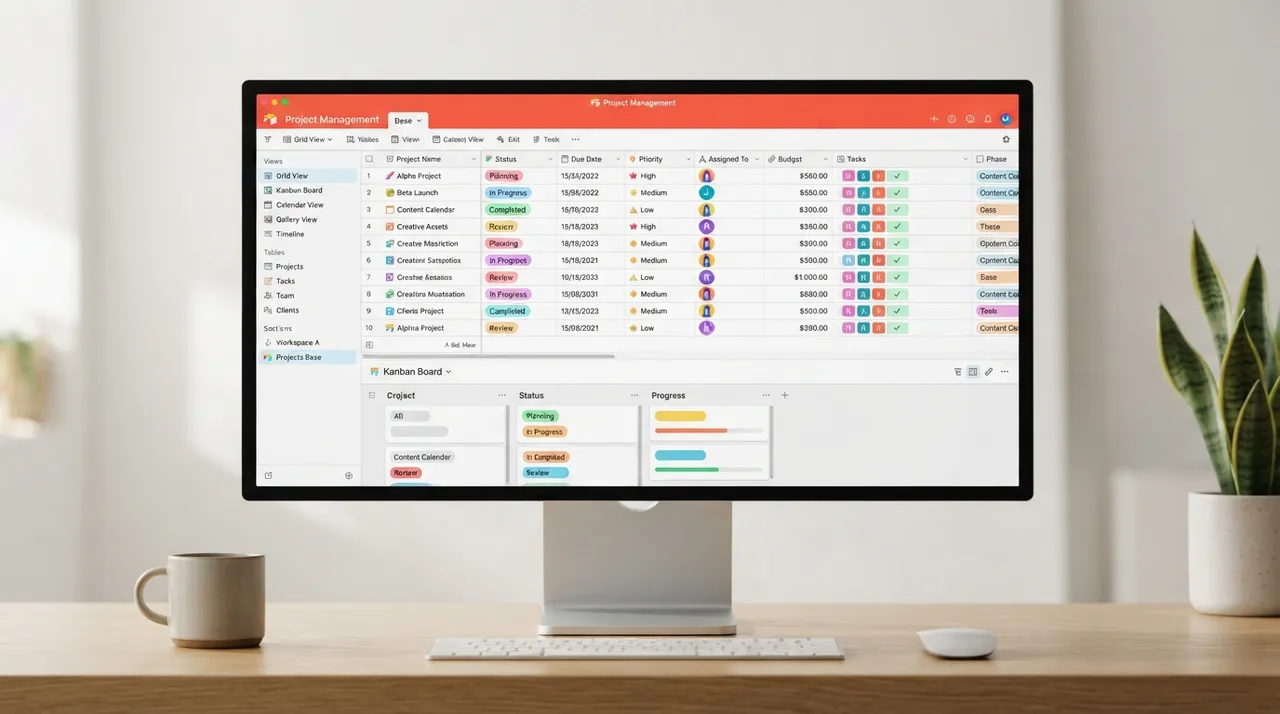
| Core Philosophy | ✓Flexible relational database: Focuses on linking records and rich field types to build custom apps on top of data. | Spreadsheet-based project management: Extends the traditional spreadsheet model for structured project management. |
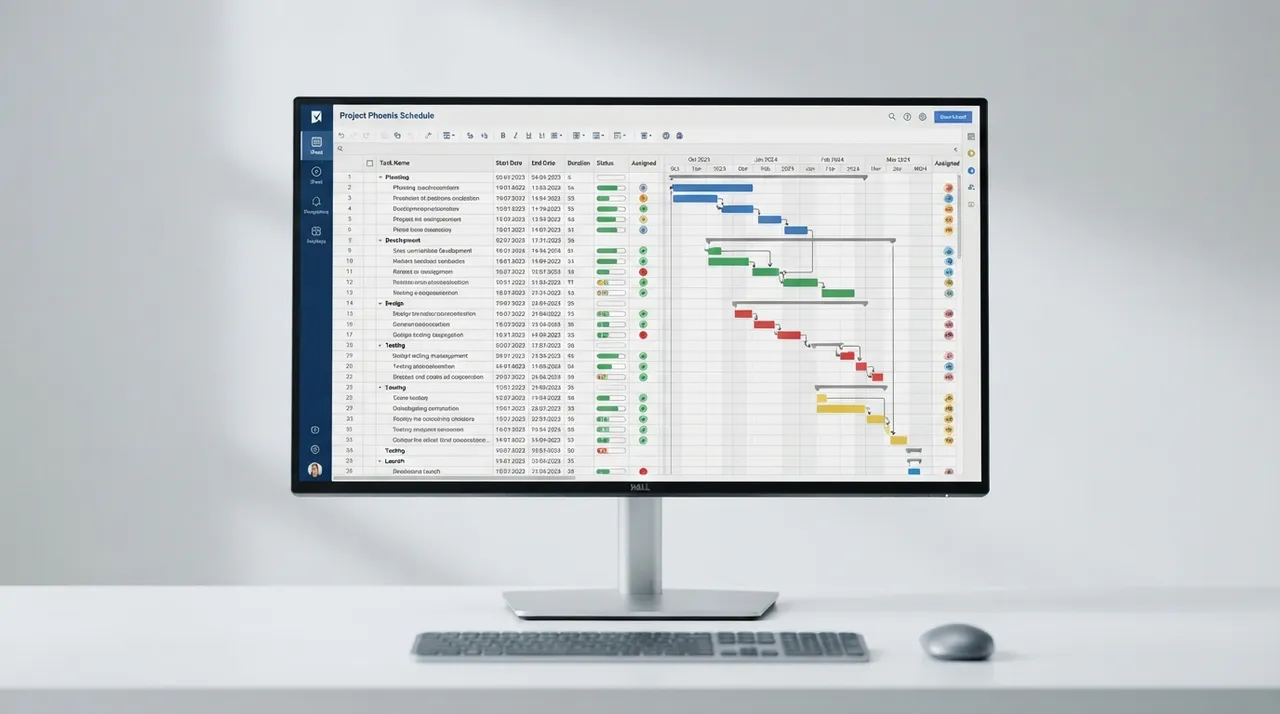
| Ease of Use & Interface | Modern, intuitive interface with diverse templates and flexible views (grid, calendar, Kanban). Advanced setups may have a steeper learning curve. | Familiar spreadsheet-like interface (Excel), with views like Gantt, card, and calendar. Easy for simpler tasks, but advanced customization and automation can be complex. |
| Key Features | Relational databases, rich field types, customizable automations, Interface Designer, AI features (Omni and Field Agents). Less mature in workload tracking and Gantt charts than Smartsheet. | ✓Gantt charts, critical path tracking, portfolio and resource management, robust automations, comprehensive dashboards and reports, Smart Assist AI features. Lacks Airtable's deep relational database flexibility. |
| Pricing | Generous free plan (1,000 records/base), paid plans start from $24/user/month (Team) and $54/user/month (Business) (billed annually). Costs can quickly escalate with more users and AI features. | ✓No free plan (30-day trial), paid plans start from $9/user/month (Pro) and $19/user/month (Business) (billed annually). Good value for money, especially for larger projects. |
| Collaboration | Robust collaboration features like task assignment, project status sharing, comments, and activity history. Permissions and access levels can be customized. | Comprehensive collaboration tools with real-time editing, file sharing, and notifications. Guest collaborators can work for free on some plans. |
| Customer Support | ✓Extensive self-serve guides, webinars, and email support. No phone support. | Generally good customer support with phone support available on some plans, and educational materials. However, some users have reported issues with support quality and responsiveness. |
| Integrations | Developer-friendly API, extensions, and native integrations with popular tools like Slack, Jira, and Salesforce. Integrates well with Zapier and Make. | 100+ native integrations, including Microsoft 365, Google Workspace, Slack, and Salesforce. Both rely on third-party tools for complex workflows. |
يعد كل من Airtable و Smartsheet أدوات قوية لإدارة العمل، ولكن الخيار الأفضل يعتمد على احتياجاتك. إذا كنت تبحث عن مرونة عالية، وقاعدة بيانات علائقية قوية لبناء سير عمل مخصصة وتطبيقات داخلية، فإن Airtable هو الخيار الأمثل. إنه مثالي للفرق الإبداعية التي تحتاج إلى تخصيص واسع النطاق. أما إذا كانت أولويتك هي إدارة المشاريع المنظمة وتتبعها بواجهة مألوفة تشبه جداول البيانات، مع ميزات متقدمة مثل مخططات جانت وإدارة المحافظ، فإن Smartsheet يقدم قيمة أفضل، خاصة للمؤسسات الكبيرة وفرق إدارة المشاريع. بشكل عام، Smartsheet يتفوق في إدارة المشاريع التقليدية والقيمة مقابل السعر، بينما يتفوق Airtable في المرونة والتخصيص العميق للبيانات.