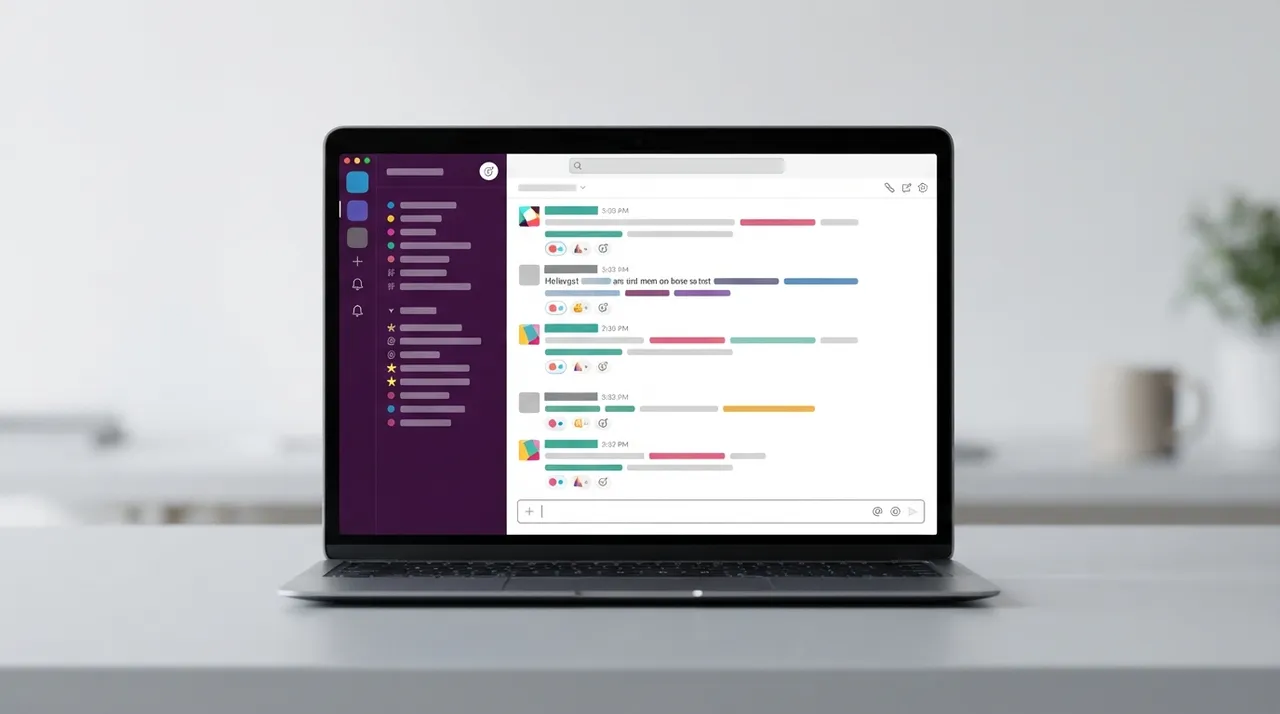
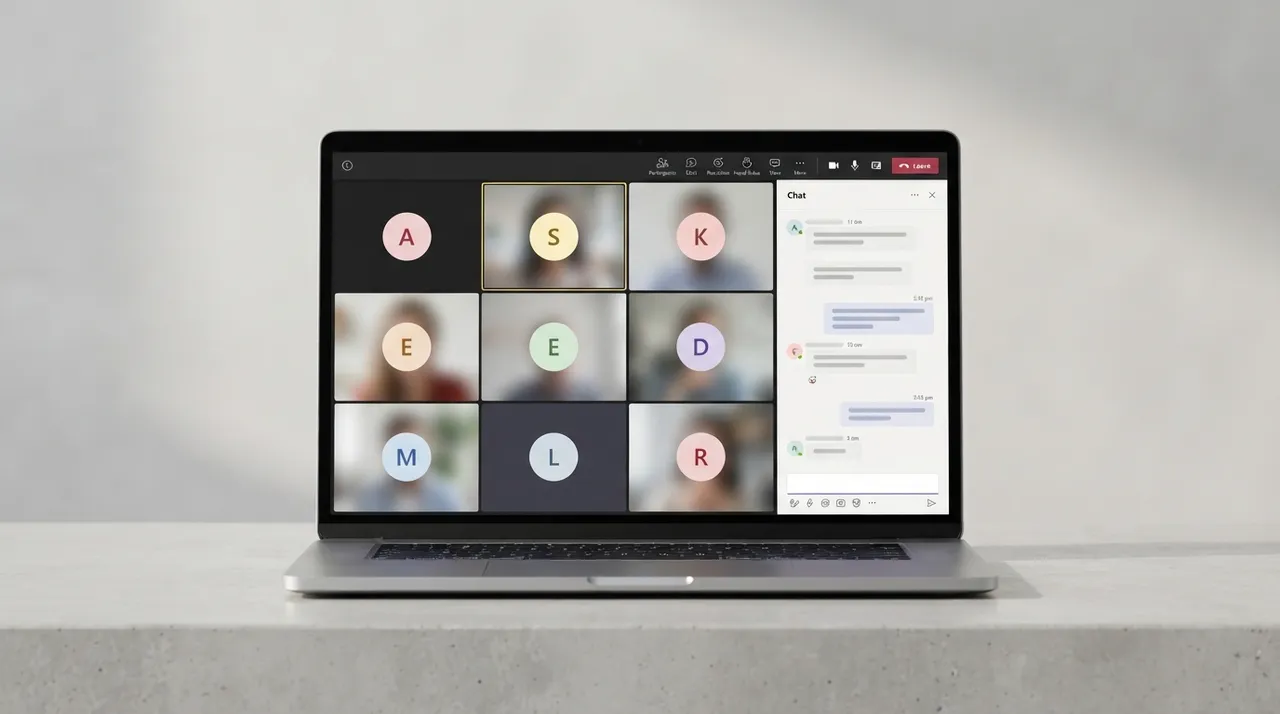
Choosing the right communication and collaboration platform is crucial for boosting productivity and streamlining workflows. Slack and Microsoft Teams are strong contenders in this space, each with distinct strengths. This comparison will help you understand their key differences and select the best fit for your team's needs in 2026.
⚔️ Detailed comparison
| Criterion | Slack | Microsoft Teams |
|---|---|---|
| Pricing | Offers a limited free plan (90-day message history). Pro plan starts at $7.25/user/month (billed annually). Business+ plan starts at $15/user/month (billed annually). | ✓Offers a free plan. Teams Essentials starts at $4/user/month (billed annually). Included with Microsoft 365 subscriptions. |
| Messaging and Chat | ✓Considered a superior messaging platform with organized channels and threads. Offers a faster chat experience and cleaner UX. | Provides robust messaging but with a slightly busier UX. Focuses on coordinating live meetings and interactions. |
| Video Calls and Meetings | Offers Huddles for quick conversations (up to 50 participants) and 1:1/group calls. Supports Zoom integration for larger calls. | ✓Excels in video conferencing (supports up to 300 participants in meetings, 1000 in webinars). Offers full meeting recordings. |
| Integrations and Apps | ✓Known for a vast ecosystem of third-party integrations (largest app directory). Supports integrations with tools like Google Drive, Asana, and Trello. | Integrates seamlessly with Microsoft 365 services like Outlook and OneDrive. Has a growing app directory, but with a Microsoft-centric focus. |
| Ease of Use | ✓Easy to use with fast adoption. Offers a clean and intuitive user interface. | May have a slightly steeper learning curve due to its comprehensive feature set. |
| External Collaboration | ✓Slack Connect feature is strong for collaborating with external organizations. | Offers improving external access, but Slack Connect is generally considered stronger. |
| Value for Money | Offers good value for teams heavily reliant on messaging and diverse integrations, but can be costly for small teams or those needing robust video features. | ✓Provides excellent value for organizations already using Microsoft 365, as it's often included. Offers an all-in-one communication and collaboration solution. |
يعتمد الاختيار بين Slack و Microsoft Teams بشكل كبير على النظام البيئي الحالي لشركتك واحتياجاتك الأساسية. إذا كان فريقك يعتمد بشكل كبير على المراسلة السريعة، والتكامل مع عدد كبير من التطبيقات الخارجية، وتقدّر تجربة المستخدم البديهية، فإن Slack هو الخيار الأفضل. أما إذا كانت شركتك جزءًا لا يتجزأ من نظام Microsoft 365 البيئي، وتحتاج إلى حل شامل يجمع بين الدردشة والاجتماعات ومشاركة المستندات بسعر فعال، فإن Microsoft Teams هو الفائز الواضح.