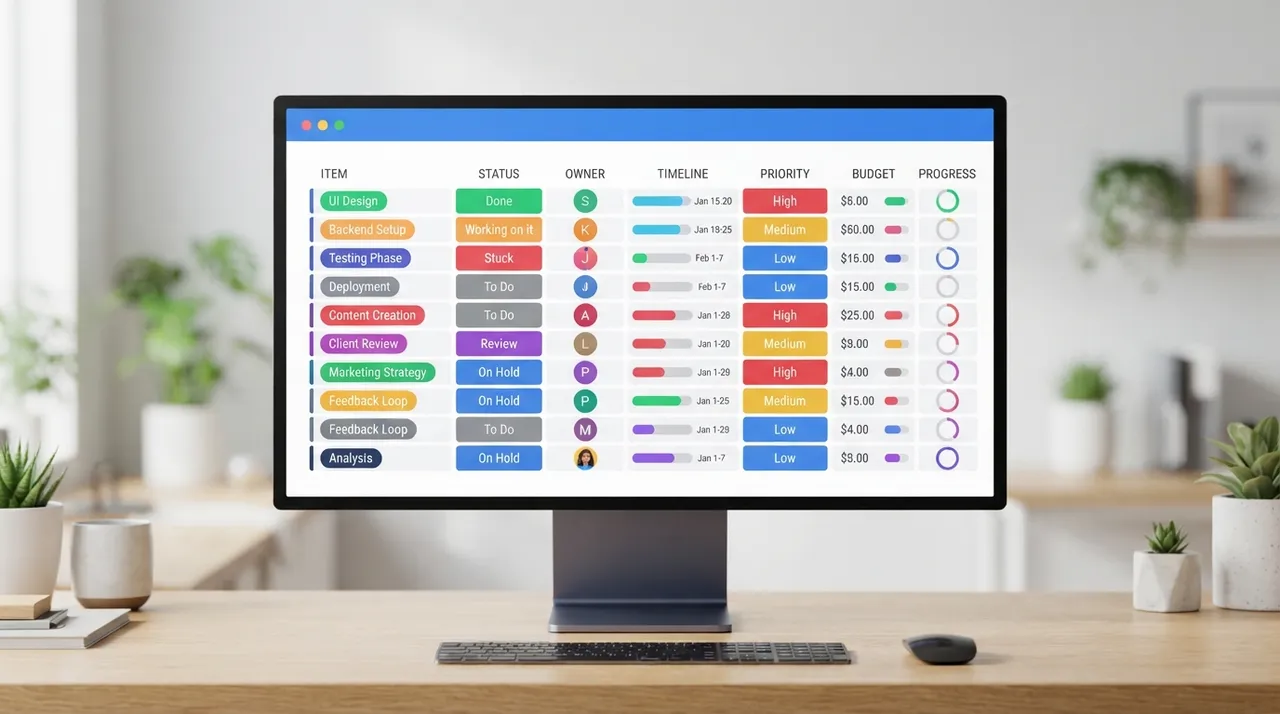
Asana and monday.com are leading project management platforms, offering robust solutions to help teams organize work and track progress. However, each has distinct strengths and core differences that may make one more suitable for specific needs. This comparison aims to highlight these differences to help you make the best decision for your team.
Asana · 2 criteria5 criteria · monday.com
⚔️ Detailed comparison
| Criterion | Asana | monday.com |
|---|---|---|
| Ease of Use & User Interface | Simple, organized interface, easy for beginners, task-focused. | ✓Visual and engaging interface, highly customizable with colorful boards and drag-and-drop features. |
| Task & Project Management | ✓Structured task, subtask, and dependency management, strong focus on cross-project task coordination. | High flexibility in customizing workflows and project information display, supports Kanban, timeline, and Gantt views. |
| Pricing (Entry-Level Paid Plan) | Starter plan starts at $10.99/user/month (billed annually), with a 2-user minimum. | ✓Basic plan starts at $9/user/month (billed annually), with a 3-seat minimum. |
| Advanced Features & Automation | Advanced workflow automation, workload management, approvals, and portfolio management in higher plans. AI features available in paid plans with monthly credit allowance. | ✓Broader customization options, over 40 dashboard widgets, and built-in AI features on all plans (Monday Sidekick, Monday Vibe, Monday Agents). |
| Integrations | ✓Over 200 integrations with third-party apps, suitable for teams using diverse tools. | Robust integrations with many tools, offers more integrations at lower tiers compared to Asana. |
| Customer Support | Generally high customer satisfaction scores, with ease of setup and use. | ✓Excels across all satisfaction metrics, including ease of use, setup, and support. |
| Value for Money | Offers a strong free plan for up to two users, but paid plans are more expensive and require significant upgrades for specific features. | ✓Lower prices across all paid tiers, offering advanced features like time tracking and AI capabilities in less expensive plans. |
🏆 Winner: monday.com
بينما تتفوق Asana في إدارة المهام المنظمة وتنسيق المشاريع، فإن monday.com يقدم مرونة أكبر، وميزات ذكاء اصطناعي مدمجة في جميع الخطط، وقيمة أفضل مقابل السعر في مستوياته المدفوعة. إذا كان فريقك يبحث عن أداة قابلة للتخصيص بدرجة عالية مع تركيز مرئي وقدرات AI قوية، فإن monday.com هو الخيار الأفضل. أما إذا كانت الأولوية لتتبع المهام المنظم بدقة وتنسيق سير العمل عبر المشاريع، فإن Asana قد يكون أكثر ملاءمة.