Choosing the right productivity suite is a critical decision for any business, directly impacting efficiency, collaboration, and security. Both Google Workspace and Microsoft 365 compete to meet these needs, offering comprehensive suites of cloud-based tools. There's no single winner for everyone, as the best choice depends on your business nature, team size, and priorities. This practical comparison will help you understand the key differences to make an informed decision.
⚔️ Detailed comparison
| Criterion | Google Workspace | Microsoft 365 |
|---|---|---|
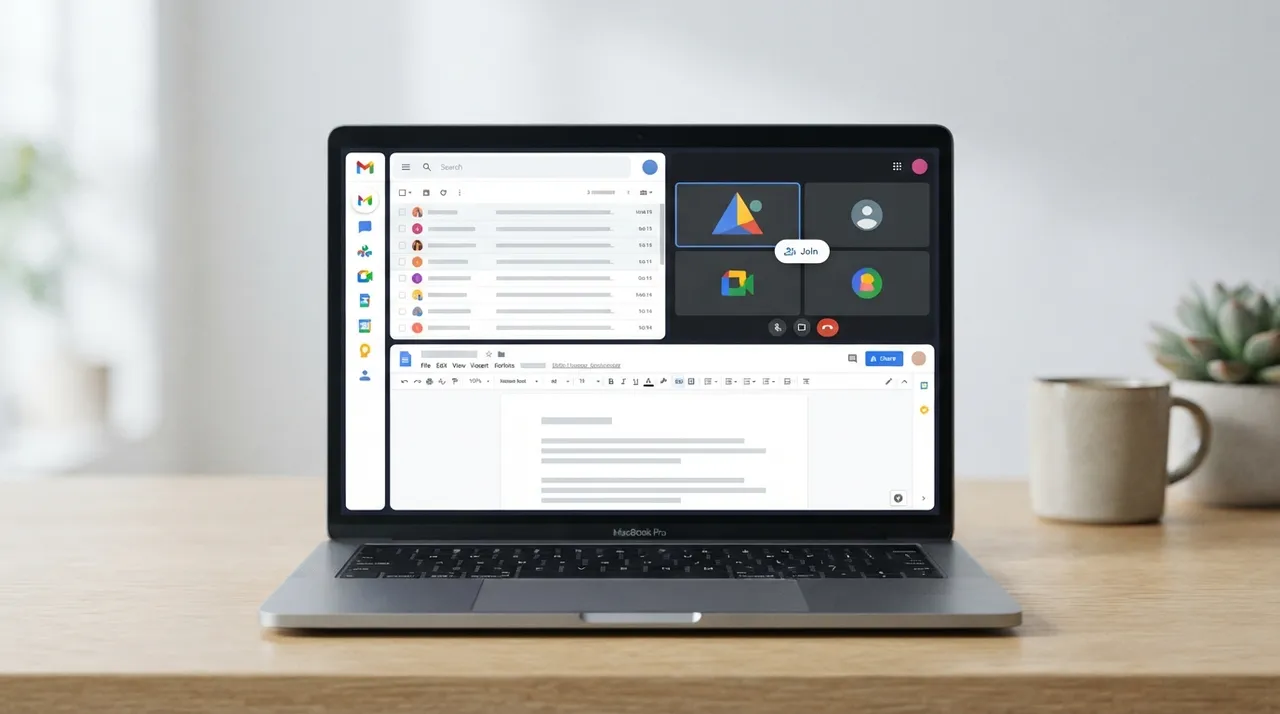
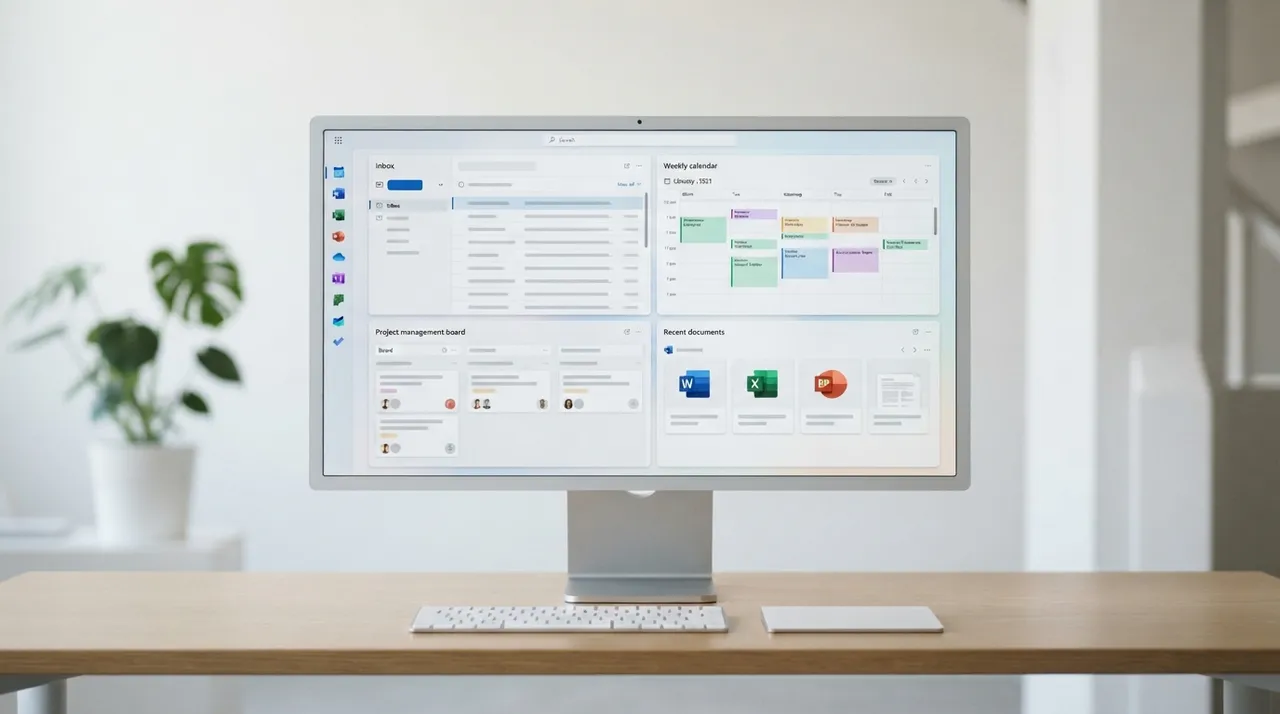
| Core Features & Productivity | Includes Gmail, Drive, Docs, Sheets, Slides, Meet, Chat, Calendar, Forms, and Sites. Features robust web applications designed for real-time cloud collaboration. Allows simultaneous document editing and access from any device. | Includes Outlook, Exchange, Word, Excel, PowerPoint, OneNote, OneDrive, Teams, and SharePoint. Features powerful desktop applications, alongside web versions and mobile apps. Known for its strength in handling complex documents and large data sets in Excel. |
| Collaboration | ✓Designed for cloud-first collaboration, with live editing and cursor tracking in Docs, Sheets, and Slides. Easy file sharing and real-time co-authoring. Seamless integration across all apps facilitates communication and project management. | Offers robust collaboration tools via Teams, SharePoint, and OneDrive, supporting co-authoring. Features deep integration with the Windows environment. Reliance on desktop applications might be required for some advanced collaboration features. |
| Pricing (Business Plans) | Business Starter plan starts at $7/user/month (annual billing), Business Standard at $14, and Business Plus at $22. Flexible plans are available at slightly higher monthly rates. Offers pooled storage starting at 30 GB per user. | ✓Business Basic plan starts at $6/user/month, Business Standard at $12.50 (as of 2024), and Business Premium at $22. Offers 1 TB of cloud storage per user in the Business Basic plan. Pricing may vary by region. |
| Ease of Use | ✓Known for its intuitive interface and ease of use, especially for users familiar with free Google products. Low learning curve, making it easy for teams to adapt quickly. Ideal for teams that prefer working primarily through a browser. | May require some advanced setup and IT administration. Desktop application interface is familiar to millions of users. May have a slightly steeper learning curve for new users unfamiliar with Microsoft products. |
| Security & Compliance | Offers strong security features like Multi-Factor Authentication (MFA) and data encryption. Includes advanced phishing and malware protection. Utilizes a Zero Trust (BeyondCorp) security model with context-aware access. | ✓Provides an integrated enterprise-grade security suite with tools like Microsoft Defender for Office 365 and Azure AD Conditional Access. Supports Multi-Factor Authentication (MFA) and Data Loss Prevention (DLP). Often preferred in highly regulated industries for its extensive compliance certificati |
| Integration & Support | Seamless integration across all Google apps, plus extensive third-party app support. Offers 24/7 standard support for all plans, with enhanced and premium support options available. | Deep integration with other Microsoft products like Windows and Azure, and extensive third-party app support via Microsoft Graph and Zapier. Provides standard support, with additional support levels varying by plan. |
يُعد Google Workspace الخيار الأمثل للفرق التي تعطي الأولوية للتعاون السحابي السريع والبساطة في الاستخدام، خاصةً للشركات الصغيرة والمتوسطة والفرق الموزعة. بينما يتفوق Microsoft 365 للشركات التي تعتمد بشكل كبير على تطبيقات سطح المكتب القوية (خاصة Word وExcel)، وتتطلب تكاملًا أعمق مع بيئة Windows، ولديها احتياجات أمان وامتثال متقدمة.