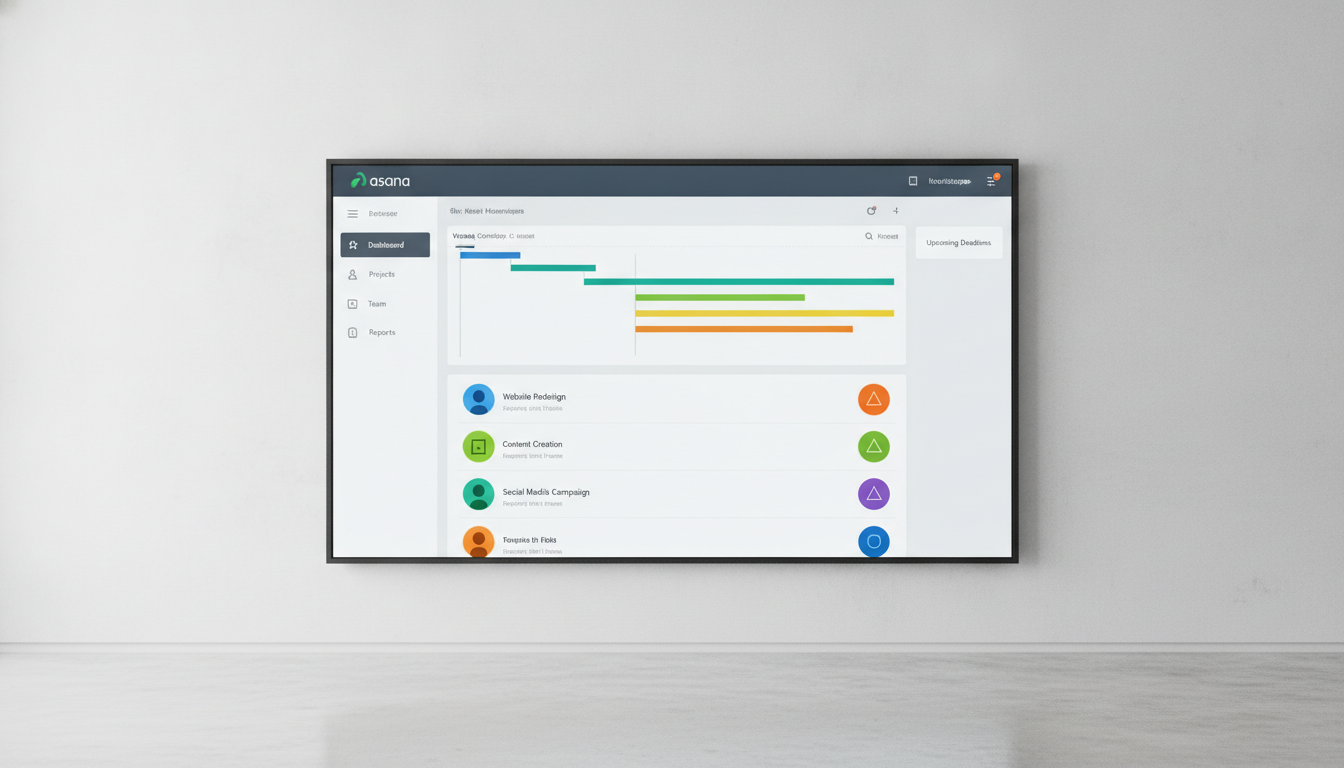
In the fast-paced world of project management, many teams and businesses are turning to SaaS solutions to streamline tasks, enhance collaboration, and achieve their goals. Asana and monday.com stand out as major players, each offering a wide array of features to help teams organize, track, and accomplish work. However, with increasing project complexity and diverse team needs, choosing between them can be challenging. Here's a professional and precise comparison to help you make the best decision for your team in 2026.
⚔️ Detailed comparison
| Criterion | Asana | monday.com |
|---|---|---|
| Ease of Use & User Interface | Clean, minimalist, list-focused interface with a gentle learning curve for basic task management. Can become cluttered with too many subtasks and dependencies. | ✓Vibrant, highly visual, spreadsheet-like interface. Easy to get started with pre-built templates. May have a slightly steeper learning curve for advanced features. |
| Task & Project Management | Excels in granular task control with subtasks, dependencies, sections, and tags. Offers list, board (Kanban), timeline, and calendar views. Strong focus on tracking goals and objectives. | ✓Provides high flexibility in organizing tasks through fully customizable boards with diverse column types. Allows extensive workspace customization with multiple views like timeline, Kanban, calendar, and workload. Stronger in data visualization and reporting capabilities. |
| Automation | ✓Offers powerful automation rules, especially in paid plans, to streamline workflows. Provides unlimited automations on Starter+ paid plans. Known for the simplicity and ease of setting up its rule builder. | Offers more visual automation recipes and allows for more complex multi-step automations. Automation features start from the Standard plan and above, with limits on the number of actions in lower plans. |
| Integrations | ✓Offers over 400 integrations with business applications, with over 100 integrations in the free plan. Supports integrations with popular tools like Slack, Google Drive, Zoom, and Salesforce (via rules or integration platforms). | Provides over 200 integrations with business applications. Requires a Standard plan or higher to access integrations, with monthly usage limits in lower plans. |
| Pricing & Value for Money | Generous free plan (up to 2 users) supporting unlimited tasks and projects. Paid plans (Starter) start from $10.99/user/month (billed annually). Starter plan is more cost-effective for teams under 10 users. | Very limited free plan (up to 2 users and 3 boards). Paid plans (Basic) start from $9/user/month (billed annually). Pro plan ($19/user/month) offers better value for larger teams (10-100 users) compared to Asana Advanced. |
| Support & Customer Service | Mixed reviews for customer support. Dedicated customer success support is a paid add-on. 24/7 support is only available for Enterprise customers. | ✓monday.com is considered better in customer support, offering well-rounded options. Provides 24/7 live support for Enterprise users. Users praise quick response times and helpful assistance. |
| Customization | Offers extensive customization options for workflows and views, but within a more fixed task structure. Excels in clarity and simplicity for general project management. | ✓Highly flexible, allowing for completely custom boards to fit any work process. Offers 36+ column types and 50+ dashboard widgets. Ideal for teams requiring a highly visual and customizable workspace. |
يعتمد الاختيار بين Asana و monday.com بشكل كبير على احتياجات فريقك المحددة وأسلوب عمله. إذا كان فريقك يفضل بنية مهام واضحة، وتحكمًا دقيقًا في المهام، وأتمتة سهلة، وتكاملات واسعة، فإن Asana هو الخيار الأمثل. أما إذا كان فريقك يبحث عن مرونة وتخصيص بصري عاليين، ولوحات معلومات غنية، وتصور بيانات متقدم، ودعم عملاء ممتاز، فإن monday.com يتفوق. بشكل عام، تُعد monday.com الخيار الأفضل لمعظم الشركات التي تبحث عن منصة سهلة الاستخدام وقابلة للتخصيص لإدارة العمل.