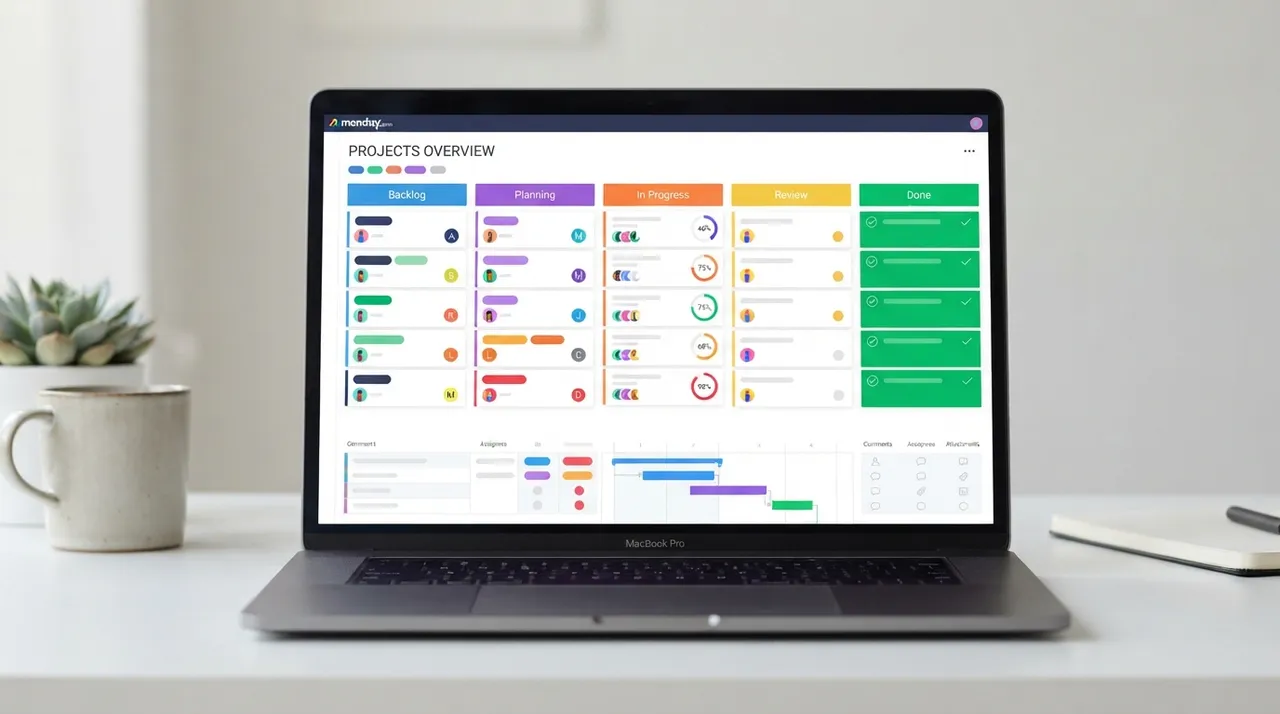
In today's fast-paced business world, effective project management is the cornerstone of success. As tasks become more complex and teams more diverse, the need for powerful project management platforms has become more urgent. Both ClickUp and monday.com are leading players in this field, offering comprehensive solutions to help teams organize work, track progress, and achieve goals. But which one is best suited to your needs in 2026? We delve into this professional comparison to explore the features and drawbacks of each, helping you make an informed decision that boosts your team's productivity and drives your business forward.
⚔️ Detailed comparison
| Criterion | ClickUp | monday.com |
|---|---|---|
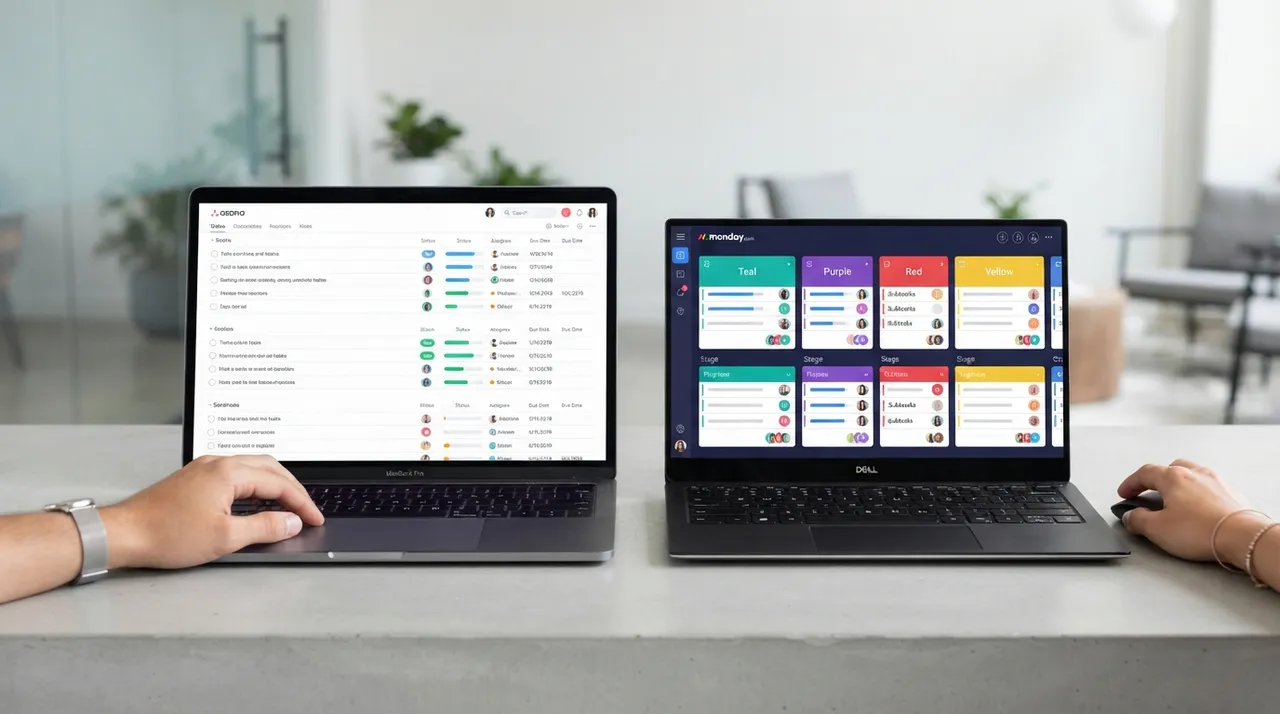
| Ease of Use and User Interface | Highly flexible and customizable interface, but can be overwhelming for new users due to the abundance of features and options. Requires some time to learn and adapt. | ✓Intuitive and visually appealing user interface, based on colorful boards that facilitate organization and tracking. Considered easier for beginners and faster to set up. |
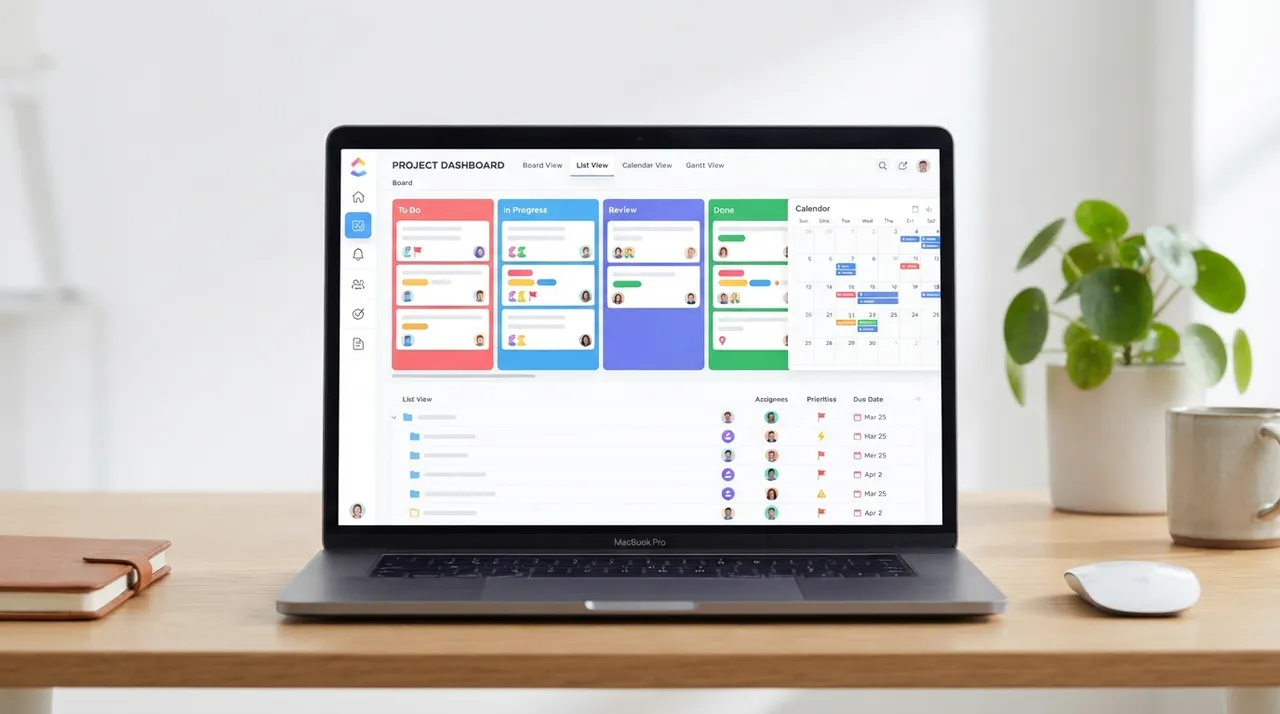
| Core Features and Task Management | ✓Offers a comprehensive suite of features, including task management, time tracking, document management, Gantt charts, Goals, and over 15 different project views (e.g., List, Board, Calendar). | Focuses on visual task management using customizable boards. Supports time tracking, automations, integrations, and various data views, but may require third-party app additions for some advanced functionalities. |
| Customization and Flexibility | ✓Known for its high flexibility and customization of almost every aspect, allowing users to adapt it to their precise workflows. | Offers robust customization options for boards and task columns, as well as editable templates. Its flexibility may not be on par with ClickUp in some complex aspects. |
| Integrations | Supports integration with over 1000 popular apps and services, including Slack, GitHub, Zoom, Google Drive, and Salesforce, enhancing workflows. | Offers extensive integrations with apps like Slack, Dropbox, Zoom, Outlook, and others, and is a core part of its environment for increased functionality. |
| Pricing | ✓Offers a generous free plan for individual users, plus paid plans starting at approximately $7 per user per month (when billed annually), with tiered features. | Does not offer a fully free plan, but provides a free trial. Paid plans start at approximately $9 per user per month (when billed annually), and depend on the number of users and features. |
| Customer Support | Offers live chat and email support, as well to a comprehensive knowledge base and webinars. | Provides email support and a rich help center, as well as monday.com Academy for learning how to use the platform effectively. |
| Value for Money | ✓Offers excellent value for money, especially with its extensive feature set, customization options, and robust free plan. | Provides good value for businesses looking for a visual and intuitive project management solution, but may be relatively more expensive for larger teams needing advanced features. |
بينما يتفوق ClickUp في عمق الميزات والتخصيص والقيمة مقابل السعر، تبرز monday.com بسهولة الاستخدام وواجهتها البديهية. إذا كان فريقك يبحث عن أداة شاملة قابلة للتكيف مع أي سير عمل تقريبًا ومستعد لاستثمار بعض الوقت في التعلم، فإن ClickUp هو الخيار الأفضل. أما إذا كنت تفضل حلًا مرئيًا وسهل البدء به لفرق متعددة الوظائف، فإن monday.com يقدم تجربة ممتازة.