
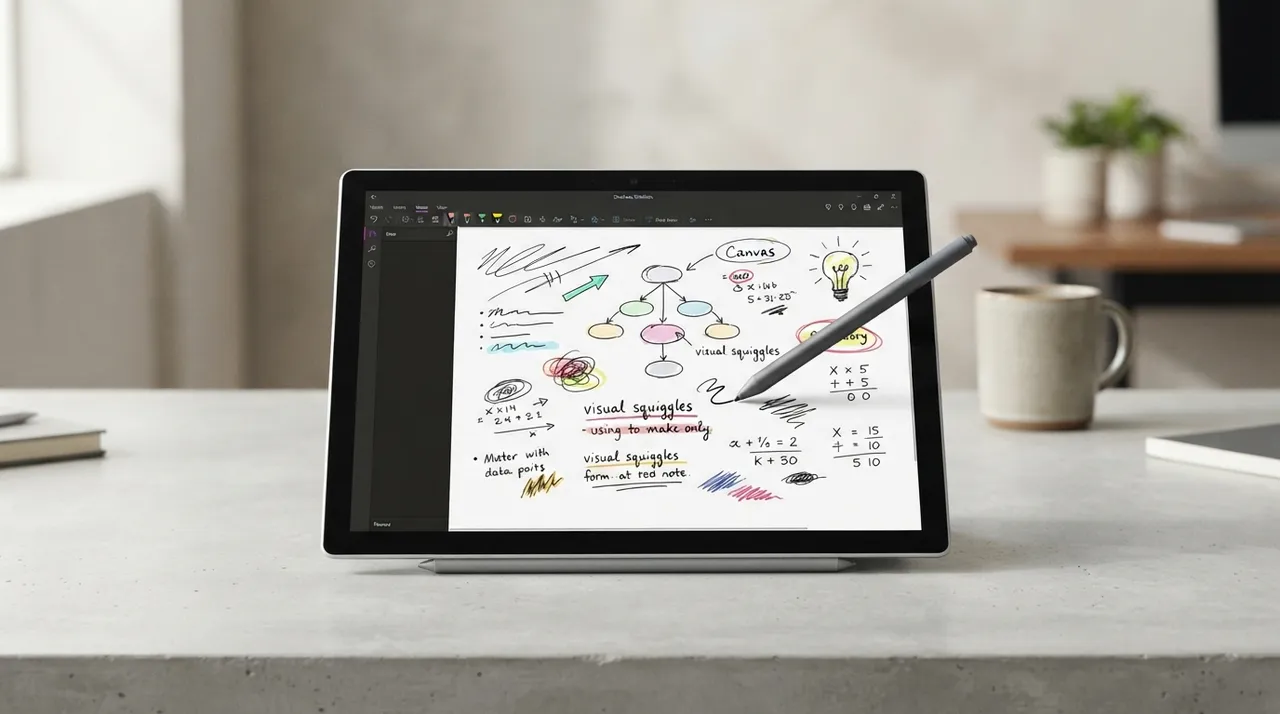
يعد اختيار تطبيق تدوين الملاحظات المناسب أمرًا بالغ الأهمية لتعزيز الإنتاجية والتنظيم، سواء كنت فردًا أو جزءًا من فريق. يتنافس Evernote وOneNote منذ سنوات كحلين رائدين، ولكل منهما نقاط قوة ونقاط ضعف مميزة. تهدف هذه المقارنة إلى تقديم تحليل عملي لمساعدتك في تحديد أيٍّ منهما يلبي احتياجاتك بشكل أفضل في عام 2026.
Evernote · 3 criteria3 criteria · OneNote
Tie: 1 criteria
⚔️ Detailed comparison
| Criterion | Evernote | OneNote |
|---|---|---|
| Pricing and Free Plans | Very limited free plan (50 notes, 1 notebook, 250 MB monthly, 1 device). Professional features require paid plans starting at $14.99/month or $99/year for the Starter plan. | ✓Completely free with a Microsoft account, offering robust functionality with no device limits, note caps, or monthly upload limits, along with 5GB of cloud storage via OneDrive. |
| Interface and Ease of Use | ✓Structured and polished interface, focusing on hierarchically organized notes. Known for ease of use, strong organizational capabilities, and enhanced search features. | Flexible, free-form canvas-style interface, familiar to Microsoft Office users. May have a more complex UI for extensive projects. |
| Organization and Search | ✓Relies on a robust system of notebooks and tags for seamless categorization and retrieval. Features powerful OCR search across images and PDFs. | Employs a notebook and section system with a page-centered approach. Search is good for typed content but less powerful than Evernote for media content. |
| Collaboration and Task Management | ✓Offers shared workspaces and task management features (assigning tasks, setting deadlines, tracking progress) within notes, with seamless integration with Slack and Google Workspace. | Allows sharing and real-time collaboration, optimized for interactions within the Microsoft ecosystem. Provides basic task management capabilities through tagging and checklists. |
| Ecosystem Integration | Standalone tool that integrates with various third-party applications. | ✓Deep integration with the Microsoft 365 ecosystem, including Teams, Outlook, and Office apps. |
| Offline Access | Full offline access. | Full offline access. |
| AI Features | AI Edit and improved search features. | ✓Copilot (requires Microsoft 365 subscription). |
🏆 Winner: OneNote
في عام 2026، يتفوق OneNote كخيار أفضل لمعظم المستخدمين، خاصةً أولئك المندمجين بالفعل في نظام Microsoft البيئي، نظرًا لكونه مجانيًا تمامًا، ومرونته في تدوين الملاحظات، وقدراته التعاونية القوية. ومع ذلك، يظل Evernote خيارًا ممتازًا لمن يمنحون الأولوية لجودة البحث الفائقة وميزات التقاط الويب المتطورة والواجهة المنظمة، على الرغم من نموذج الاشتراك الخاص به.