Canva
★ Best
Adobe Express
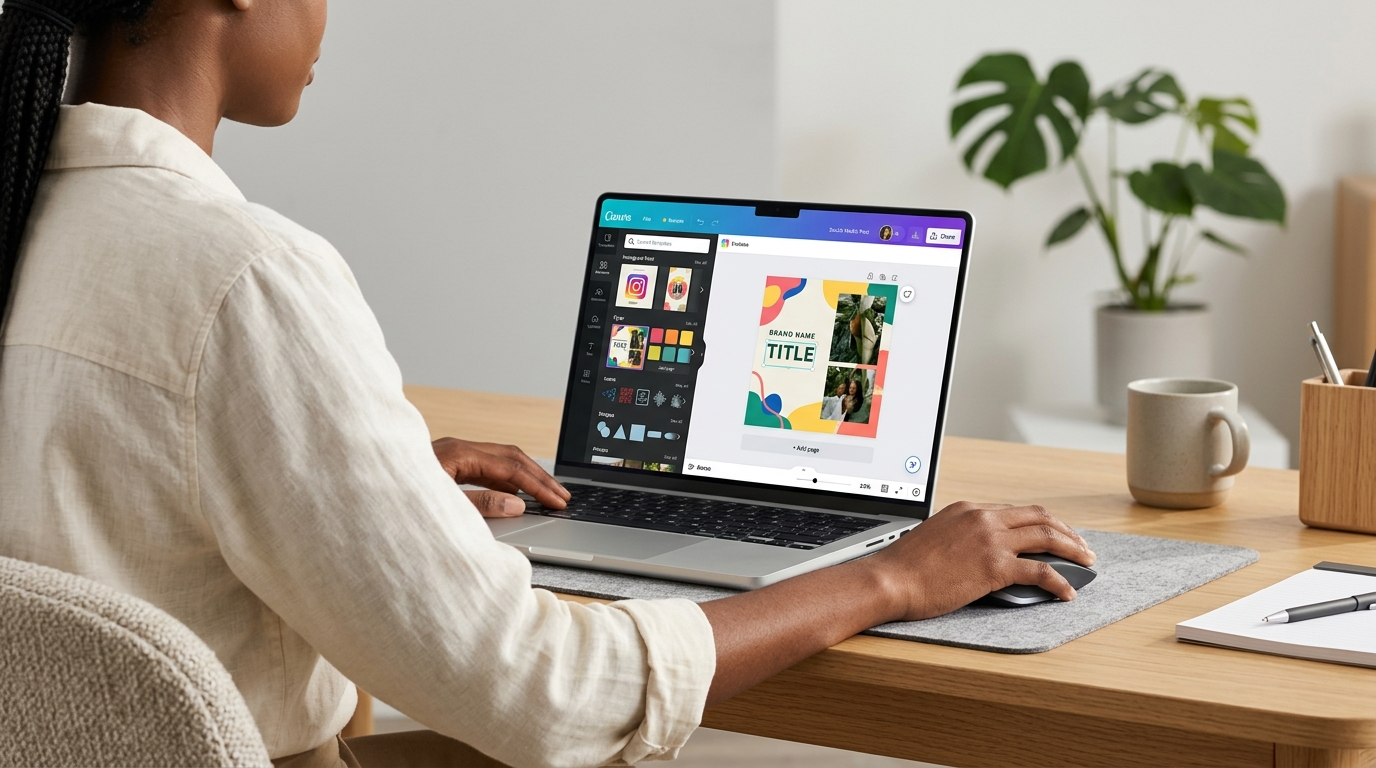
In the rapidly evolving world of digital entrepreneurship, high-quality visual content is a cornerstone for attracting audiences and building brand identity. Whether you're a solopreneur or managing a small team, having the right tools to create compelling visuals is crucial. Canva and Adobe Express lead the scene as prominent, user-friendly graphic design solutions, each with distinct strengths. This professional comparison aims to help you determine the most suitable platform for your needs to maximize smart profit.
⚔️ Detailed comparison
| Criterion | Canva | Adobe Express |
|---|---|---|
| Ease of Use and User Interface | ✓Extremely intuitive interface, easy to learn for beginners, drag-and-drop based. Offers ready-made templates and easy-to-apply filters. | Simple and clean interface, drag-and-drop based, but may require some time to adapt to the Adobe ecosystem for those without prior experience with its products. |
| Core Features and Tools | Vast library of templates, photos, icons, and fonts. Basic photo and video editing tools, background remover, design resizing, social media scheduling. | Good library of templates and design elements, seamlessly integrated with Adobe Stock. Relatively advanced photo editing tools (e.g., Quick Actions), background remover, PDF conversion, simple animation creation. |
| Templates and Resources | ✓Over 610,000 free and premium professional templates for various purposes. Millions of photos, graphics, icons, videos, and fonts. | Access to thousands of templates and millions of assets from Adobe Stock (requires Premium subscription). Includes templates for social media, logos, and newsletters. |
| Pricing (Paid Plans) | Free plan with limited features. Canva Pro starts at approximately $12.99/month or $119.99/year. Plans for teams and enterprises at varying prices. | ✓Free plan with basic features. Adobe Express Premium starts at approximately $9.99/month or $99.99/year. Also included with Adobe Creative Cloud All Apps subscription. |
| Integration with Other Systems | Integration with many third-party apps like Google Drive, Dropbox, HubSpot, and more. Direct scheduling capability for social media platforms. | ✓Deep integration with other Adobe Creative Cloud apps (Photoshop, Illustrator) and Adobe Stock library. Support for exporting in multiple formats. |
| Support and Community | Comprehensive help center, educational articles, video tutorials, and email support. Large and active user community. | Help center and technical support from Adobe, active community forums, and tutorials from Adobe itself. |
| Value for Money | ✓Offers excellent value for beginners and entrepreneurs due to its ease of use and vast library of free and paid templates and assets, making it a cost-effective option. | Offers good value, especially for users already working within the Adobe ecosystem or needing deeper integration with professional Adobe tools, with competitive pricing for the paid plan. |
في المجمل، يتفوق Canva قليلاً كخيار مثالي لرواد الأعمال والمبتدئين الذين يبحثون عن سهولة الاستخدام، مكتبة ضخمة من القوالب الجاهزة، وقيمة ممتازة مقابل السعر. بينما يقدم Adobe Express تجربة قوية، خاصة لأولئك الذين يفضلون الاندماج مع منتجات Adobe الأخرى ويحتاجون إلى أدوات تحرير متقدمة قليلاً. إذا كانت البساطة والوصول السريع إلى موارد تصميم متنوعة هي أولويتك القصوى، فإن Canva هو الفائز الواضح. أما إذا كنت جزءًا من نظام Adobe البيئي بالفعل أو تخطط لذلك، فإن Adobe Express خيار قوي وموثوق.