
The idea
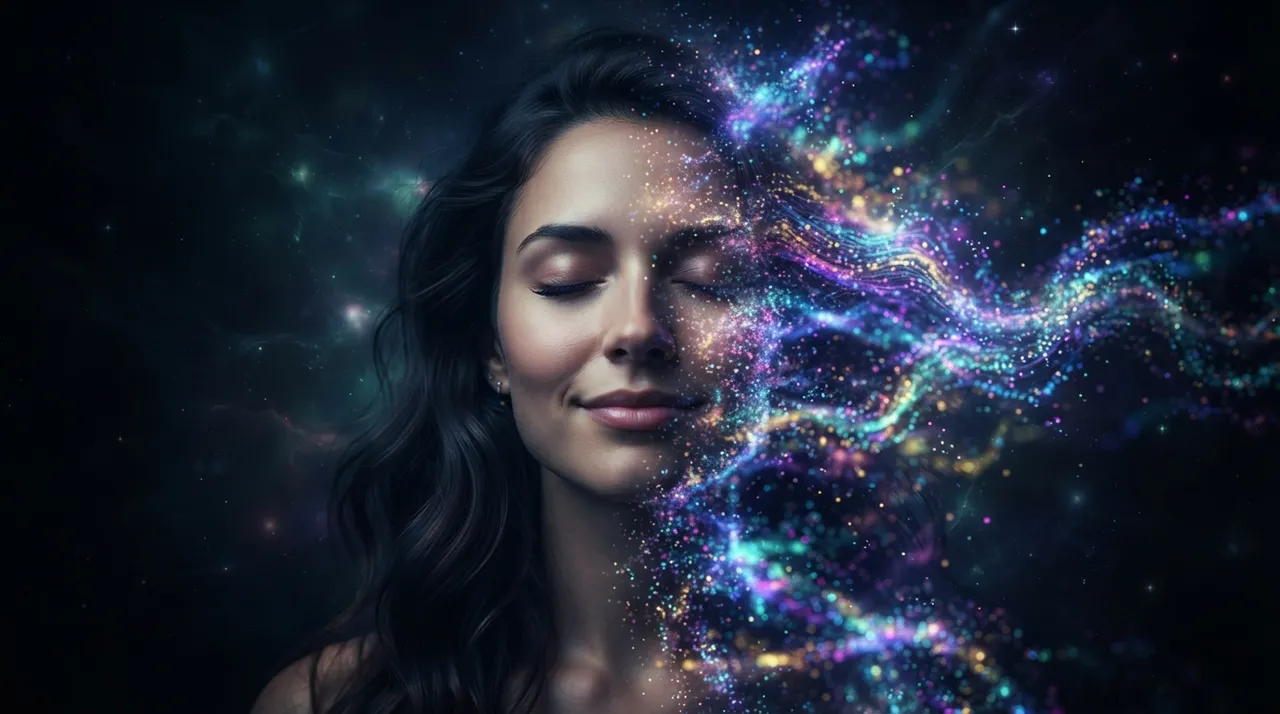
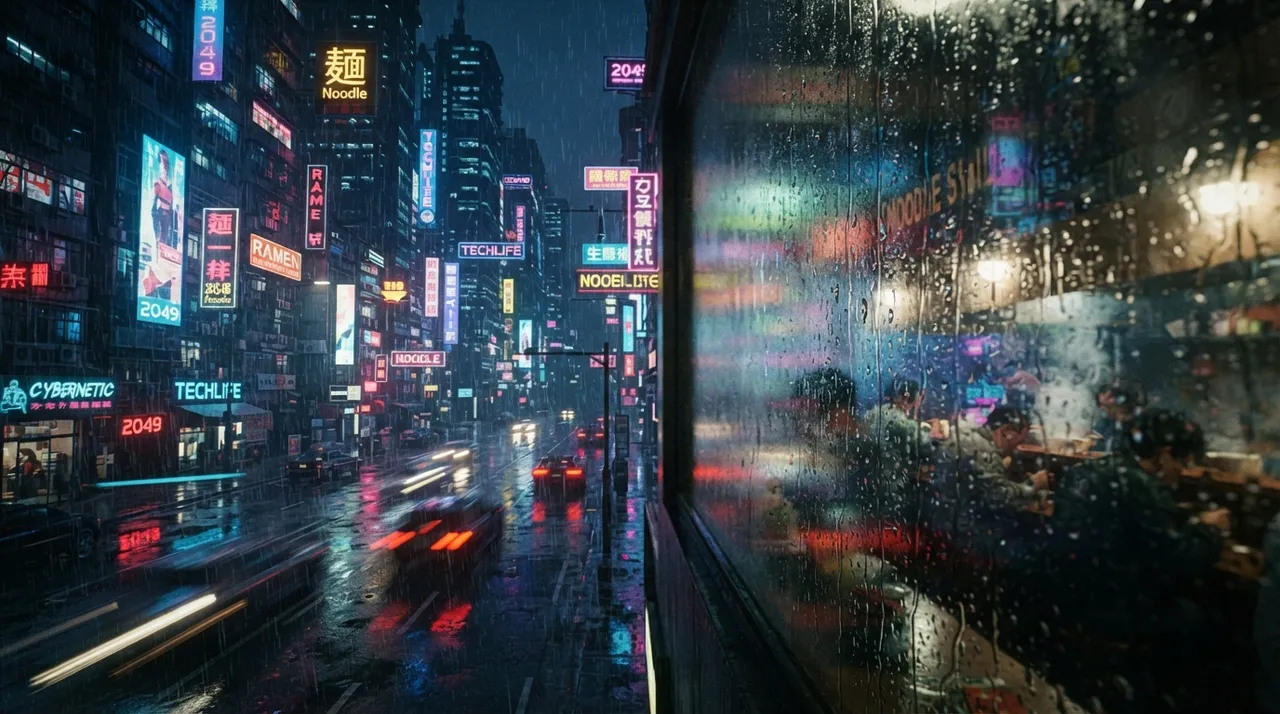
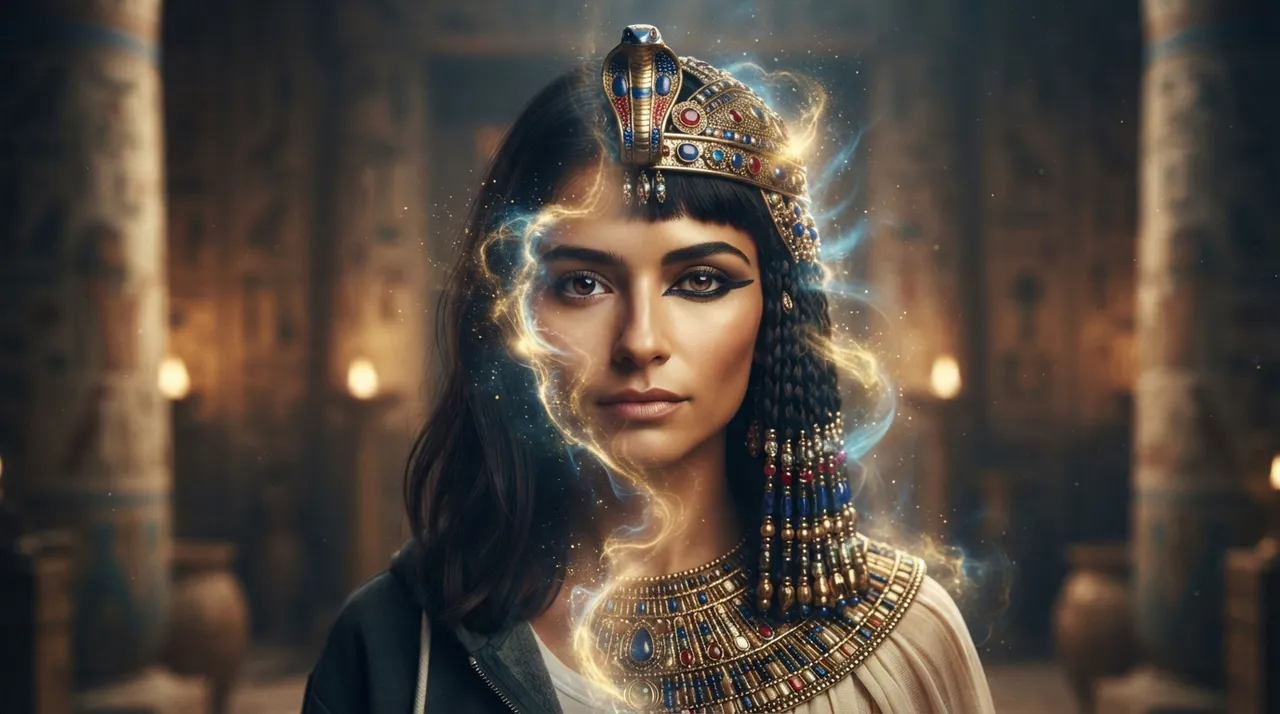
This trend showcases the advancements in AI technologies for visual content transformation. The idea revolves around creating an "instant transformation screen" that acts as a magical mirror. Users can input an image or video, which is then displayed instantly after applying modern artistic styles to it. The screen relies on AI models capable of mimicking styles of famous artists (like Picasso or Van Gogh) or contemporary design styles (like cyberpunk or abstract digital art), seamlessly and instantly transforming the original content. The appeal of this trend lies in the ability to witness stunning artistic transformations in real-time, opening new horizons for creativity and visual experimentation.
How to create it
- Choose the Frame/Screen: Start by selecting a high-resolution display screen (e.g., a smart TV or a large computer monitor). A sleek wooden or metal frame can be built around the screen to give it an integrated look, resembling a work of art or a futuristic mirror.
- Prepare a Mini-PC: Connect a small yet powerful computer (such as a Raspberry Pi 5 or an NUC device) to the screen. This computer will be responsible for running AI models and video processing.
- Install the Camera: Position a high-quality webcam (like a Logitech Brio 4K or equivalent) above or below the screen. The camera should be capable of capturing clear images and good quality video footage.
- Set up the Programming Environment: On the computer, install an operating system (e.g., Ubuntu) and a Python programming environment with the necessary libraries for AI, image, and video processing (such as TensorFlow or PyTorch, OpenCV, Pillow).
- Integrate a Style Transfer Model: Use a pre-trained style transfer model such as Fast Neural Style Transfer or PyTorch Hub's Fast Neural Style. These ready-made models can be found or trained on specific artistic style datasets.
- Write Code for Capture, Transformation, and Display: Write a Python script that performs the following steps:
- Captures live video stream from the camera.
- Passes each video frame (or still images) through the style transfer model.
- Displays the transformed frame directly on the screen.
- A simple user interface can be added to change styles or capture images.
- Add Interactive Controls (Optional): Touch sensors, physical buttons, or even voice commands can be integrated to change artistic styles, capture and save transformed images, or share them.
- Design and Aesthetics: Focus on the aesthetics of the display and the overall design of the screen to make it a piece of art in itself, whether in a home, gallery, or store.
Prompt to generate the video
To generate a similar video, use this prompt in a text-to-video tool:
A sleek, minimalist digital screen in a modern art gallery. A person approaches, their reflection appearing on the screen. As they move, their reflection instantly transforms into various artistic styles: first a vibrant impressionistic painting, then a bold cubist sculpture, followed by a fluid abstract digital pattern. The transformations are seamless and instantaneous, with subtle glowing light effects emanating from the screen. Close-up shots show the intricate details of the stylized reflections, highlighting the AI's creativity.

Comments 0
No comments yet — be the first to share your thoughts.
Share your thoughts
To comment, sign in first — we email you a one-time code (no password). This keeps the discussion clean.
Sign in to comment →