
The idea
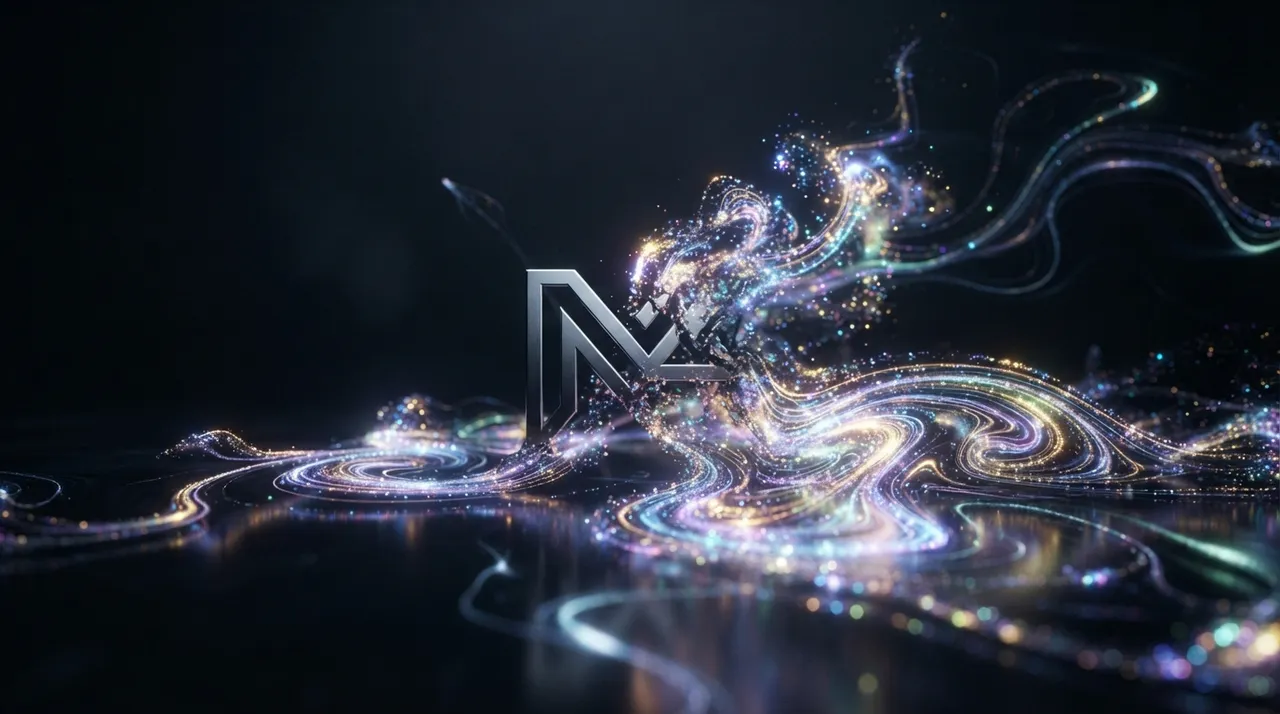
The "faces vanishing into shimmering pixel patterns" trend is a captivating digital art direction where images or videos of human faces are transformed into unique visual effects that appear to disintegrate or coalesce from glowing pixel units. The beauty of this trend lies in its blend of realism and abstraction, as facial features gradually fade to become luminous geometric patterns, creating a sense of mystery and allure. Audiences are drawn to this trend because of its stunning visual nature, which sparks curiosity and prompts questions about the technology behind this magical transformation. It reflects a growing interest in interactive digital art and the ability to manipulate images creatively, transcending reality.
How to create it
- Choose suitable software: Advanced video editing software like Adobe After Effects, or 3D design software like Blender or Cinema 4D can be used. There are also specialized online applications and services for pixelation and vanishing effects, but they might offer limited customization.
- Prepare your video or image: Select a video of a moving face or a high-quality image of a face. The better the source quality, the more precise and beautiful the final result will be.
- Apply pixelation effect: Use the pixelation tools available in your software to divide the face into larger pixel units. You can control the pixel size and intensity.
- Add vanishing or disintegration effect: After pixelation, start applying an effect that makes the pixels gradually vanish or scatter in specific patterns. In After Effects, effects like Particle World or Shatter can be used with masks and keyframes to control pixel movement.
- Add glow and shimmer effects: To enhance the shimmering effect, add layers of glow or luma blur effects to the scattered pixels. This gives them a magical, attractive appearance.
- Adjust colors and lighting: Adjust colors and lighting to enhance the desired mood of the video. Cool or neon colors can be very effective in this type of trend.
- Add sound effects (optional): Subtle sound effects such as digital disintegration sounds or calm music can be added to enhance the sensory experience.
Prompt to generate the video
To generate a similar video, use this prompt in a text-to-video tool:
A close-up shot of a serene human face, slowly dissolving into a mesmerizing cloud of glowing, colorful pixels. The pixels gently float outwards, shimmering with iridescent light against a dark, ethereal background. The movement is fluid and dreamlike, with a soft, otherworldly luminescence.






Comments 0
No comments yet — be the first to share your thoughts.
Share your thoughts
To comment, sign in first — we email you a one-time code (no password). This keeps the discussion clean.
Sign in to comment →