
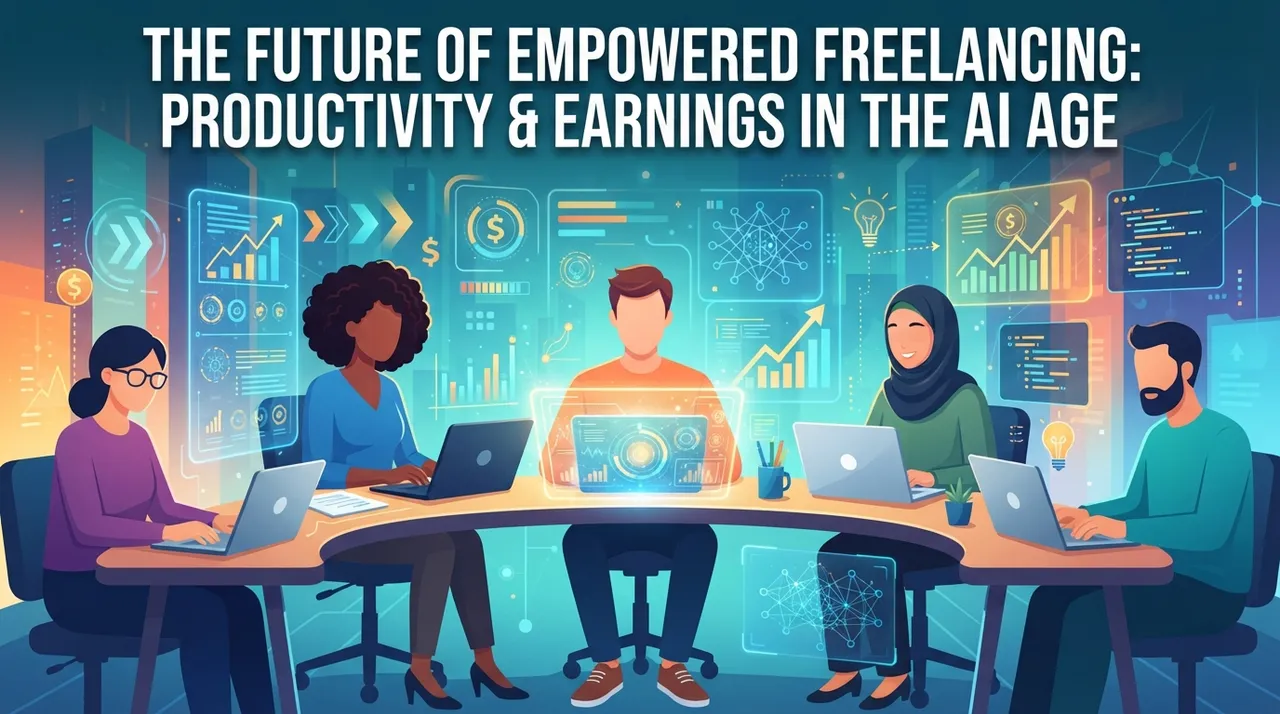
Freelancers on platforms like Upwork constantly seek an edge. The good news? Free artificial intelligence tools are transforming the landscape, offering powerful capabilities to enhance your workflow, attract better clients, and ultimately increase your earnings. Forget the myth that AI is only for tech giants; these accessible solutions are designed for independent professionals ready to optimize their operations.
Refining Your Upwork Profile with AI
Your Upwork profile is your digital storefront. AI can help polish it to perfection, making you irresistible to potential clients. Use AI writing assistants to craft compelling headlines, summarize your experience, and highlight your unique selling propositions. These tools can analyze effective profiles in your niche and suggest improvements to make yours stand out.
- Keyword Optimization: AI can identify top keywords clients use when searching for your skills, ensuring your profile appears in relevant searches.
- Crafting a Strong Bio: Use AI to generate multiple versions of your bio, focusing on impact and clarity, and then choose the best one.
Winning More Proposals with AI
Writing persuasive proposals is often a time-consuming task. AI changes the game by helping you personalize and optimize your bids quickly. Feed the client's job description into an AI assistant, and it can help you draft tailored responses, highlight relevant experience, and even suggest questions to ask that demonstrate your understanding of the project.
Practical Proposal Strategies:
- Analyze Job Descriptions: AI can extract key requirements and client pain points from job postings, allowing you to address them directly in your proposal.
- Generate Personalized Openings: Use AI to create unique opening lines that grab attention and show you're not using a generic template.
- Refine Your Pitch: AI can help you articulate the value you bring, ensuring your proposal clearly communicates how you can solve the client's problem.
Boosting Productivity and Project Management
Time is money for freelancers. Free AI tools can significantly enhance your productivity, allowing you to take on more projects or complete existing ones faster without sacrificing quality. This includes task automation, intelligent scheduling, and even content generation for various project needs.
- Automated Task Prioritization: Some AI tools can analyze your task list and suggest optimal sequencing based on deadlines and dependencies.
- Content Creation Assistance: For writers, designers, and marketers, AI can generate initial drafts, brainstorm ideas, or even help with image descriptions, freeing up your creative energy for refinement.
Optimizing Communication with Clients
Clear and effective communication is crucial for client satisfaction and repeat business. AI can assist in drafting professional emails, responding to queries, and even summarizing lengthy discussion threads, ensuring you're always on top of your client interactions.
Diversifying Your Service Offerings
AI can open doors to new service areas you might not have considered. By automating parts of your existing workflow, you can free up time to learn new skills or offer complementary services. For example, if you're a writer, AI can help you quickly generate content outlines, allowing you to expand into content strategy or editing.
Finding Hidden Opportunities with AI
Beyond direct task assistance, AI can help you analyze market trends, identify emerging client needs, and even spot less competitive niches on Upwork. Use AI-powered analytics to gain insights into what services are in demand and how you can position yourself to meet those needs.
Embracing free AI tools isn't about replacing your skills; it's about amplifying them. By integrating these intelligent assistants into your Upwork workflow, you can work smarter, attract higher-value clients, and significantly boost your freelance income. Start experimenting with these tools today and discover the transformative power of AI for your freelance career.





Comments 0
No comments yet — be the first to share your thoughts.
Share your thoughts
To comment, sign in first — we email you a one-time code (no password). This keeps the discussion clean.
Sign in to comment →