
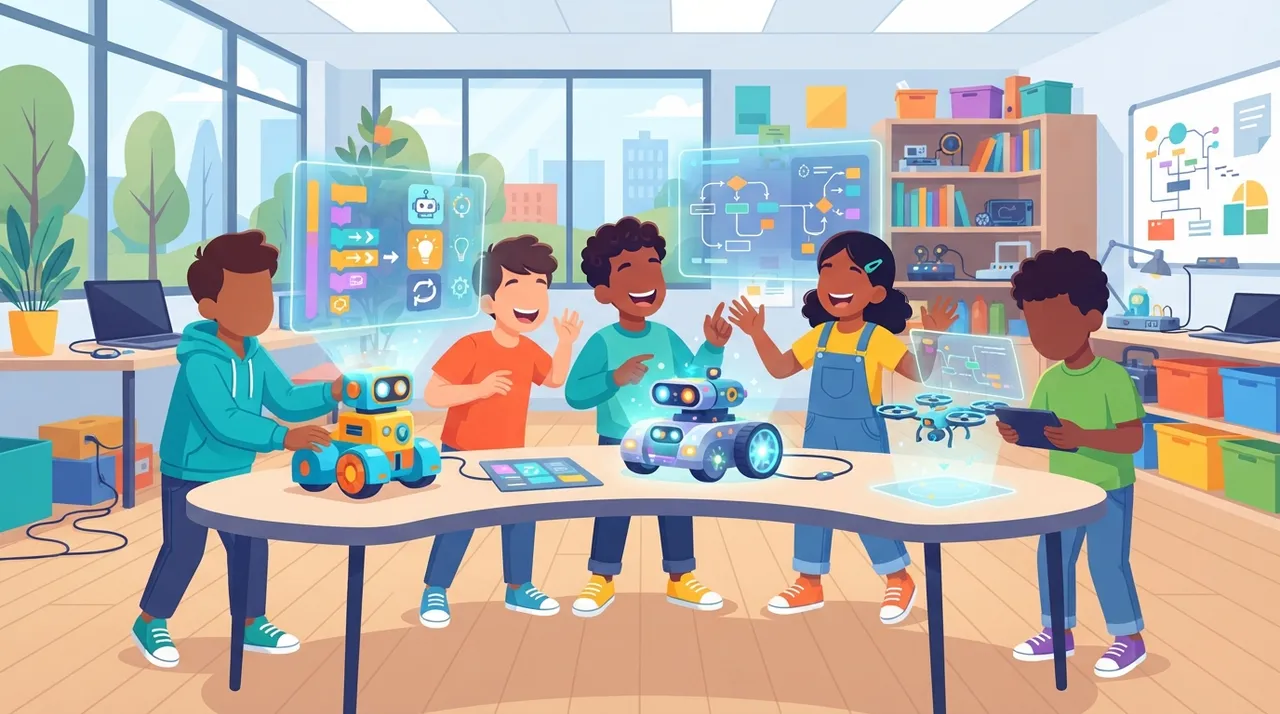
The rapid evolution of artificial intelligence makes it crucial to introduce children to AI and coding concepts early on. For freelancers, understanding these tools isn't just about personal growth; it's about identifying new service niches and preparing the next generation for a tech-driven world. Teaching children AI and coding can be a lucrative service offering, whether through online courses, workshops, or even developing educational content.
Why Teach Kids AI and Coding?
Introducing AI and coding to children offers numerous benefits beyond just technical skills. It cultivates critical thinking, problem-solving abilities, and creativity. By interacting with AI tools, children learn to think logically, understand complex systems, and even design their own digital experiences. This foundational knowledge is becoming as essential as reading and writing in today’s digital landscape.
Key AI Concepts for Young Learners
When teaching AI to children, it's vital to break down complex ideas into digestible concepts. Focus on core principles such as:
- Pattern Recognition: How AI identifies similarities in data.
- Decision Making: How AI makes choices based on data.
- Problem Solving: Using AI to find solutions.
- Machine Learning Basics: The idea that computers can learn from examples.
- Algorithm Design: Creating step-by-step instructions for a computer.
These concepts can be introduced through games, interactive stories, and hands-on projects, making learning fun and engaging.
4 Practical AI Apps for Kids to Learn Coding
Here are four excellent applications that simplify AI and coding for children, offering interactive and educational experiences:
1. Scratch
Developed by MIT, Scratch is a visual programming language and online community where children can program their own interactive stories, games, and animations. It introduces fundamental coding concepts through a block-based interface, making it intuitive for young learners. While not strictly an AI tool, Scratch lays a strong foundation for computational thinking, which is essential for understanding AI. Children can create projects that simulate AI behaviors, like character interactions based on simple rules or game elements that respond to user input in intelligent ways.
2. Cognimates
Cognimates is an extension of Scratch designed specifically to introduce AI concepts. It allows children to build AI projects using a block-based interface, integrating features like image recognition, speech recognition, and even machine learning models. Children can train their own AI models to recognize objects or voices, making abstract AI concepts tangible and engaging. For instance, they can create a game where characters respond to specific spoken commands or identify different animals from images.
3. Robo Wunderkind
Robo Wunderkind is a modular robotics kit that combines physical play with digital coding. Children can assemble robots using various blocks (motors, sensors, lights) and then program them using a block-based coding app. While it teaches robotics, the underlying principles of programming logic and interaction are crucial for AI. Children can program their robots to navigate mazes, react to sounds, or even mimic simple AI behaviors, providing a hands-on experience in cause-and-effect programming.
4. CodeMonkey
CodeMonkey offers a gamified learning experience to teach children coding in real programming languages like CoffeeScript and Python. It features various courses, including a dedicated AI course called "AI Adventure." In this course, children learn about machine learning, neural networks, and data ethics through interactive challenges and puzzles. It’s an excellent way to transition from block-based coding to text-based coding while grasping complex AI concepts in an accessible manner.
Steps for Freelancers: Offering AI Education Services
Freelancers can leverage these tools to offer valuable educational services. Here’s how:
- Specialized Workshops: Design and deliver online or in-person workshops focused on one or more of these tools.
- Curriculum Development: Create custom learning paths and educational materials for parents or schools.
- Private Tutoring: Offer one-on-one sessions, guiding children through projects and explaining concepts.
- Content Creation: Develop engaging video tutorials, blog posts, or interactive lessons about AI for kids.
By focusing on these practical applications, freelancers can tap into a growing demand for early STEM education, making a meaningful impact while building a profitable niche.







Comments 0
No comments yet — be the first to share your thoughts.
Share your thoughts
To comment, sign in first — we email you a one-time code (no password). This keeps the discussion clean.
Sign in to comment →