
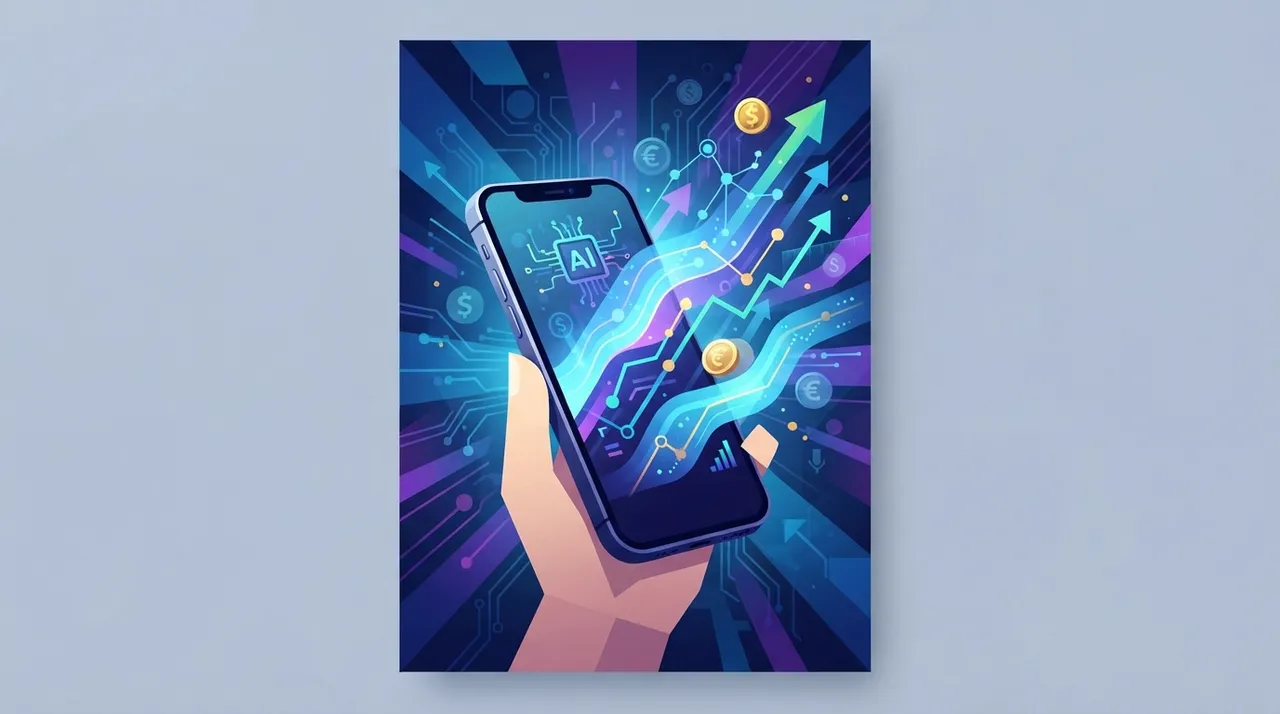
Your iPhone, often seen as a personal device, harbors immense untapped potential as a mobile AI studio. In 2026, with the rapid advancement of on-device AI and specialized applications, you can transform your smartphone into a robust platform for generating income. This isn't about generic app usage; it's about strategic deployment of AI tools for freelance projects, content creation, and intelligent task automation that directly translates into earnings. Let's explore how to unlock this power.
Monetizing AI Image Generation on Your iPhone
The ability to generate high-quality, unique images directly from your iPhone using AI models has opened new avenues for designers, marketers, and content creators. Freelancers can offer specialized services without needing a powerful desktop setup.
- AI-Generated Art for Clients: Utilize apps that integrate Stable Diffusion or DALL-E 3 directly on your iPhone to create custom artwork for clients. This includes unique illustrations for blog posts, social media campaigns, or even merchandise designs.
- Product Mockups and Visualizations: For e-commerce businesses, offer services creating realistic product mockups or visualizing concepts using AI. This saves clients time and resources on traditional photography or 3D rendering.
- Personalized Avatars and Brand Assets: Create custom avatars, logos, and brand elements for individuals or small businesses, leveraging the AI's ability to maintain style consistency and generate variations quickly.
Automated Content Creation and Curation for Income
AI on your iPhone isn't just for images; it excels at text generation, summarization, and content curation, offering a significant advantage for content creators and social media managers.
- Rapid Article Summarization: Use AI tools to summarize lengthy articles, reports, or research papers for clients, especially useful for journalists, researchers, or busy executives.
- Social Media Content Generation: Generate engaging captions, tweets, and short-form video scripts using AI. Offer this as a service to small businesses or influencers who need a consistent online presence but lack the time for daily content creation.
- Podcast Scripting and Idea Generation: Brainstorm podcast topics and even draft outlines or scripts using AI, providing valuable support for podcasters looking to streamline their production process.
Smart Productivity and Task Automation for Freelancers
Beyond direct content creation, your iPhone's AI can significantly boost your productivity and efficiency, allowing you to take on more projects and deliver faster.
- Intelligent Scheduling and Task Management: Leverage AI-powered calendar and task apps to optimize your schedule, prioritize tasks, and manage project deadlines more effectively. This allows you to better handle multiple client projects simultaneously.
- Voice-to-Text Transcription Services: Offer accurate and rapid transcription services using AI-enhanced dictation tools on your iPhone. This is in high demand for interviews, meetings, and lecture recordings.
- Language Translation and Localization: Provide quick translation services for documents, emails, or even real-time conversations using advanced AI translation apps, catering to clients with international communication needs.
Practical Steps to Launch Your iPhone AI Studio
- Identify Your Niche: Determine which AI-powered service aligns best with your existing skills or interests (e.g., AI art, content writing, productivity consulting).
- Curate Your App Arsenal: Research and download the best AI apps for your chosen niche. Look for apps with strong features, good reviews, and regular updates.
- Build a Portfolio: Create sample projects using your iPhone and the chosen AI apps. This demonstrates your capabilities to potential clients.
- Market Your Services: Utilize freelance platforms like Upwork or Fiverr, and social media, to showcase your AI-powered services. Highlight the speed, efficiency, and unique output your iPhone setup enables.
- Continuously Learn and Adapt: The AI landscape evolves rapidly. Stay updated with new apps, features, and techniques to maintain a competitive edge.
Your iPhone is more than just a communication device; it's a powerful pocket-sized computer capable of executing complex AI tasks. By strategically integrating these capabilities into your freelance offerings, you can carve out a lucrative niche, delivering high-value services with unparalleled flexibility. The future of mobile freelancing is here, and it fits right in your pocket.




Comments 0
No comments yet — be the first to share your thoughts.
Share your thoughts
To comment, sign in first — we email you a one-time code (no password). This keeps the discussion clean.
Sign in to comment →