

What it is
“Browser-only STEP, STL, 3MF and OBJ tools for 3D printing” is a comprehensive suite of utilities that operates entirely within a web browser, eliminating the need for any software installation. These tools enable users to process and convert a wide array of common 3D file formats prevalent in 3D printing, including STEP, STL, 3MF, and OBJ. The platform is designed to be user-friendly and accessible to anyone with an internet connection, making it ideal for designers, engineers, students, and hobbyists working with 3D model files.
The suite includes tools for viewing files, converting them from one format to another, repairing common model errors, and even performing some basic modifications. For instance, a user can upload a STEP file and convert it to STL for printing, or inspect an STL file for geometric issues that might affect print quality. These tools leverage modern web technologies to deliver fast and efficient performance, while ensuring data privacy since files are not uploaded to external servers for processing; instead, all processing occurs locally within the browser.
Why it helps
- Multi-format Conversion: The platform allows you to effortlessly convert files between various formats, such as STEP to STL, or OBJ to 3MF, eliminating the need for expensive or complex conversion software. This feature is crucial when dealing with files from different sources or when preparing models for specific slicer programs.
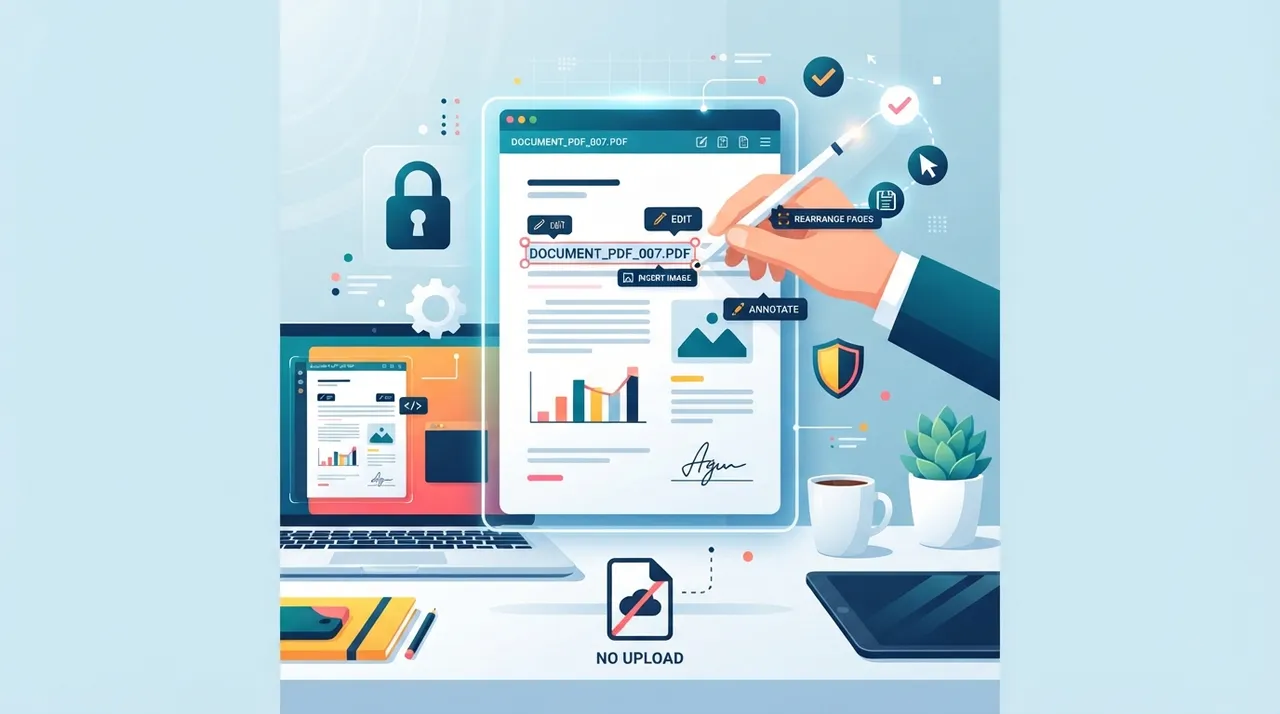
- Fast and Secure Processing: All file processing occurs locally within your browser, ensuring rapid execution and preventing sensitive data from being uploaded to external servers. This maintains the privacy and security of your designs, a strong selling point for professionals handling intellectual property.
- Ease of Use and Accessibility: These tools require no installation or configuration, just a web browser and an internet connection. This makes them perfect for quick access from any device, whether you're in the office, at home, or on the go. The intuitive interface significantly reduces the learning curve.
- Model Repair and Viewing: The platform provides capabilities for viewing 3D models, rotating and zooming, along with tools to repair common mesh issues such as holes or inverted faces, which can lead to print failures.
- Completely Free: All these tools are available free of charge, offering a cost-effective alternative to specialized commercial software and opening the door for beginners and hobbyists to leverage 3D printing technologies without financial barriers.
How to get value
- For Freelance 3D Printing Designers: A freelance 3D printing designer offering design or model modification services to various clients can benefit immensely. Imagine receiving a design file from a client in STEP format, but your 3D printing software requires STL. Instead of purchasing an expensive CAD software license or asking the client to convert the file, you can simply upload the STEP file to this browser-based tool and convert it to STL in seconds. This saves you time and money, allowing you to provide fast and efficient service to your clients, thereby increasing your productivity and ability to meet diverse market needs. You can also use the repair tools to ensure that the models you deliver are error-free and print-ready, enhancing your professional reputation.
- For Entrepreneurs in Rapid Prototyping: If you are an entrepreneur running a small business providing rapid prototyping and 3D printing services, these tools offer tremendous flexibility. You might receive requests from clients in various file formats, some of which may require simple processing before printing. For example, if a client sends you an OBJ file that needs converting to 3MF or fixing some disconnected faces, you can use these tools for free instead of investing in complex software packages. This reduces operational costs and increases your responsiveness to client demands, which directly translates to increased revenue and overall client satisfaction. The ability to quickly preview models and confirm them with the client before printing adds extra value to your services.
Smart Use Tip:
Use these tools as a first and quick line of defense to preview files received from untrusted or unknown sources before opening them in installed CAD software on your device. Since processing occurs in the browser, it minimizes the risk of malware or corrupted files affecting your operating system. Additionally, create a dedicated desktop folder for all 3D files needing quick processing, and once you've finished working on them using these tools, move them to their respective project folders. This streamlines your workflow and keeps your files organized.





Comments 0
No comments yet — be the first to share your thoughts.
Share your thoughts
To comment, sign in first — we email you a one-time code (no password). This keeps the discussion clean.
Sign in to comment →