
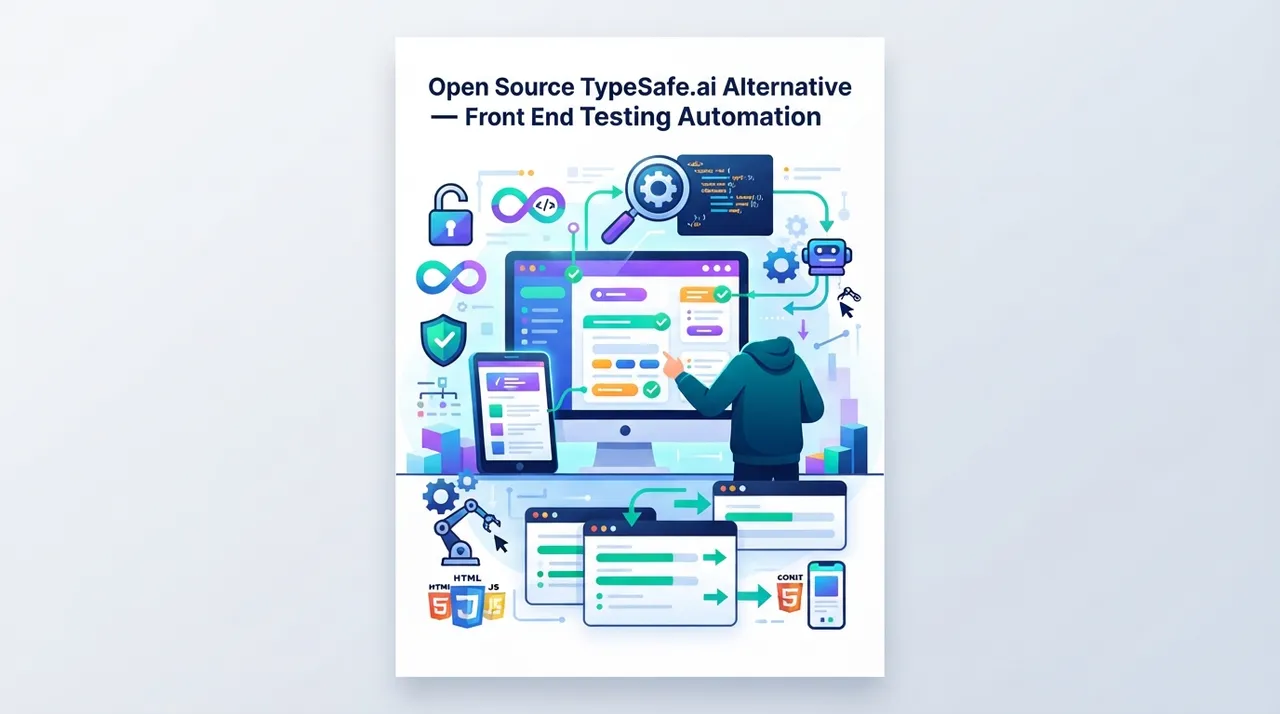
What it is

In the fast-paced world of software development, code quality and test automation are fundamental pillars for the success of any project. TypeSafe.ai is a commercial solution that offers powerful tools for Frontend Testing Automation, helping development teams ensure the quality of web applications and their interfaces.
The term "Open-Source Alternative to TypeSafe.ai" does not necessarily refer to a single project with the same name. Instead, it encompasses a collection of open-source tools and methodologies that can replace, and sometimes even surpass, the core functionalities offered by TypeSafe.ai, all without incurring licensing fees. These alternatives aim to provide free and customizable solutions for frontend testing, including Unit Testing, Integration Testing, and End-to-End (E2E) Testing, along with static code analysis tools and performance metrics.
These alternatives typically rely on popular testing frameworks like Jest, Cypress, Playwright, and Puppeteer, and are integrated with code analysis tools such as ESLint and Prettier, to provide a comprehensive and efficient testing environment. The open-source nature allows developers the flexibility to adapt these tools to their specific project needs, contribute to their development, and benefit from the support of a wide community of developers.
Key benefits
- Cost Savings: The most significant advantage is the elimination of expensive licensing fees for commercial solutions. This allows independent developers and startups with limited budgets to access powerful and reliable testing tools without a financial burden.
- Unmatched Flexibility and Customization: Being open source, developers can modify the source code of these tools to precisely meet their specific needs. They can add new features, alter existing behavior, or deeply integrate them with their existing CI/CD (Continuous Integration and Continuous Delivery) systems in ways that commercial solutions often do not permit.
- Extensive Community Support and Continuous Evolution: Open-source projects benefit from a large and active community of developers who contribute to bug fixes, feature additions, and support. This ensures that the tools evolve continuously and rapidly, in addition to the availability of educational resources and solutions to common problems.
- Transparency and Security: The ability to inspect the source code provides a high level of transparency and security. Developers can ensure there are no hidden vulnerabilities or undesirable behaviors, which is crucial for projects requiring strict security standards.
- Improved Code Quality and User Experience: Through comprehensive automated testing (unit, integration, E2E), these alternatives ensure that the application's frontend is as bug-free as possible and functions smoothly across different browsers and devices. This leads to a better user experience and reduced complaints.
How to use it
A freelancer or entrepreneur can practically benefit from open-source TypeSafe.ai alternatives to increase their productivity and income in several ways. Let's say you are an independent frontend developer working on a web application project for a client. Instead of spending long hours manually testing every new feature or bug fix, or investing in expensive commercial testing solutions, you can use these alternatives to achieve efficiency.
Realistic Scenario: You are building a complex user interface for an e-commerce store. Every time you add a feature (like a new shopping cart or a checkout process), you need to ensure that all previous features still work correctly and that the design is responsive across all devices.
Practical Application:
- Set up the Testing Environment: Start by incorporating tools like Jest for unit testing your React components, and Cypress or Playwright for E2E tests that simulate user interactions (e.g., adding a product to the cart, logging in, completing checkout). These tools are easy to install and configure via npm or yarn.
- Write Tests: Write unit tests for each UI component to ensure every part works as expected. Then, write E2E tests to cover critical user paths in your application. For example, a test that logs in a user, adds a product to the cart, and then completes the purchase.
- Automation and Continuous Integration (CI): Integrate these tests into your Continuous Integration (CI) pipeline using tools like GitHub Actions or GitLab CI/CD. Whenever you push changes to your code repository, tests will run automatically. This catches errors early and prevents them from reaching the client.
- Improve Quality and Code: Use tools like ESLint to enforce code quality and formatting standards, reducing potential errors and making the code easier to read and maintain. Lighthouse (part of Chrome DevTools) can also be integrated into the CI process to measure application performance and accessibility.
Practical Outcome: By automating these processes, you reduce manual testing time by up to 70%, catch bugs before the client sees them, and improve the quality of the final product. This enhances your reputation as a developer, increases client satisfaction, and allows you to deliver projects faster and more professionally, opening doors to more projects and increasing your income.
Smart Usage Tip: Don't just settle for basic testing. Invest time in exploring "Visual Testing" features using open-source tools like Chromatic (which relies on Storybook) or Applitools Eyes (which offers a free plan for open-source projects). This type of testing ensures that code changes do not lead to unintended "visual regressions" in the frontend, such as overlapping elements or changes in fonts or colors. By integrating visual testing into your CI process, you can catch subtle aesthetic errors before they reach the end-user, significantly enhancing the user experience and demonstrating your attention to detail to your clients.





Comments 0
No comments yet — be the first to share your thoughts.
Share your thoughts
To comment, sign in first — we email you a one-time code (no password). This keeps the discussion clean.
Sign in to comment →