
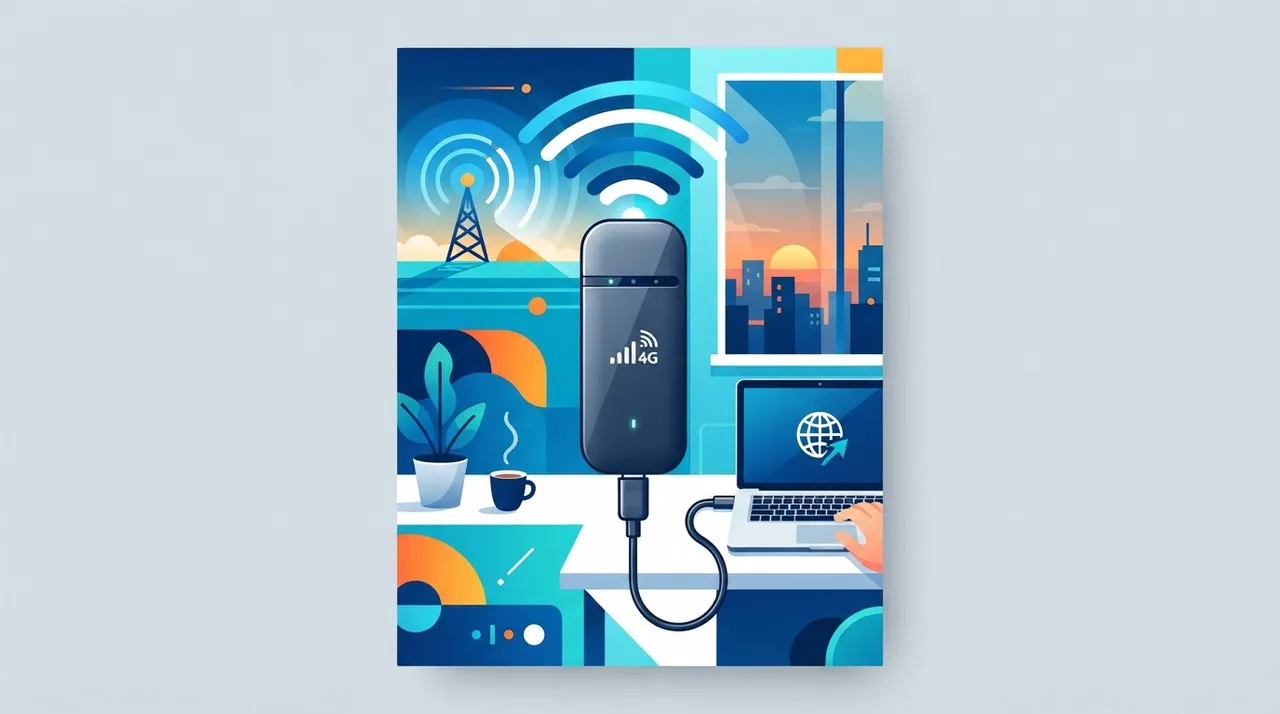
What is a USB-C LTE modem?
A USB-C LTE modem is a compact external device that provides high-speed cellular internet (LTE) connectivity to any computer or device supporting a USB-C port. Unlike a mobile hotspot, which is battery-powered and shares its connection via Wi-Fi, this modem connects directly to the host device (typically a laptop or tablet) and draws power from it, offering a more stable, reliable, and power-efficient connection. It functions as a virtual SIM card for your device, allowing it to connect to the internet via the mobile network just like a smartphone, but it is specifically designed to provide data only, not traditional voice calls.
Its primary purpose is to deliver a stable and continuous internet connection in locations where reliable Wi-Fi is unavailable, or when internet connectivity is critical, such as during travel, remote work, or in areas with poor infrastructure. It embodies the idea of a 'phone line for your computer,' meaning it grants the computer the ability to connect directly to the cellular data network, independently of any other intermediary devices.
Why it helps
Stable and Reliable Internet Connection: The modem provides a direct connection to the LTE network, reducing the disconnections and latency issues that can occur with wireless hotspots or smartphone tethering. This stability is crucial for sensitive tasks such as video calls, large file uploads and downloads, and working on cloud-based platforms.
Power Efficiency: Since it draws power directly from the USB-C port, the modem doesn't require its own battery, reducing the number of devices that need charging and lowering overall power consumption compared to a mobile hotspot that runs on its own battery and connects wirelessly to the computer.
Ease of Use and Plug-and-Play: Most of these modems are plug-and-play, requiring no complex driver installations, which makes them easy to set up and use immediately, even for non-technical users. All you need is an active SIM card.
Enhanced Security: Direct connection via the modem reduces security risks associated with connecting to insecure public Wi-Fi networks. The user has full control over their private connection, providing a more secure working environment for sensitive data.
Maximum Portability: It allows you to work from almost anywhere, as long as LTE network coverage is available. Whether you're in a café, a park, public transport, or even a rural area, you can stay connected and get your tasks done without relying on Wi-Fi availability.
How to get value
Imagine a freelance digital marketing consultant who relies heavily on video meetings, updating ad campaigns, and accessing cloud-based data analytics tools. One day, her home office internet connection suddenly goes down due to a technical fault with her service provider, and she's about to join a crucial meeting with a potential new client.
This is where the USB-C LTE modem comes in. Instead of panicking and trying to find a nearby café or relying on her unstable smartphone hotspot, the entrepreneur simply plugs the modem into her laptop's USB-C port. Within seconds, she gets a stable, high-speed internet connection via the LTE network. She can join the video meeting on time, deliver her presentation smoothly without interruption, and send follow-ups directly after the meeting. This ensures she maintains her professionalism and doesn't lose a potential business opportunity due to a technical issue beyond her control. It also allows her to update client campaigns regularly without delay, which maintains their performance and prevents financial losses for them, thereby preserving her reputation and boosting her future income.
Smart usage tip
Invest in a second data-only SIM card for the modem (or an eSIM if the modem supports it) with a generous data plan, preferably from a different service provider than your home internet provider. This ensures you have a robust and completely independent backup plan in case one line goes down, and offers greater flexibility in choosing the most suitable plan for your mobile usage.






Comments 0
No comments yet — be the first to share your thoughts.
Share your thoughts
To comment, sign in first — we email you a one-time code (no password). This keeps the discussion clean.
Sign in to comment →