
The idea
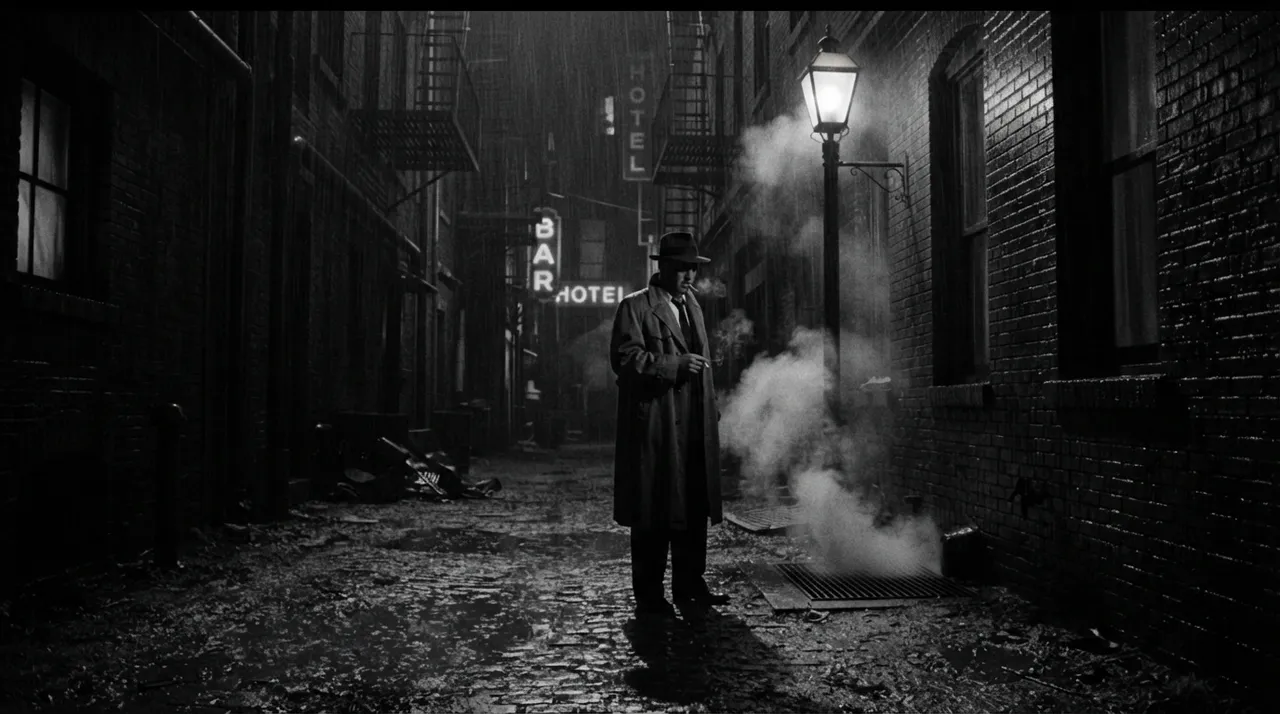
This digital trend draws inspiration from the visual aesthetics of classic film noir, which emerged in the mid-20th century. Film noir is characterized by its dramatic visual style, where shadows and strong black-and-white contrasts play a key role in creating atmospheres of mystery, suspense, and psychological drama. The idea here is to apply these aesthetics to our personal photos or any scenes we choose, using AI tools to produce images that look as if they were clipped from an old film noir movie, while maintaining the spirit of the original photo. This trend allows users to explore a different artistic side of their photos, adding a unique character that reflects a touch of classic elegance and dramatic depth. It has become popular due to the ability of modern AI models to accurately simulate this complex style, opening up new creative horizons for ordinary users without the need for professional photography or editing expertise.
How to apply it
- Choose your base image: Start by selecting a personal photo of yourself or your friends, or even a city scene, street, or any location you wish to transform. It's preferable for the image to have good lighting and clear details.
- Use an AI tool: Head to an AI image generation platform such as Midjourney (midjourney.com), Stable Diffusion, or DALL-E 3 (available via ChatGPT Plus).
- Upload the image: On your chosen platform, look for an image upload option or add the image link if it's published online.
- Enter the suggested prompt: Copy the English prompt provided below or modify it to suit your vision, then paste it into the text field. Ensure your image link is at the beginning of the prompt.
- Customize and modify (optional): You can adjust the prompt to specify additional details such as lighting type (e.g., hard shadows, soft light), presence of smoke, architectural features, or facial expressions if the image is of a person.
- Generate the image: Click the generate button and wait for the tool to produce the image or a set of images.
- Select and refine: Review the results. Choose the image you like best, and on some platforms, you can make minor adjustments or request alternative versions with different variations.
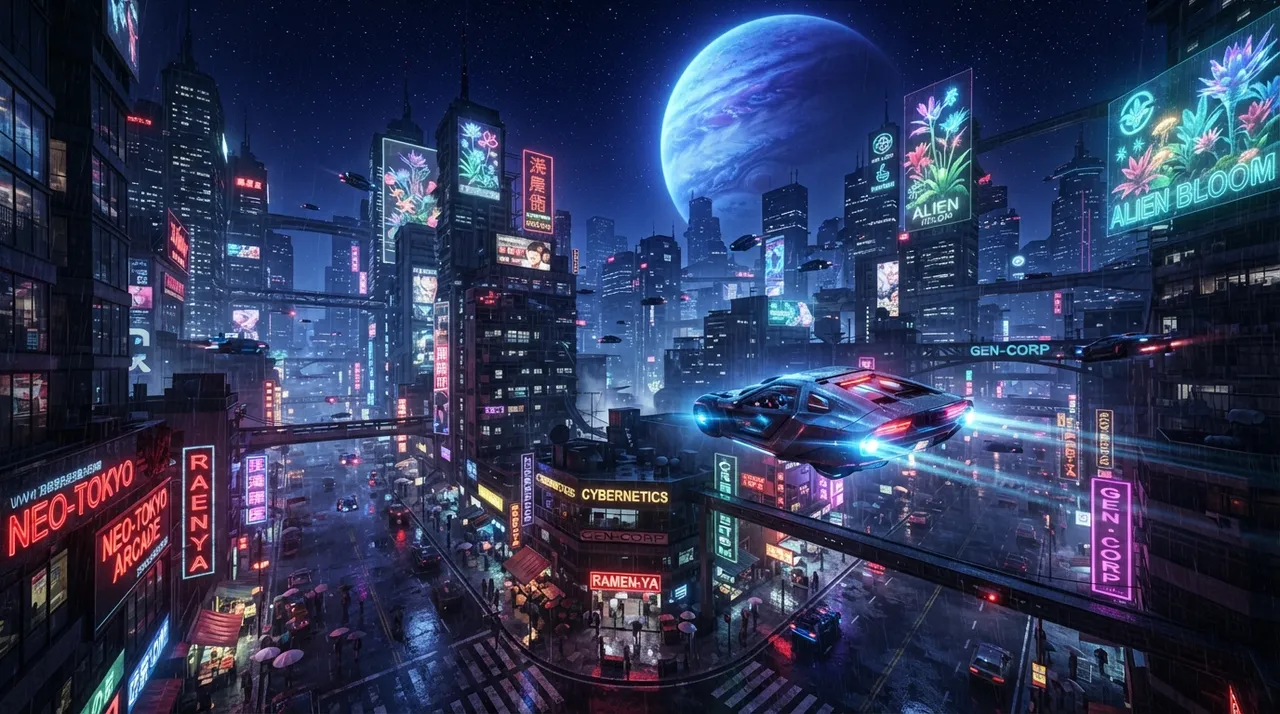
Prompt to recreate the image
To generate a similar image yourself, use this prompt in your favorite image generator:
[Image Link] a cinematic film noir still, black and white, dramatic chiaroscuro lighting, deep shadows, strong contrasts, gritty texture, a mysterious atmosphere, evoke a 1940s detective film, classic noir aesthetic, high detail, sharp focus, --ar 16:9




Comments 0
No comments yet — be the first to share your thoughts.
Share your thoughts
To comment, sign in first — we email you a one-time code (no password). This keeps the discussion clean.
Sign in to comment →