
What it is
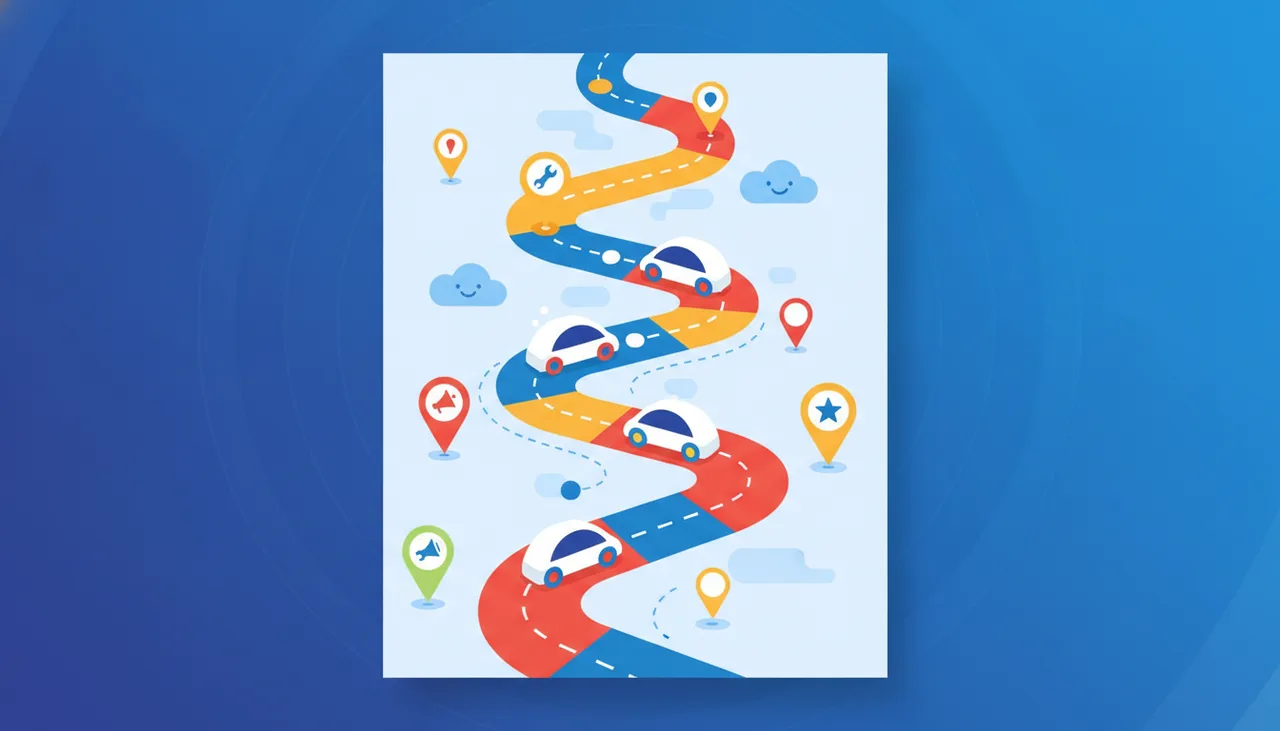
Waze is a free navigation app that uses real-time data from its users to provide accurate traffic information. It combines traditional GPS features with a social touch, where users contribute to map updates and report accidents, police patrols, or other obstacles on the road.
Key benefits
- Real-time traffic updates: Relies on user data to provide the latest information on congestion and automatically reroutes to avoid it.
- Community reporting: Users can report accidents, hazards, police locations, and gas prices, helping others make better decisions while driving.
- Customized voice directions: Provides clear voice directions that can be customized with different voices.
- Accurate ETA: Thanks to live data, it offers more precise estimated times of arrival compared to many other apps.
- Music app integration: You can control your music or podcasts directly from within Waze.
- Advanced trip planning: Allows you to plan your trips in advance and receive alerts when you need to leave to arrive on time.
How to use it
- Download and install: Download the Waze app from your device's app store (Google Play or App Store) and install it.
- Create an account: Open the app. You can choose to sign in with your Google or Facebook account, or create a new Waze account. This allows you to save settings and favorites.
- Enter your destination: Tap the search bar at the top or the search icon at the bottom, then start typing the destination name or address. Waze will suggest matching results.
- Start navigation: After selecting your destination, tap the "Go" or "Drive" button to start navigation. Waze will provide step-by-step voice and visual directions.
- Report events (optional): While driving, if you notice an accident, traffic jam, or anything else that could benefit the community, you can tap the report icon (exclamation mark) in the bottom right corner and select the type of report.
- Customize settings: You can go to the "Settings" menu to customize the voice, vehicle type, display options, and other preferences for a better driving experience.


Comments 0
No comments yet — be the first to share your thoughts.
Share your thoughts
To comment, sign in first — we email you a one-time code (no password). This keeps the discussion clean.
Sign in to comment →