
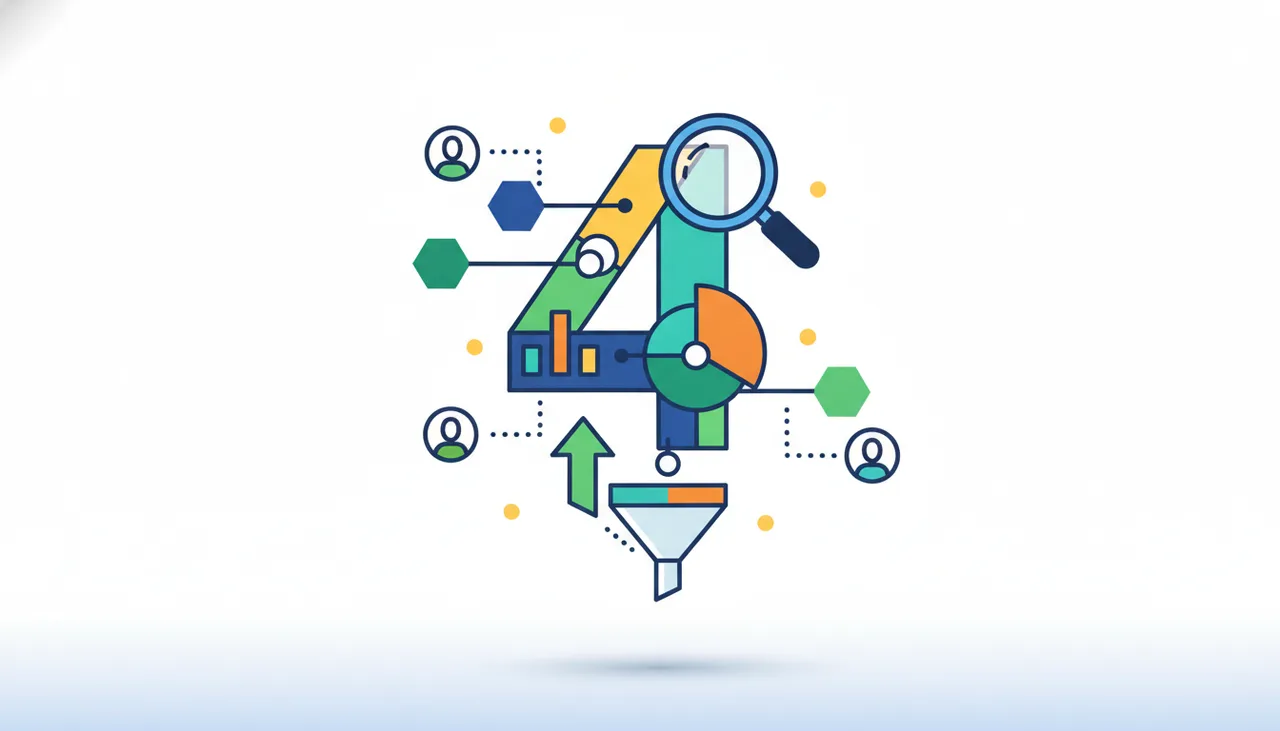
What is Google Analytics 4?
Google Analytics 4 (GA4) is the latest generation of Google's web and app analytics platform. Unlike previous versions, GA4 is designed to be more flexible and focuses on an "event-based data model" rather than sessions, enabling more comprehensive tracking of user behavior across web and apps. GA4 aims to help businesses better understand the customer journey, from website visits to purchases or interactions, and provide actionable insights to improve marketing performance and user experience.
Why it helps your growth
- Comprehensive Customer Journey Understanding: GA4 provides unified insights across web and apps, allowing you to track user behavior throughout their entire journey, not just on a single platform.
- Event-Based Analytics: It enables you to track any interaction on your website or app as an event, offering tremendous flexibility in analyzing specific behaviors such as button clicks, video views, or registration completions.
- Predictions and Machine Learning: GA4 leverages machine learning to provide predictions about future user behavior, such as purchase probability or churn risk, which helps in more effective targeting of marketing campaigns.
- Strong Integration with Other Google Products: It integrates seamlessly with Google Ads, Google Search Console, and other Google tools, allowing you to build a comprehensive view of your marketing performance.
- Privacy and Security: Designed with current data privacy challenges in mind, offering more control options over data collection.
How to get value with Numo platform
- Setup and Configuration: Create a new GA4 account or upgrade from Universal Analytics. Install the tracking code (Gtag) on your website or SDK in your app.
- Define Key Goals and Events: Identify the primary events you want to track that align with your business objectives (e.g., sign-ups, purchases, brochure downloads).
- Analyze Pre-built Reports: Explore the default reports in GA4 such as "Acquisition" reports to understand traffic sources, "Engagement" to measure user involvement, and "Monetization" to track revenue.
- Build Custom Reports and Explorations: Use the "Explorations" section to create custom reports and in-depth analyses (e.g., user paths, funnel analysis, segment discovery) to gain specific insights.
- Link to Google Ads: Connect your GA4 account to Google Ads to optimize your marketing campaigns and better track ROI.
- Monitor and Optimize Performance: Use insights from GA4 to identify areas for improvement in your website, marketing campaigns, or products, and iterate the process for continuous growth.






Comments 0
No comments yet — be the first to share your thoughts.
Share your thoughts
To comment, sign in first — we email you a one-time code (no password). This keeps the discussion clean.
Sign in to comment →