
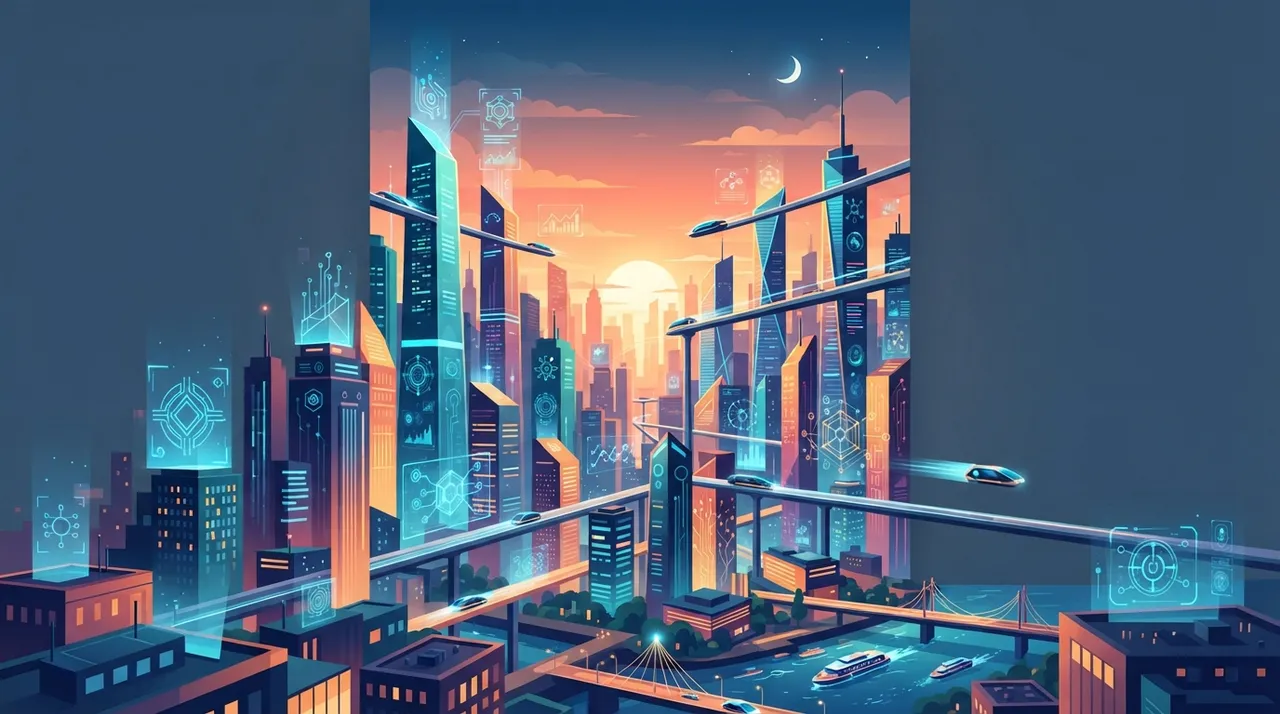
In the digital landscape of 2026, captivating visuals are non-negotiable for entrepreneurs. Artificial intelligence (AI) image generation has moved beyond novelty, offering powerful tools to create professional-grade visuals without the need for extensive design skills or large budgets. This guide delves into eight practical techniques to harness AI for stunning, impactful images that resonate with your audience and elevate your brand.
1. Mastering Prompt Engineering for Precision
The quality of your AI-generated images starts with the prompt. Think of it as giving precise instructions to a highly skilled artist. Instead of generic requests, focus on detail:
- Be Specific: Instead of "a cat," try "a fluffy Persian cat, emerald eyes, sitting on a velvet cushion, golden hour lighting, hyperrealistic."
- Utilize Keywords: Incorporate artistic styles (e.g., "impressionistic," "cyberpunk," "photorealistic"), camera angles (e.g., "close-up," "wide shot"), and lighting conditions (e.g., "cinematic lighting," "soft studio light").
- Iterate and Refine: Don't settle for the first result. Tweak your prompts, add or remove details, and observe how the AI responds. Many platforms offer prompt history for easy revisiting.
2. Leveraging Image-to-Image Generation for Brand Consistency
Have an existing image – perhaps a product photo or a brand asset – that you want to transform while maintaining its core elements? Image-to-image AI tools allow you to upload a reference image and then use a text prompt to guide the AI in modifying or re-imagining it. This is invaluable for:
- Creating variations of existing brand mascots or logos.
- Adapting product photos to different seasonal themes or marketing campaigns.
- Ensuring visual consistency across diverse marketing materials.
3. Inpainting and Outpainting for Seamless Edits
These advanced techniques offer remarkable control over your AI-generated images:
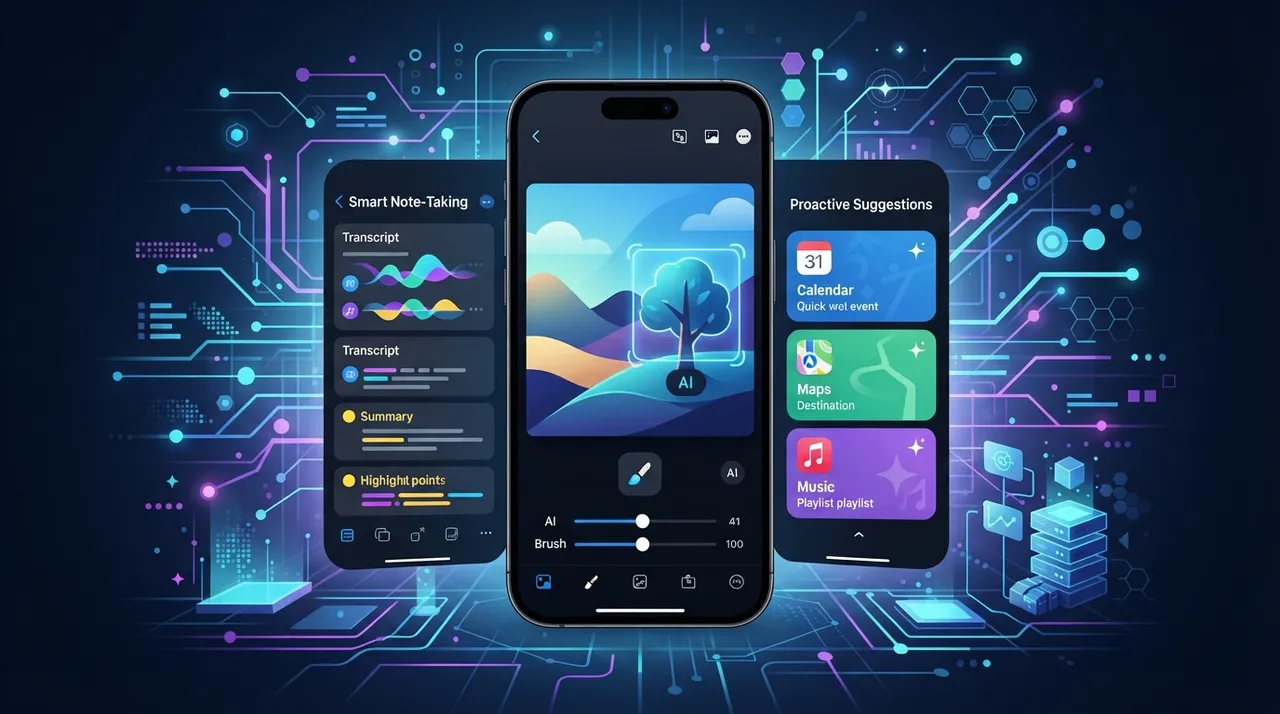
- Inpainting: Allows you to select a specific area within an image and replace it with new AI-generated content based on your prompt. Need to remove an unwanted object, change a background element, or add a detail? Inpainting makes it seamless.
- Outpainting: Expands the canvas of an existing image, intelligently filling in the new areas with content consistent with the original. This is perfect for extending backgrounds, creating wider shots from existing close-ups, or adapting images to different aspect ratios without cropping essential elements.
4. Fine-Tuning Models with Your Brand Assets
For entrepreneurs with a consistent visual brand, consider fine-tuning a base AI model with your own collection of brand images. This process involves training a public AI model (or a private one if available) on a dataset of your specific assets – logos, product shots, specific color palettes, and stylistic choices. The result is a personalized AI that understands and replicates your brand's unique aesthetic, generating images that are inherently on-brand and require less post-processing.
5. Exploring ControlNet for Precise Composition
ControlNet is a powerful extension for various AI image generation models that provides unprecedented control over the composition and structure of your generated images. By using input maps like depth maps, normal maps, or even simple line drawings, you can guide the AI to generate images with specific poses, object placements, or structural layouts. This is particularly useful for:
- Ensuring specific human poses in marketing imagery.
- Creating product mockups with precise placement.
- Designing architectural visualizations with predetermined structures.
6. Batch Generation and Variation Exploration
Don't generate one image at a time. Many AI tools offer batch generation, allowing you to create multiple variations of an image from a single prompt. This is crucial for:
- A/B Testing: Generate several versions of an ad visual and test which performs best.
- Creative Exploration: Discover unexpected yet compelling variations you might not have envisioned.
- Efficiency: Produce a large volume of content quickly for social media or blog posts.
7. Integrating AI Images with Other Design Tools
AI-generated images are rarely a final product. Export your creations and integrate them into your existing design workflow. Use tools like Adobe Photoshop, Canva, or Figma to:
- Add text overlays, calls to action, or branding elements.
- Perform color correction and minor touch-ups.
- Combine multiple AI-generated elements with traditional graphics.
8. Legal and Ethical Considerations for Commercial Use
As an entrepreneur, it's vital to understand the legal and ethical landscape of AI-generated images. In 2026, copyright laws are still evolving globally regarding AI outputs. Key considerations include:
- Platform Terms of Service: Always check the licensing terms of the AI tool you use. Some platforms grant full commercial rights, while others may have restrictions.
- Originality and Derivatives: Ensure your prompts and inputs do not infringe on existing copyrighted works. While AI transforms inputs, directly mimicking copyrighted styles or characters can still lead to issues.
- Transparency: Consider disclosing when images are AI-generated, especially in contexts where authenticity is paramount.
Practical Steps to Generate Professional AI Images
- Define Your Visual Goal: Clearly articulate what you want the image to convey and its purpose (e.g., social media ad, website banner, blog illustration).
- Choose the Right Tool: Experiment with different AI image generators (e.g., Midjourney, DALL-E 3, Stable Diffusion) to find one that aligns with your needs and budget.
- Craft Detailed Prompts: Start simple, then add layers of detail regarding subject, style, lighting, composition, and mood.
- Use Reference Images (Optional): If the tool supports it, upload an image to guide the AI's style or content.
- Generate and Iterate: Create multiple versions, refine your prompts, and experiment with variations.
- Post-Process: Use traditional design software for final touches, branding, and text overlays.
- Review Legality: Confirm commercial usage rights for your chosen platform.
By embracing these techniques, entrepreneurs can unlock a new era of visual content creation, producing high-quality, professional images that captivate their audience and drive business growth without the traditional barriers of cost and skill.

Comments 0
No comments yet — be the first to share your thoughts.
Share your thoughts
To comment, sign in first — we email you a one-time code (no password). This keeps the discussion clean.
Sign in to comment →