
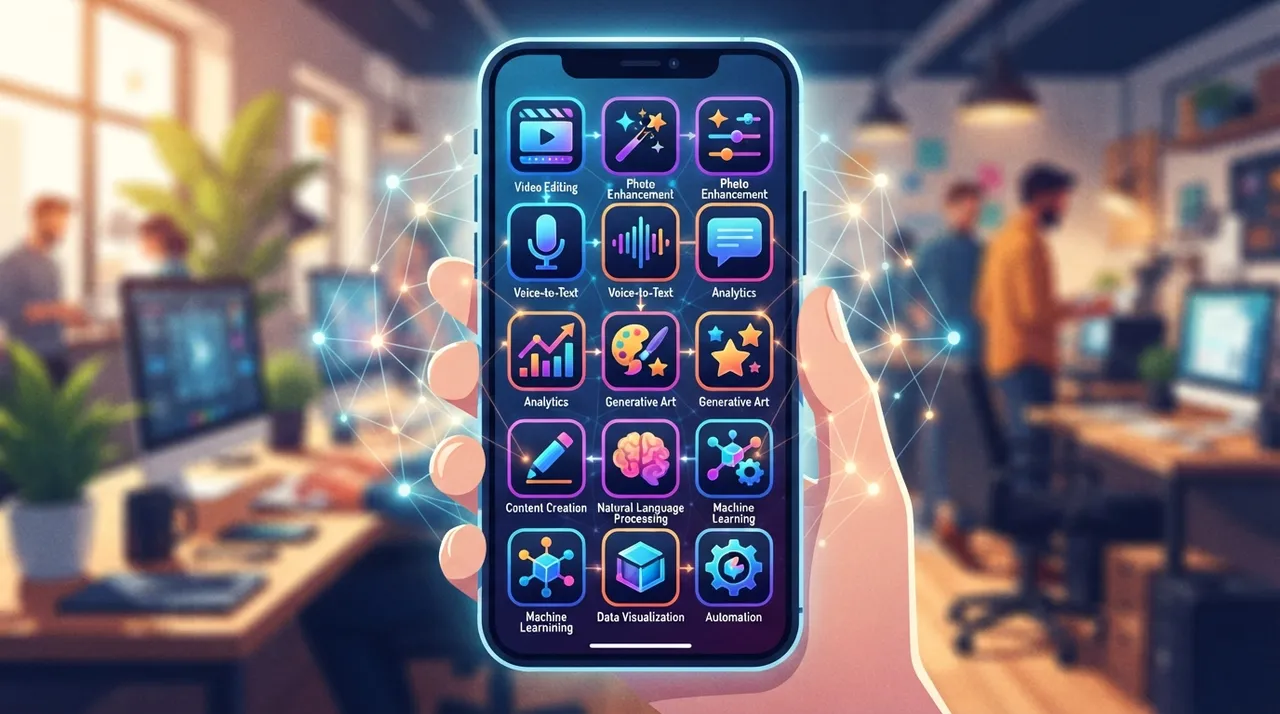
In 2026, the smartphone is far more than a communication device; it's a powerful pocket computer equipped with sophisticated AI. For freelancers and remote workers, this represents an unprecedented opportunity to streamline workflows, create high-quality content, and unlock new revenue streams. This guide will walk you through five actionable strategies to harness the AI on your phone, turning it into a genuine profit center.
1. AI-Powered Content Creation on the Go
The ubiquity of social media and digital platforms means a constant demand for fresh content. Your smartphone, augmented by AI apps, can be your ultimate content studio:
- Automated Video Editing: Apps like CapCut and LumaFusion, with their integrated AI features, can automatically detect key moments, add transitions, and even suggest background music, drastically cutting down editing time. This is invaluable for creating short-form videos for TikTok, Instagram Reels, or YouTube Shorts.
- Intelligent Image Enhancement: Beyond basic filters, AI photo editors such as Snapseed and Adobe Lightroom Mobile use machine learning to suggest optimal adjustments, remove imperfections, and even generate unique artistic styles. This ensures your visual content is always professional-grade.
- Voice-to-Text for Quick Content Drafts: Whether you're brainstorming a blog post, outlining a script, or drafting an email, native voice-to-text features (often AI-powered) allow you to dictate ideas quickly. Specialized apps can even transcribe longer audio recordings with high accuracy, saving hours of manual typing.
2. Market Research and Trend Analysis in Your Pocket
Staying ahead in the freelance market requires constant awareness of trends and client needs. Your phone's AI can provide real-time insights:
- Social Listening Tools: Apps that integrate with social media APIs (many employ AI for sentiment analysis) can help you monitor discussions around your niche, identify emerging topics, and understand client pain points. This informs your service offerings and content strategy.
- Competitor Analysis: Use search engines and AI-driven aggregators on your phone to quickly scan competitor websites, social profiles, and service descriptions. AI can highlight their key offerings, pricing models, and client reviews, helping you position your own services more effectively.
- Keyword Research on the Fly: While desktop tools are robust, many mobile-friendly keyword research apps (or mobile versions of popular tools) use AI to suggest relevant keywords, assess search volume, and identify content gaps directly from your phone.
3. Enhance Client Communication and Proposals with Mobile AI
Effective communication is crucial for securing and retaining clients. AI on your phone can elevate your professional interactions:
- AI-Assisted Writing for Emails and Proposals: Tools like Grammarly (mobile app) go beyond basic spell-check, offering stylistic suggestions, tone adjustments, and clarity enhancements. This ensures your client communications are polished and professional, even when drafted quickly on your phone.
- Smart Scheduling and Meeting Management: AI-powered calendar apps can suggest optimal meeting times based on availability, send automated reminders, and even transcribe meeting notes, freeing you to focus on the conversation.
- Personalized Outreach: Leverage AI to analyze client profiles from LinkedIn or other professional networks, helping you tailor your outreach messages and proposals to their specific needs and interests.
4. Leverage AI for Personal Branding and Networking
Your personal brand is your most valuable asset as a freelancer. Your phone's AI can help cultivate it:
- Automated Social Media Scheduling: Use AI-powered scheduling apps (e.g., Buffer, Hootsuite) to plan and distribute your content across various platforms from your phone, ensuring consistent online presence even when you're busy.
- AI-Driven Portfolio Curation: Some portfolio builder apps use AI to suggest optimal layouts or highlight your best work based on client engagement data. You can update your portfolio on the go, showcasing your latest projects.
- Networking Event Assistance: Apps like LinkedIn or specialized networking tools often use AI to suggest relevant connections or help you remember details about people you've met, making follow-ups more effective.
5. Optimize Productivity and Workflow Management with Mobile AI
Time is money for freelancers. AI on your phone can supercharge your productivity:
- Intelligent Task Prioritization: AI-powered task managers (e.g., Todoist with its smart scheduling) can learn your habits and help prioritize tasks, ensuring you focus on what matters most.
- Automated Expense Tracking: Many financial apps use AI to categorize transactions, scan receipts, and generate reports, simplifying your bookkeeping directly from your phone.
- Speech-to-Text for Rapid Note-Taking: During calls or while on the move, quickly capture ideas and action items using your phone's speech-to-text functionality, ensuring no detail is missed.
By integrating these AI-powered mobile strategies into your daily routine, you're not just using your phone; you're transforming it into a dynamic hub for income generation, skill enhancement, and business growth in the competitive freelance landscape of 2026. The power to earn smarter, not harder, is truly in your pocket.






Comments 0
No comments yet — be the first to share your thoughts.
Share your thoughts
To comment, sign in first — we email you a one-time code (no password). This keeps the discussion clean.
Sign in to comment →