In 2026, foundational generative AI models are fiercely competing to offer integrated experiences for users, whether individuals or businesses. Google's Gemini Advanced and Microsoft's Copilot Pro are key players in this arena, promising to enhance productivity and creativity by embedding AI capabilities into daily workflows. This professional comparison will help you understand their core differences and determine which one best suits your needs.
⚔️ Detailed comparison
| Criterion | Gemini Advanced | Microsoft Copilot Pro |
|---|---|---|
| Underlying Model | ✓Utilizes Gemini 2.5 Pro, with access to Gemini 3.1 Pro and Ultra models for higher tiers, focusing on multimodal understanding and complex reasoning. | Utilizes GPT-4 and GPT-4 Turbo models, offering access to GPT-5 and GPT-5.4 for subscribers, with a focus on text generation and analysis. |
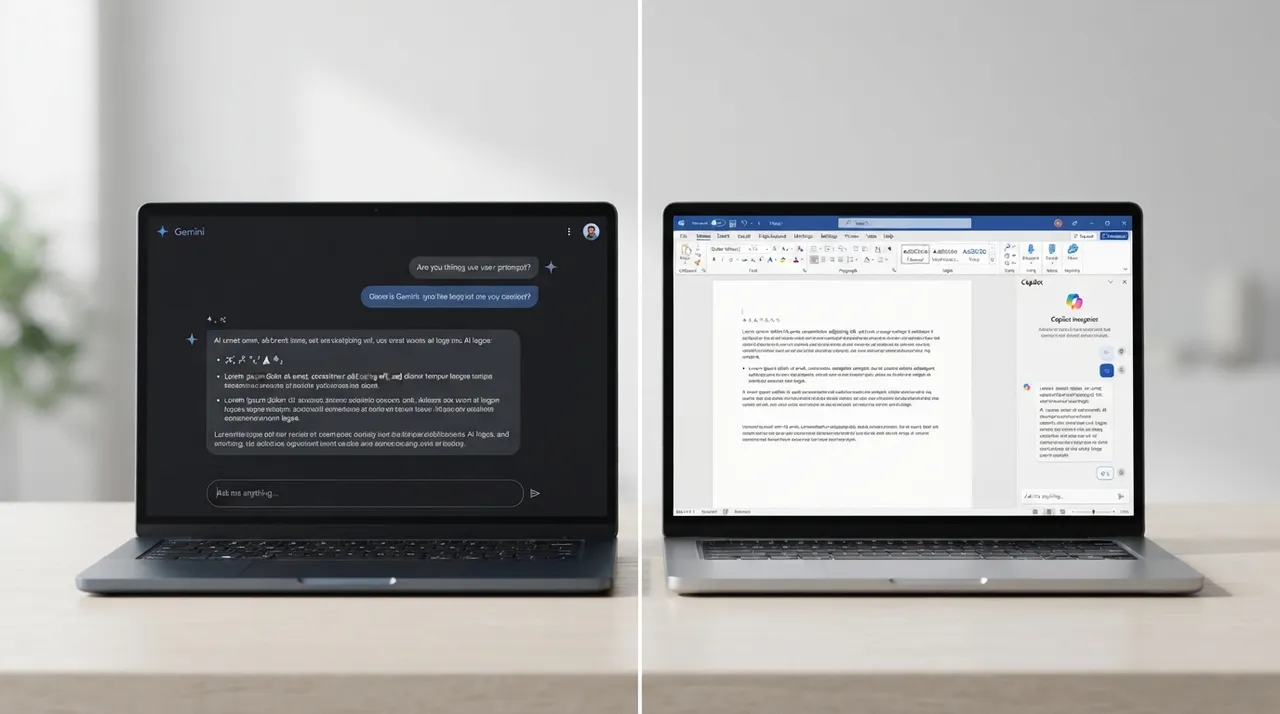
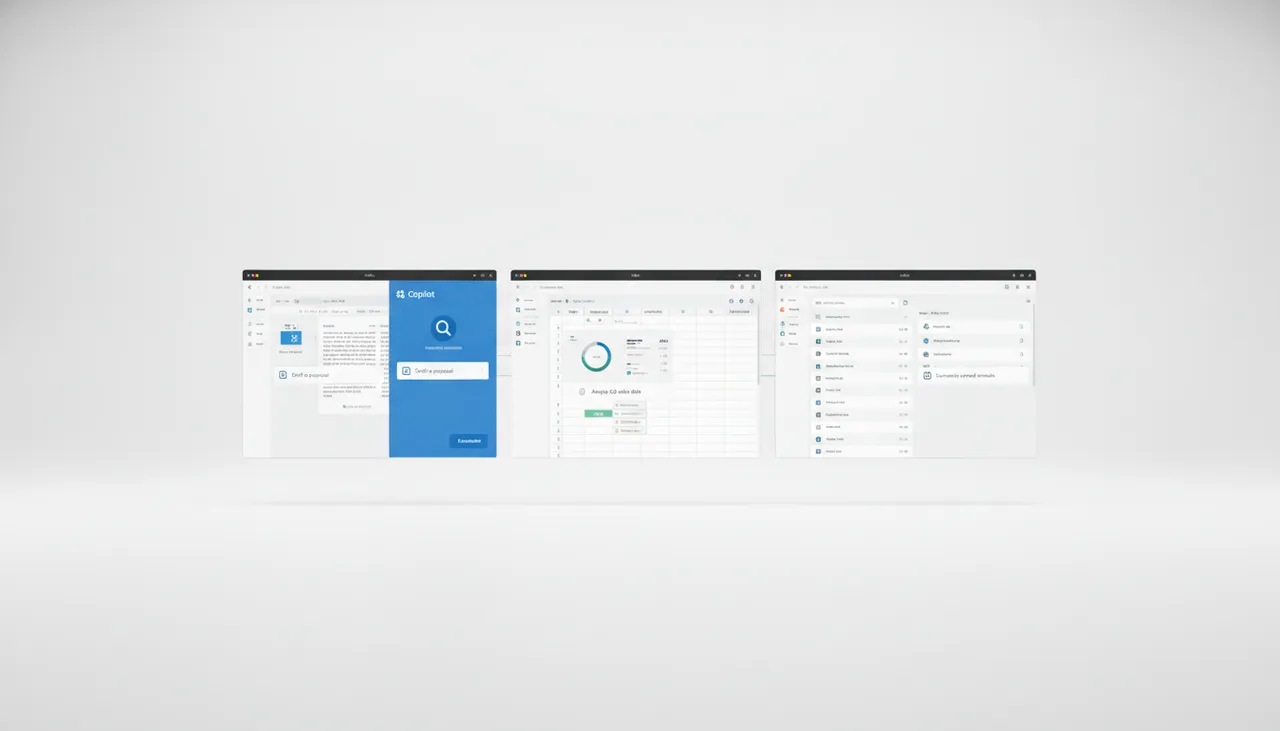
| App Integration | Deep integration with Google Workspace (Gmail, Docs, Sheets, Slides, Drive, Meet, Photos), enabling tasks like document summarization, presentation creation, and image analysis. | Deep integration with Microsoft 365 applications (Word, Excel, PowerPoint, Outlook, OneNote, Teams), supporting document drafting, data analysis, and email summarization. |
| Long Context Window | ✓Offers a massive context window of up to 1 million tokens (equivalent to 1,500 pages of text or 30,000 lines of code), enabling processing and analysis of large documents. | Specific details on a context window of this scale are not explicitly highlighted for Copilot Pro, but its document processing capabilities within Microsoft 365 apps indicate good support for longer texts. |
| Image & Video Generation | ✓Supports image generation with Nano Banana 2/Pro and video creation with Veo 2/3, with advanced features available in higher plans. | Includes enhanced image creation with DALL-E 3, with up to 100 boosts per day in Designer (Bing Image Creator). |
| Pricing (Approx. Monthly) | ✓Around $19.99 (AI Pro plan), with Ultra plans starting at $99.99 and up to $200 per month, plus a Plus plan at $7.99. | Around $20 (requires a separate Microsoft 365 Personal or Family subscription), with higher business options (Microsoft 365 Copilot) starting from $21 per user per month. |
| Developer Features | ✓Offers Gemini Code Assist and Gemini CLI for higher-limit coding workflows, plus Android Studio integration. | Focuses on coding assistance within Microsoft environments, with GitHub Copilot (a separate product) available for developers. |
| Experimental Features Access | ✓Gemini Advanced subscribers receive priority access to Google's newest and most powerful AI capabilities (e.g., Deep Think, Project Mariner, Veo 3). | Offers early access to experimental features through Copilot Labs, including new visual tools like Think Deeper and Copilot Vision. |
| Data Analysis | ✓Comprehensive analytical capabilities for large data, spreadsheets, and complex documents, with features like turning PDFs into podcasts in NotebookLM. | Can simplify data collection and analysis in Excel, summarize email threads in Outlook, and compare two documents in Word. |
يُعدّ كل من Gemini Advanced وCopilot Pro أدوات قوية للذكاء الاصطناعي، ولكنهما يتألقان في سياقات مختلفة. إذا كنت جزءًا من بيئة Google Workspace أو تحتاج إلى قدرات متقدمة في توليد الفيديو والبرمجة والبحث المعمق، فإن Gemini Advanced هو الخيار الأفضل. أما إذا كنت تعتمد بشكل كبير على تطبيقات Microsoft 365 وترغب في تعزيز إنتاجيتك داخل هذا النظام، فإن Copilot Pro يقدم تكاملاً ممتازًا. يعتمد الاختيار النهائي على نظامك البيئي الحالي واحتياجاتك المحددة.