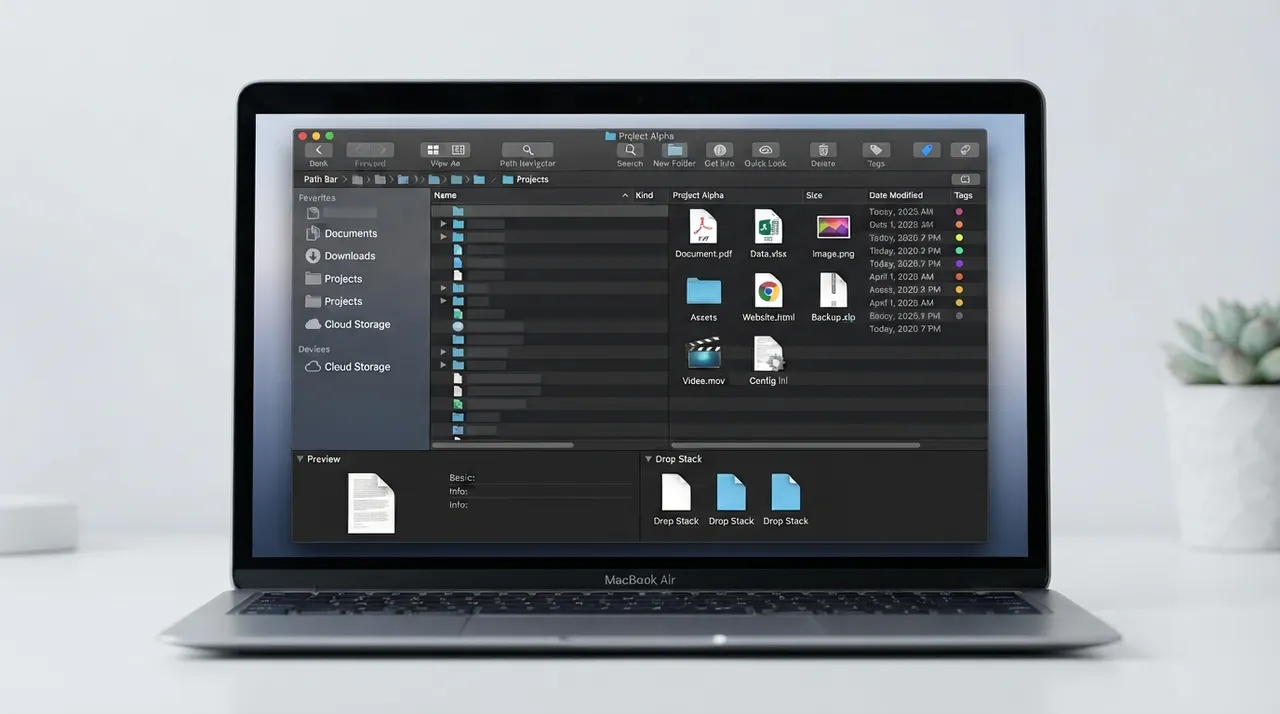
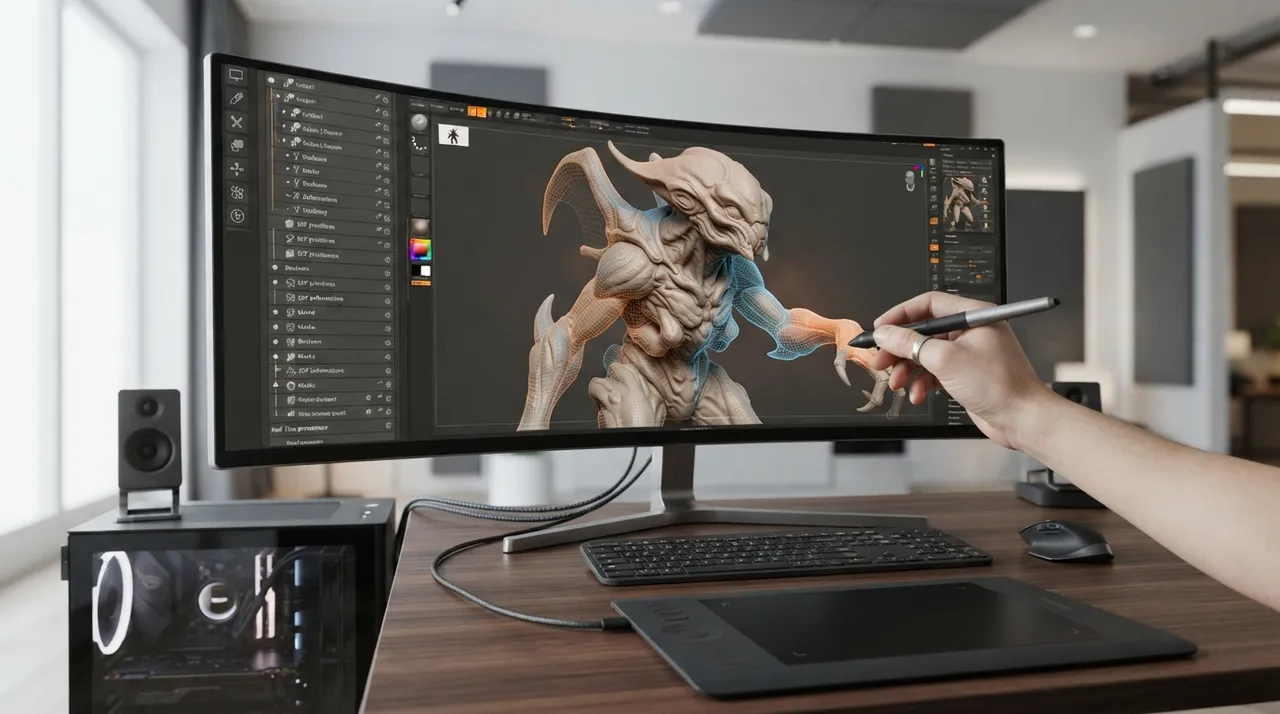
Choosing the right digital tools is crucial for boosting productivity and efficiency across various domains. Here, we present a comparison between two distinct tools, Path Finder and Claydash SDF Modeler, to help you determine which best suits your workflow requirements. While Path Finder is an advanced file manager for macOS, Claydash SDF Modeler is a specialized tool for 3D modeling using Signed Distance Fields (SDF) technology.
⚔️ Detailed comparison
| Criterion | Path Finder | Claydash SDF Modeler |
|---|---|---|
| Primary Purpose | ✓Advanced file management for macOS, offering features beyond the default Finder such as dual-pane view, Drop Stack for temporary file storage, hidden file management, integrated terminal emulator, advanced search, folder comparison and synchronization, batch renaming, and Git integration. | Experimental 3D modeling using Signed Distance Fields (SDF). It focuses on a non-destructive, procedural workflow within a simple graphical interface. |
| Operating System | macOS only. Path Finder 26 is compatible with macOS Ventura 13 and up. | ✓Windows, Linux, and macOS (with native Apple Silicon support). |
| Key Features | Dual-pane view, Drop Stack, modules for customizability, hidden file management, folder syncing, advanced search with filters, Git integration, integrated terminal, disk utility tools, batch renaming, and extensive keyboard and interface customization. | ✓Non-destructive workflow, scene editor for combining shapes with Boolean operations, transformations, and real-time blending, advanced Boolean operations (add, subtract, intersect, push, avoid, emboss), primitive shapes (spheres, cubes, cylinders), shape modifiers (bevel, round), path-traced rendere |
| Ease of Use | Information-rich interface that is quickly mastered, offering a highly efficient file management experience, especially for power macOS users. | ✓Streamlined and lightweight 3D modeling tool designed for quick concept and hard surface modeling, with an intuitive interface. |
| Pricing | Path Finder offers two pricing editions, starting from $38 to $121. A 2-year license is available for $55.95. A 30-day free trial is also offered. | ✓A 'Name Your Own Price' model, making it available for free with an option to contribute to the developer. |
| Support | ✓Cocoatech, the developer of Path Finder, provides support for its product. Specific details on support types (e.g., email, phone) are not readily available, but user guides and documentation exist. | As an experimental and relatively open-source project, support largely relies on community and developer resources. Information and discussions can be found on project pages like GitHub and itch.io. |
إذا كنت تبحث عن مدير ملفات قوي لنظام macOS يوفر تخصيصًا عميقًا وميزات متقدمة لتعزيز الإنتاجية، فإن Path Finder هو الخيار الواضح. أما إذا كنت مهتمًا بالنمذجة ثلاثية الأبعاد التجريبية وغير التدميرية، خاصة للمفاهيم السريعة وتصميم الأسطح الصلبة، وبتكلفة منخفضة، فإن Claydash SDF Modeler يقدم حلاً مبتكرًا. يعتمد الاختيار الأفضل على احتياجاتك المحددة.