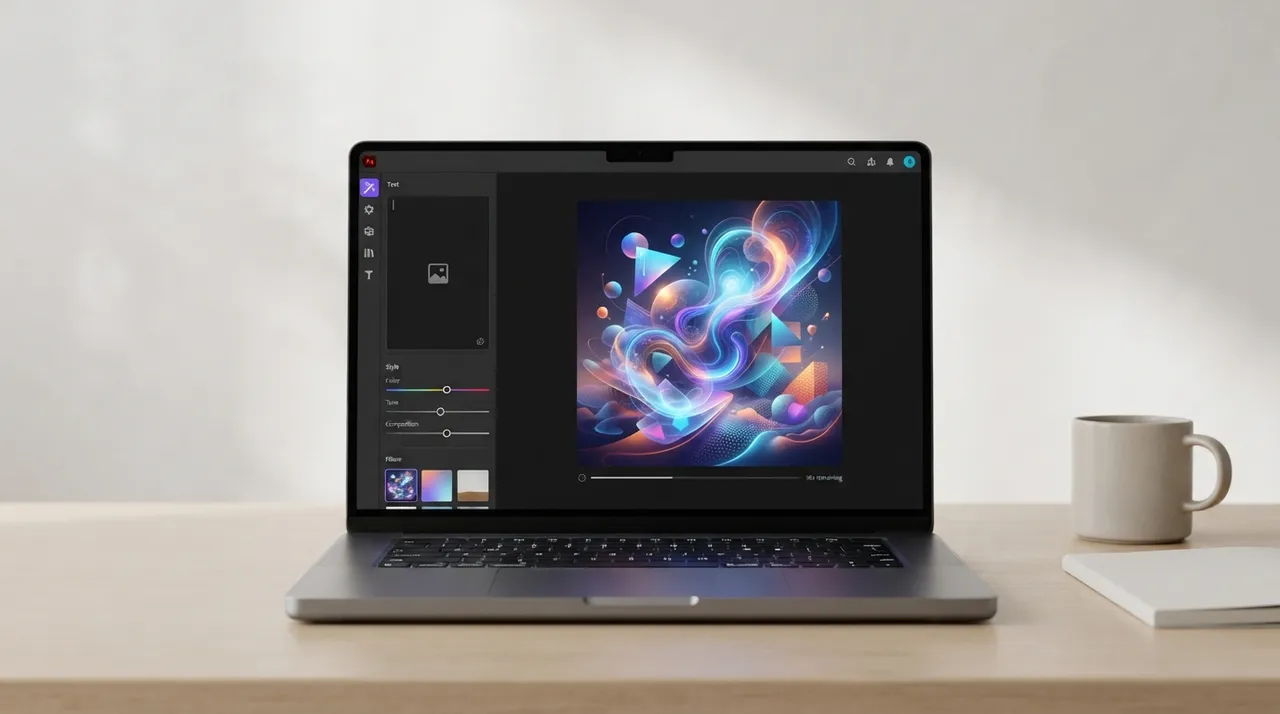
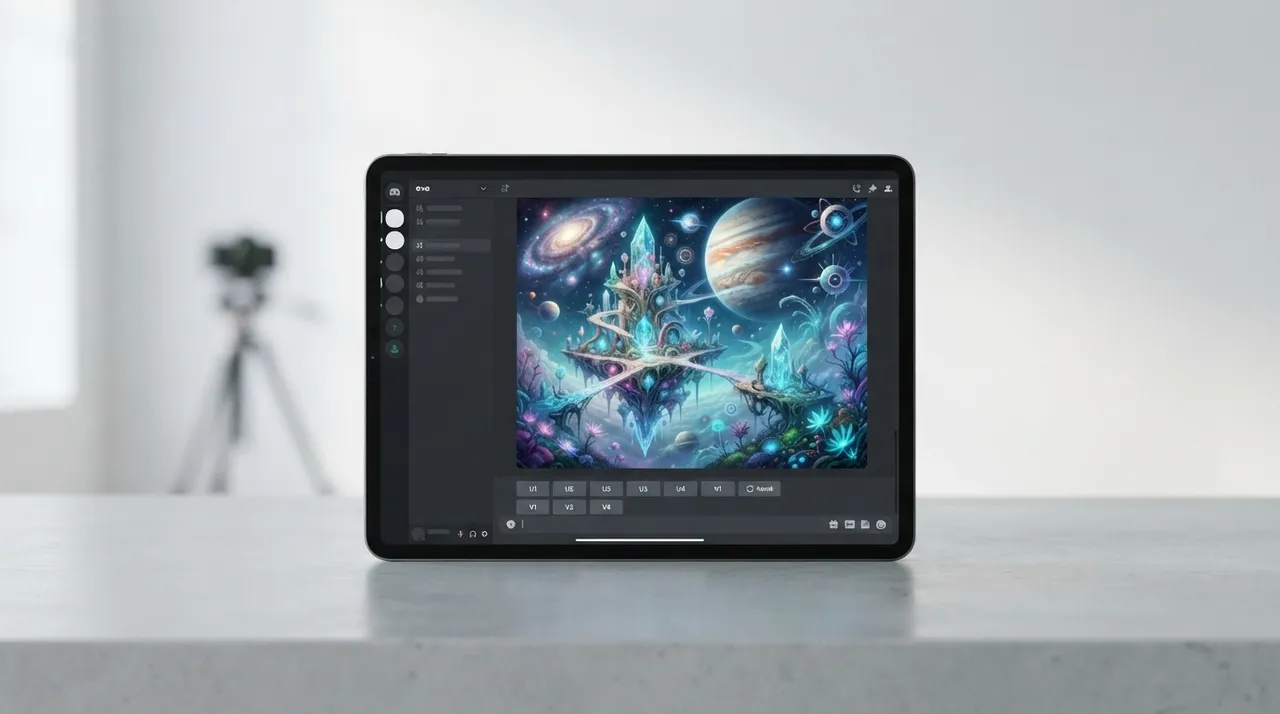
In the ever-evolving world of AI image generation, Adobe Firefly and Midjourney stand out as key players, each offering unique features for designers, artists, and creators. While Firefly seamlessly integrates with Adobe's renowned creative ecosystem, Midjourney is celebrated for its ability to produce high-quality, artistic images with a distinctive flair. This comparison aims to clarify the fundamental differences between them to help you make an informed decision on which tool best suits your creative needs in 2026.
⚔️ Detailed comparison
| Criterion | Adobe Firefly | Midjourney |
|---|---|---|
| Artistic Image Quality | Realistic and photographic images with precise style control and editing options within Adobe applications. | ✓High-quality artistic images, often with a distinctive surreal or imaginative style, capable of producing unique visual aesthetics. |
| Ease of Use and Accessibility | ✓User-friendly graphical interface integrated directly into Adobe applications like Photoshop and Illustrator, making it easy for existing Adobe users to get started. | Primarily relies on text prompts within the Discord platform, requiring a learning curve for new users but offering great flexibility for experienced users. |
| Editing and Customization Options | ✓Robust editing capabilities within Adobe applications, including element modification, style changes, and Generative Fill for precise editing. | Extensive customization via text prompts, with advanced settings for style, aspect ratio, and color control, but post-generation editing requires external software. |
| Workflow Integration | ✓Deep integration with the Adobe Creative Cloud ecosystem, allowing for seamless workflow between image generation, editing, and application in other design projects. | Functions as a standalone tool, requiring image export to other software for further editing or integration into larger projects. |
| Supported Models and Styles | Diverse range of artistic and realistic styles, with a focus on commercially safe image generation, plus text-to-brush and text-to-vector capabilities. | Distinguished by its unique and complex artistic styles, capable of producing images ranging from photorealistic to abstract art, with continuous model updates (e.g., V5, V6, Niji versions). |
| Pricing | Available within Adobe Creative Cloud subscriptions (e.g., Photoshop plan, All Apps plan), with limited free or trial plans. | Relies on various monthly subscription plans, starting from basic plans and extending to professional plans offering more GPU hours and faster image generation. |
| Intellectual Property and Commercial Use | ✓Focuses on generating commercially safe content, with clear intellectual property policies for users, and trained on legally licensed data. | Grants subscribers full commercial rights to the images they generate, allowing their use in personal and professional projects. |
لكل من أدوبي فايرفلاي وميدجورني نقاط قوة فريدة. إذا كنت جزءًا من منظومة أدوبي وتفضل سير عمل متكامل مع إمكانيات تحرير قوية وصور واقعية، فإن فايرفلاي هو الخيار الأفضل. أما إذا كنت تبحث عن صور فنية إبداعية ذات طابع مميز ولا تمانع في استخدام Discord وتطبيقات تحرير خارجية، فإن ميدجورني يتفوق في هذا المجال. يعتمد الاختيار النهائي على أولوياتك الإبداعية وسير عملك المفضل.