
What it is

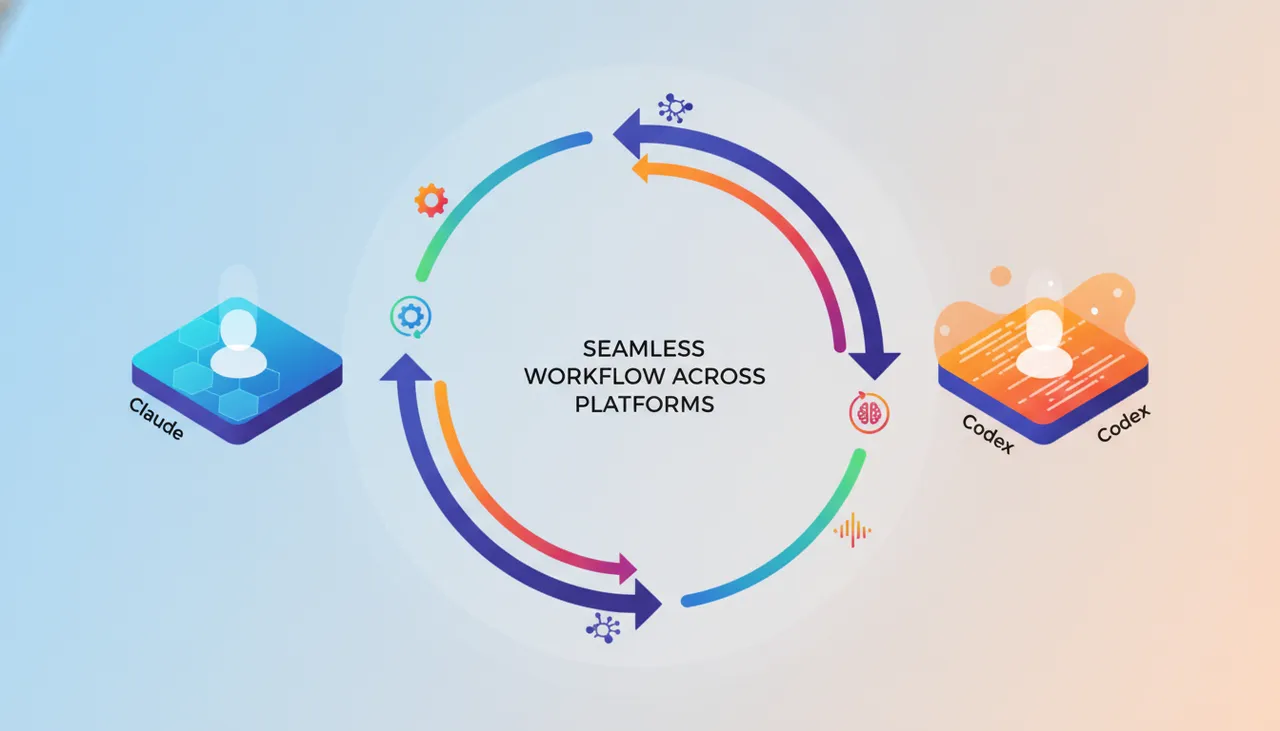
The ability to synchronize Claude and Codex sessions, or more precisely, the continuity of conversations between them, is a pivotal feature that allows users to transfer their work context and interactions with AI models between two different environments without having to start from scratch. In essence, this feature means that if you are having a conversation or developing an idea with a Claude model, you can take that same conversation and continue it within the Codex environment, and vice versa. This flexibility translates into a continuous workflow, where the conversational memory is retained, ensuring that the model you interact with in the new environment has all the previous information and instructions you provided.
It's not just about copying and pasting text; it's about transferring the session state itself. Both Claude and Codex, as prominent generative AI models, have strengths and specializations that can complement each other. For example, Claude might excel at generating creative content and long-form text, while Codex (or similar code-specialized tools) might be superior in programming tasks and data analysis. This synchronization allows users to leverage the best of both worlds, where they can start a task in one environment, then switch to another to complete it, benefiting from the other model's capabilities without losing any progress.
Why it helps
Unprecedented Workflow Flexibility: Don't be confined to a single environment. You can start in Claude for a task requiring creative text generation or concept drafting, then transition to Codex to restructure these texts or analyze them programmatically, maintaining the full conversation context. This reduces friction and prevents wasted time re-explaining or re-entering information.
Maximizing Specialized Strengths: Each AI model has unique strengths. Synchronization allows you to dynamically leverage these specializations. If Claude excels at drafting legal contracts, and Codex can analyze code vulnerabilities, you can start drafting the contract in Claude, then pass the context to Codex to analyze terms related to any software applications or smart contracts within the contract itself, for example.
Enhanced Productivity and Time Savings: By eliminating the need to re-establish context or re-enter instructions, this feature saves valuable working hours. The smoother the transition between tools, the faster you can complete complex tasks requiring different types of AI processing.
Improved Collaboration and Knowledge Sharing: In teams utilizing both tools, one team member can initiate a task in one platform, then pass the session to another colleague to continue working on it in the other platform. This facilitates collaboration and ensures everyone is working with the most up-to-date context.
Developing Hybrid Solutions: Developers and entrepreneurs can design hybrid workflows that leverage the APIs of both models, opening the door to more complex and powerful solutions that combine the generative, analytical, and programmatic strengths of two different models.
How to get value
For a freelancer or entrepreneur, syncing Claude and Codex sessions is a powerful tool to boost productivity and income through specific real-world scenarios:
Developing Integrated Content for Client Projects: Imagine you're a freelance content writer for tech projects. You can start by using Claude to generate initial drafts for blog posts, marketing scenarios, or ad copy for a new product. After generating the core content, you can transfer this session to the Codex environment (or a similar tool) to programmatically analyze the texts, extract the most effective keywords, or even generate code snippets to embed in technical articles, or design landing pages based on the content. This allows you to offer a comprehensive and integrated service to your clients, increasing the value of your work and supporting higher pricing.
Automating and Developing Your Own Business: If you're an entrepreneur managing an e-commerce store, you can use Claude to craft engaging product descriptions or marketing emails. Once the drafting is complete, transfer the session to Codex to generate small scripts that automate the publishing of these descriptions on your website, link them to databases, or even analyze customer data for better targeting. This reduces the need for external developers or expensive tools, saving costs and increasing profits.
Rapid Research and Development: When exploring new product ideas or solutions for client problems, start with a brainstorming session with Claude to explore concepts and generate ideas. Once a direction is set, transfer the context to Codex to create rapid prototypes of code or analyze relevant data to assess feasibility. This acceleration in the R&D phase reduces time-to-market and gives you a competitive edge.
Smart usage tip: To maximize efficiency, create “contextual templates” in each tool. For example, you can train Claude on a specific style of ad copy, then in Codex, prepare scripts to analyze the effectiveness of these ads or convert them into deployable code formats. When transferring the session, simply refer to the pre-prepared template for faster, more consistent results. Remember, the goal is to make the models work as a team, each complementing the other in different stages of your project.
Comments 0
No comments yet — be the first to share your thoughts.
Share your thoughts
To comment, sign in first — we email you a one-time code (no password). This keeps the discussion clean.
Sign in to comment →