
The idea
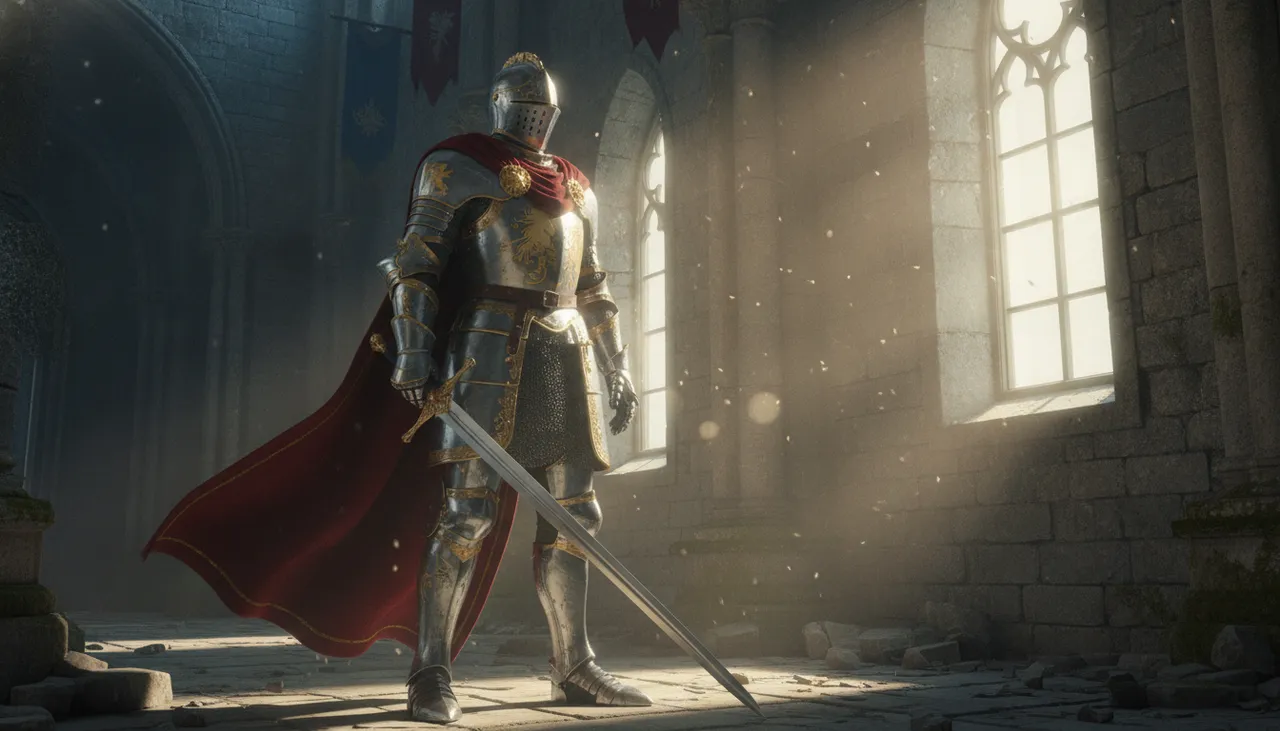
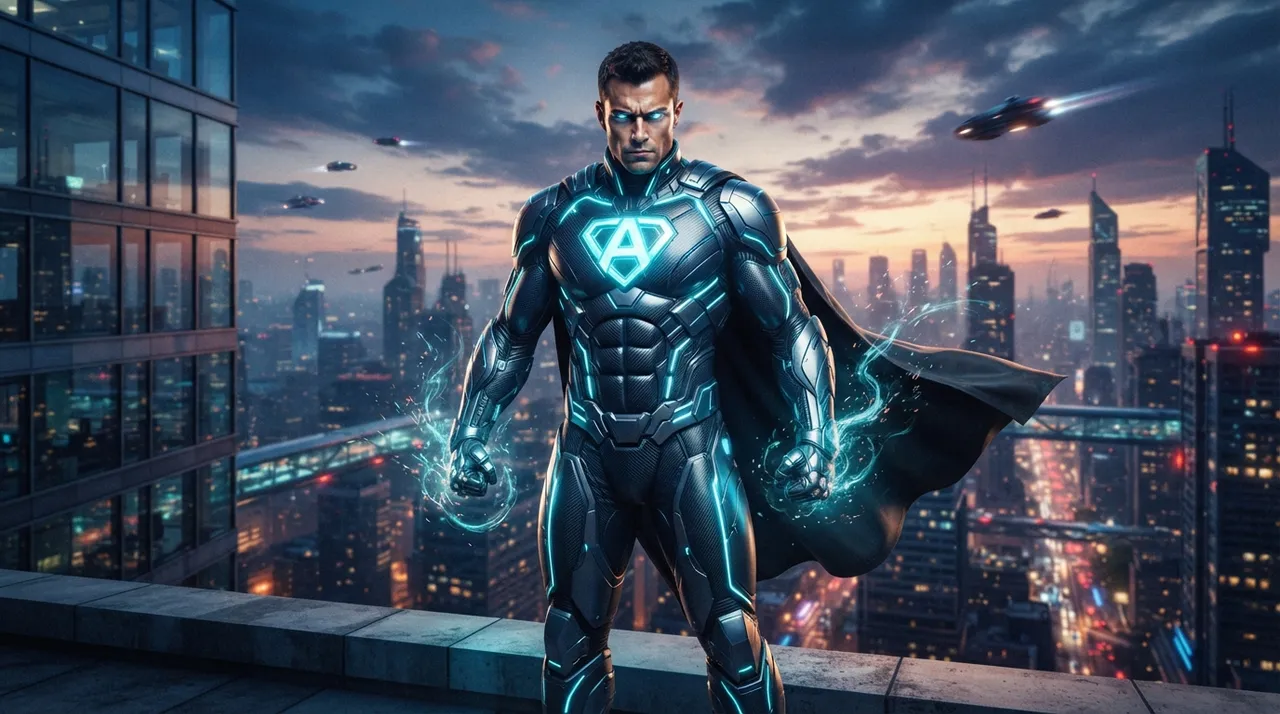
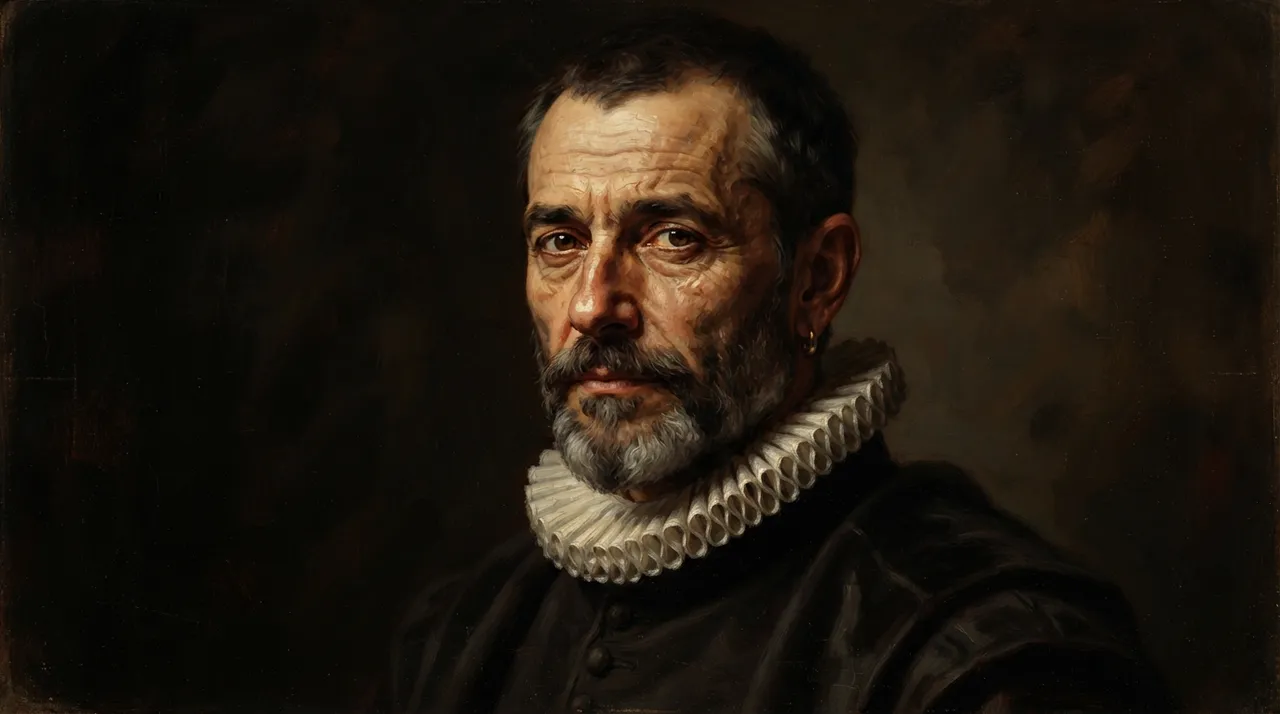
This trend is among the latest AI advancements that allow users to transform their ordinary personal photos into stunning 3D artworks, portraying themselves as heroes of an epic fantasy. This trend relies on advanced AI image generation techniques capable of analyzing facial features and original photo details, then re-envisioning them in an entirely new visual context with a realistic or graphic 3D style. The idea behind its popularity lies in the ability to see oneself in unfamiliar and exciting roles, such as brave knights, powerful warriors, or wise sorceresses, within worlds inspired by video games, movies, or fantasy novels. This allows users to explore a creative and personal side, presenting unique and engaging content on social media platforms, with a touch of fantasy and adventure.
How to apply it
- Choose your photo: Start by selecting a clear personal photo of your face, preferably with good lighting and natural facial expressions.
- Use an AI image generation tool: Many tools support this type of transformation, such as Midjourney (via Discord), DALL-E 3 (available with ChatGPT Plus subscriptions), or Stable Diffusion (via platforms like Leonardo.ai).
- Enter the prompt: Write a detailed prompt describing the fantasy scene you wish to be a part of, including a request to transform the image into a 3D style. Be sure to specify the type of character (warrior, wizard, etc.) and the environment (enchanted forest, ancient castle, futuristic city).
- Request 3D details: Within the prompt, explicitly ask for the image to be in a 3D style, with details such as “3D render,” “Unreal Engine 5,” “ZBrush details,” or “cinematic 3D art.”
- Upload your photo (depending on the tool): In some tools, you can upload your personal photo directly as part of the prompt or as a visual reference for the AI model (image-to-image feature). In other tools, you might need to describe your features accurately within the prompt if the tool doesn't support direct image uploads.
- Iterate and refine: Experiment with different prompts and descriptions until you achieve the desired result that reflects your persona in a 3D fantasy world.
Prompt to recreate the image
To generate a similar image yourself, use this prompt in your favorite image generator:
Create a cinematic 3D render of a male character, based on the uploaded reference photo, depicted as a valiant medieval knight. He stands in a grand, ancient castle hall, bathed in dramatic volumetric light streaming from a high window. The character wears ornate, polished steel armor with intricate gold detailing, a flowing crimson cape, and holds a gleaming broadsword. The art style should be hyperrealistic, with detailed textures for armor, fabric, and stone, rendered with the fidelity of Unreal Engine 5 and ZBrush. The atmosphere is epic and mysterious, with dust motes dancing in the light. The camera angle is a medium shot, slightly from below, emphasizing heroism and scale.

Comments 0
No comments yet — be the first to share your thoughts.
Share your thoughts
To comment, sign in first — we email you a one-time code (no password). This keeps the discussion clean.
Sign in to comment →