
What it is
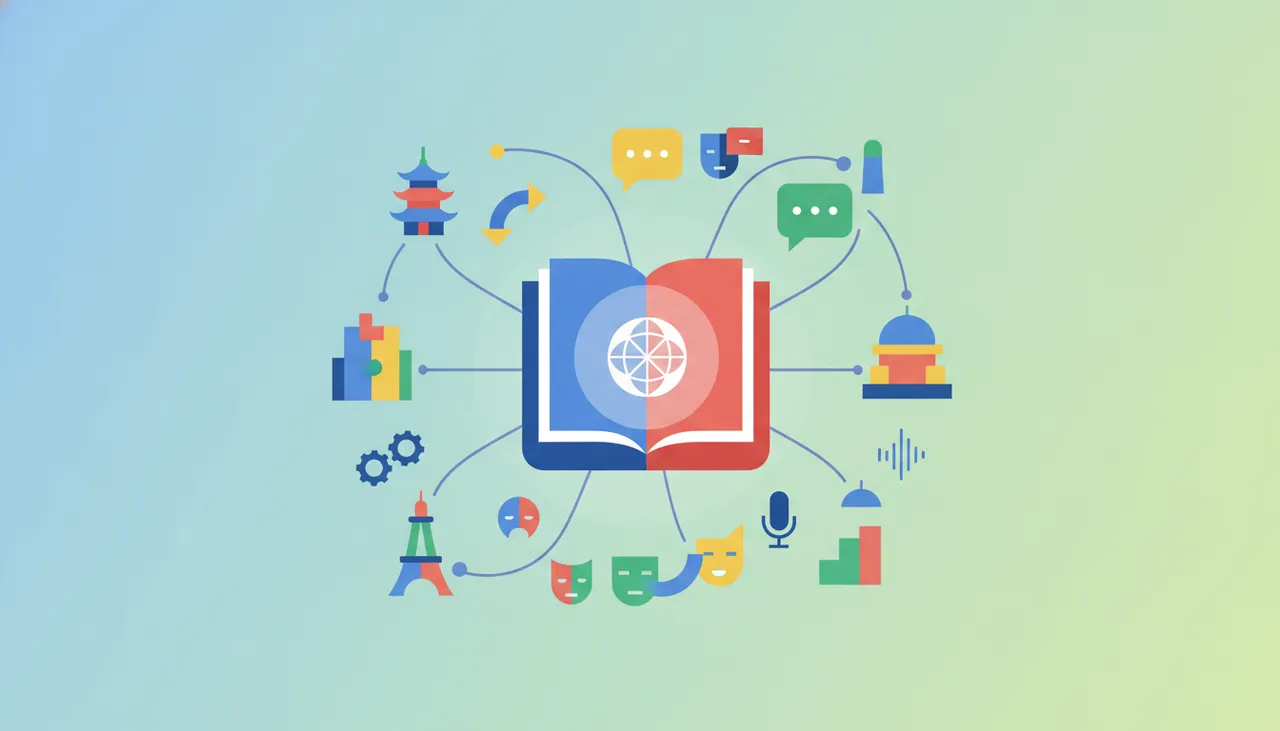
Google Translate is a powerful and versatile translation tool from Google, designed to help users translate text, voice, images, and conversations in over 100 languages. The app is an ideal solution for travelers, students, learners, and anyone who needs to communicate in different languages or understand content in a foreign language. It features the ability to work offline in many languages, provide instant camera translation, and live voice translation for conversations, making it an indispensable tool in our connected world.
Key benefits
- Text Translation: Allows translation of words, phrases, and sentences by simply typing or pasting them, with the option to save common translations.
- Camera Translation: Point your phone's camera at any text (like a road sign or menu), and the app will instantly translate it on your screen. This mode supports instant translation in over 90 languages.
- Voice and Conversation Translation: Provides two-way real-time voice translation for conversations, facilitating communication with speakers of different languages. Supports voice translation in over 70 languages.
- Offline Translation: You can download language packs and use the app for translation without an internet connection, a vital feature for travel.
- Handwriting: Write characters or words with your hand, and the app will recognize and translate them.
- Website Translation: Allows translation of entire web pages when browsing.
- Document Translation: Can translate entire documents via the web (though this feature is often accessed via the web version rather than directly in the app).
How to use it
- Text Translation: Open the app, type the text into the upper input box, or copy and paste it. The translation will appear instantly in the lower box.
- Camera Translation: Tap the camera icon. Point the camera at the text you want to translate. You will see the translation appear over the original text on your screen. You can also take a photo for later translation.
- Voice/Conversation Translation: Tap the microphone icon (for single voice translation) or the "conversation" icon (for two-way conversation translation). Speak in your chosen language, and the app will translate and display or read your speech in the target language.
- Offline Translation: Before traveling, go to the app settings, then "Offline translation languages," and download the language packs you will need.
- Handwriting: Tap the pen icon for handwriting, then draw characters or words on the screen.





Comments 0
No comments yet — be the first to share your thoughts.
Share your thoughts
To comment, sign in first — we email you a one-time code (no password). This keeps the discussion clean.
Sign in to comment →