
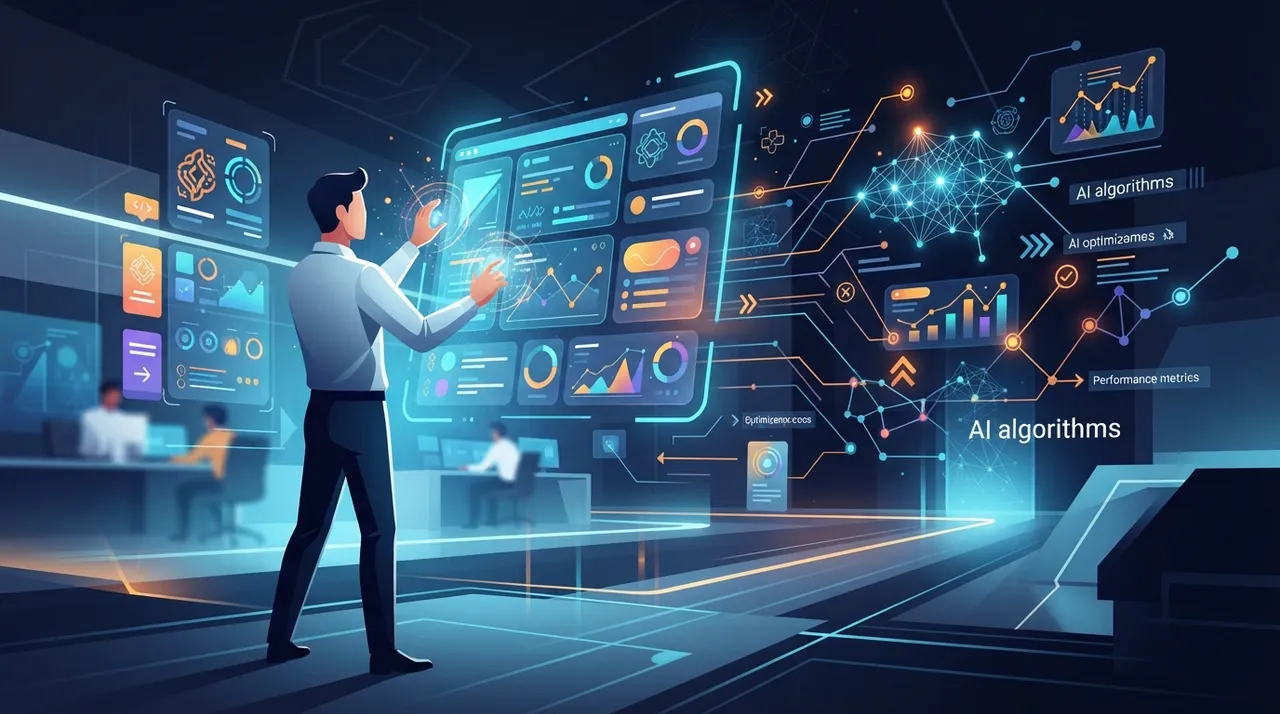
As 2026 unfolds, the world of User Interface (UI) and User Experience (UX) design is undergoing a profound transformation thanks to artificial intelligence (AI). What was once a lengthy and complex process requiring hours of manual work is now achievable in mere minutes, powered by intelligent tools that understand context and generate professional designs. This advancement not only accelerates the pace of work but also allows designers to focus on creativity and innovation, while enabling non-specialists to bring their ideas to visual reality.
What's New
AI has become a true partner in the interface design process, not merely an auxiliary tool. Instead of starting with a blank screen, designers can now use a simple text description or even a hand-drawn sketch to transform their ideas into wireframes and high-fidelity UI designs. These advanced tools are not limited to generating visual elements; they can also analyze user behavior, anticipate needs, and suggest design improvements to enhance the user experience.
Key tools driving this transformation include:
- Uizard: Converts text prompts, screenshots, or hand-drawn sketches into ready-to-use prototypes and UI designs, emphasizing simplicity for non-designers.
- UX Pilot: Helps generate UI layouts, wireframes, and high-fidelity UI designs from simple text prompts.
- Galileo AI (Google Stitch): Allows users to describe a product experience in plain language, transforming it into multiple screen suggestions and interaction layouts, with direct export to Figma.
- Figma Make / Figma AI: Enhances the existing Figma workflow with AI-powered capabilities like auto-layout suggestions, asset search, text generation, and design generation.
- Framer AI: Combines powerful visual design tools with realistic interactions and smooth animations to create high-fidelity, clickable prototypes.
- UXMagic: Transforms product ideas into production-ready wireframes, mockups, and prototypes in seconds, also providing clean, usable code.
- v0 by Vercel: Enables the creation of complete interactive interfaces and applications using natural language.
These tools go beyond merely creating interfaces; they ensure visual consistency by generating complete design systems, addressing the issue of disparate designs among generated screens.
Why It Matters
This development is crucial for several reasons:
- Accelerated Design Process: Teams can move from concept to prototype in minutes, rather than days or weeks. This significantly shortens product development cycles.
- Democratization of Design: AI tools empower non-designers, such as founders, product managers, and developers, to create appealing and functional interfaces without extensive design expertise.
- Improved Design Quality and UX: By analyzing user behavior and offering data-driven recommendations, AI tools help create more effective, engaging, and personalized interfaces. They also assist in identifying usability issues early on.
- Liberating Designers: Instead of spending time on repetitive tasks, designers can now focus on creative aspects and complex problem-solving.
- Code Generation: Some of these tools extend beyond design to provide clean, production-ready frontend code (HTML, React), bridging the gap between design and development and accelerating the launch process.
These technologies are not just changing how digital products are designed, but also redefining roles and responsibilities within design and development teams, making collaboration smoother and more efficient.
To leverage this trend, readers can follow these steps:
- Start with a Text Description: Use tools like ChatGPT or Gemini to describe your idea or interface requirements in detail. The more precise the description, the better the results.
- Choose the Right Tool: Based on your needs (quick prototypes, high-fidelity designs, code generation), select the most suitable tool such as Uizard, UX Pilot, Galileo AI, or UXMagic.
- Generate and Refine: Input your description or sketches into the tool and let AI generate the design. Then, modify and customize elements to align with your vision.
- Export and Share: Export the design to Figma for further refinement or share it with your team. In some cases, you can export ready-to-use code.
- Continuous Learning: Stay updated with new AI tool releases and explore how to integrate them into your workflow for maximum benefit.
This trend presents a golden opportunity for designers, developers, and entrepreneurs to create innovative digital products with unprecedented speed and efficiency, opening new horizons for creativity and growth.



Comments 0
No comments yet — be the first to share your thoughts.
Share your thoughts
To comment, sign in first — we email you a one-time code (no password). This keeps the discussion clean.
Sign in to comment →