
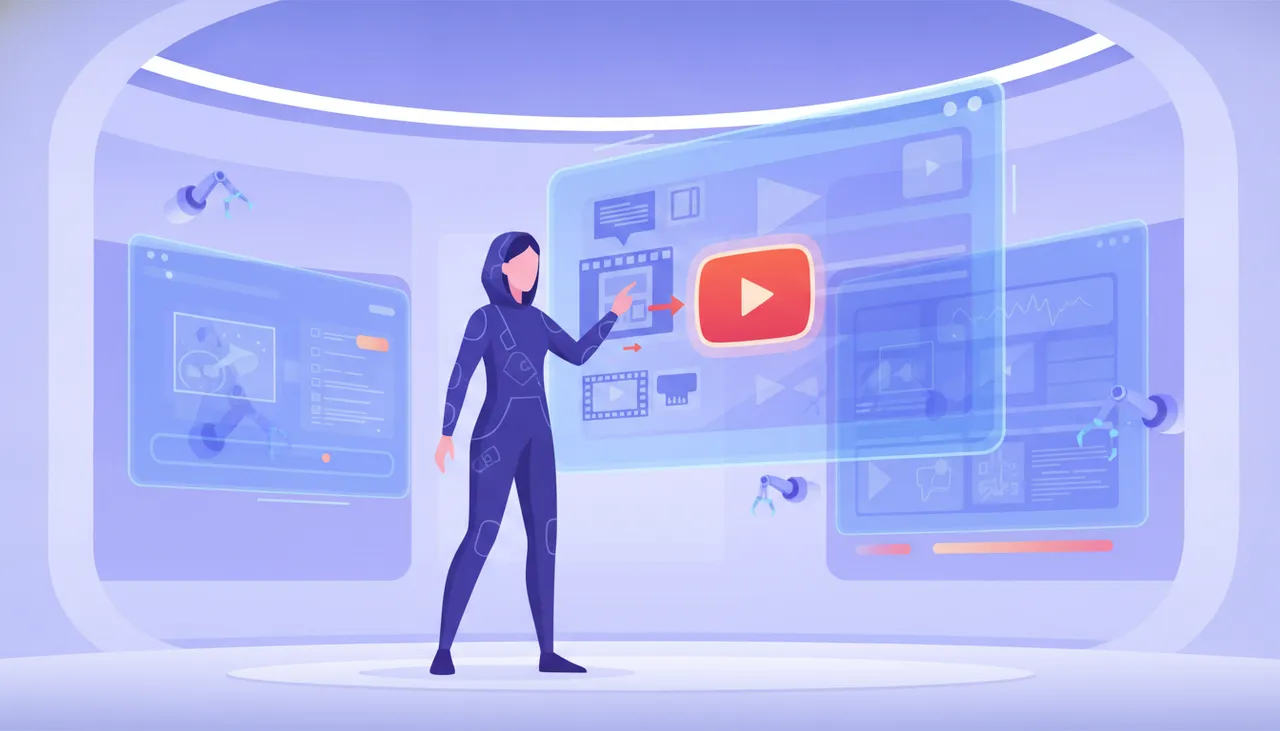
For YouTube creators, the journey from a compelling script to an equally compelling video can be time-consuming, often limiting the frequency and quality of uploads. However, the latest advancements in artificial intelligence (AI) offer powerful solutions to streamline this process. By leveraging AI, you can transform your written ideas into polished, professional video content with unprecedented speed and efficiency. This article will explore five practical strategies for using AI to create captivating YouTube videos from your text scripts, helping you maintain a consistent upload schedule and engage your audience more effectively.
1. Automated Script-to-Video Generation with AI Platforms
The most direct way to convert text into video is through AI platforms designed specifically for this purpose. These tools take your written script and automatically generate a video by selecting relevant stock footage, images, background music, and even voiceovers. The process typically involves uploading your script, choosing a template or style, and then letting the AI do the heavy lifting.
- Key Benefit: Dramatically reduces production time and costs, making it ideal for content creators with limited video editing experience or resources.
- How to Implement: Focus on platforms like Pictory or InVideo. Start by structuring your script clearly, with distinct scenes or paragraphs. Experiment with different visual styles and voiceover options provided by the AI to find what best suits your brand. Refine the AI-generated video by adjusting timings, replacing less suitable visuals, and ensuring the voiceover sounds natural.
2. AI-Powered Voiceovers and Narration
A professional voiceover can significantly elevate the quality of your YouTube videos. AI voice generators have evolved to produce incredibly human-like narration, complete with varied tones, emotions, and accents. This eliminates the need for expensive voice actors or the time-consuming process of recording your own narration.
- Key Benefit: Adds a professional touch to your videos without the typical costs or logistical challenges, ensuring consistent audio quality.
- How to Implement: Tools like ElevenLabs or Murf.AI excel in this area. Paste your script into the platform, select a voice (or create a custom one), and generate the audio. Pay attention to punctuation in your script, as it helps the AI render more natural pauses and intonations. Integrate the generated audio seamlessly into your video editing software.
3. Dynamic Visuals and Animations from Text Prompts
Beyond stock footage, AI can now generate unique visuals and even short animated sequences directly from text prompts. This opens up possibilities for creating custom graphics, illustrations, and animated elements that perfectly match your script's narrative, making your videos more distinctive and engaging.
- Key Benefit: Allows for unparalleled creative control over visual elements, enabling the creation of unique and branded content that stands out.
- How to Implement: Explore AI image and animation generators such as Midjourney or RunwayML. For each key point or concept in your script, formulate descriptive text prompts to generate corresponding visuals. For example, if your script discusses 'the future of renewable energy,' you could prompt for 'futuristic city powered by solar and wind energy, vibrant colors, clean lines.' Integrate these visuals into your video as static images or short animated clips.
4. AI-Assisted Video Editing and Optimization
Even with AI-generated visuals and voiceovers, some level of editing is usually required to ensure a cohesive and polished final product. AI-powered editing tools can assist by automatically detecting silent gaps, highlighting key moments, and even suggesting cuts and transitions based on your script's flow.
- Key Benefit: Speeds up the post-production phase, allowing creators to focus on narrative refinement rather than tedious manual editing.
- How to Implement: Use features within video editing software like Adobe Premiere Pro (with AI plugins) or dedicated AI editing platforms. After generating your core video elements, import them into your editor. Let the AI assist with initial cuts and pacing. Focus your manual editing on adding personal touches, refining transitions, and ensuring your video flows smoothly and maintains audience engagement.
5. Automated Subtitle and Caption Generation for Accessibility and Reach
While not directly part of video generation, automatically adding accurate subtitles and captions is crucial for accessibility and expanding your audience reach. AI tools can transcribe your video's audio into text, providing precise captions in multiple languages.
- Key Benefit: Enhances accessibility for viewers who are hearing impaired or prefer watching without sound, and boosts SEO by providing crawlable text for search engines.
- How to Implement: YouTube itself offers automated captioning, but for greater accuracy and customization, consider third-party tools like Happy Scribe or Descript. Upload your video, generate the captions, and then review and edit them for perfect synchronization and grammar. Export the captions in an SRT format and upload them to your YouTube video.
By integrating these AI strategies into your YouTube content creation workflow, you can significantly enhance your productivity, elevate the quality of your videos, and ultimately reach a wider, more engaged audience. The key is to view AI not as a replacement for creativity, but as a powerful co-pilot that helps bring your vision to life more efficiently.


Comments 0
No comments yet — be the first to share your thoughts.
Share your thoughts
To comment, sign in first — we email you a one-time code (no password). This keeps the discussion clean.
Sign in to comment →