
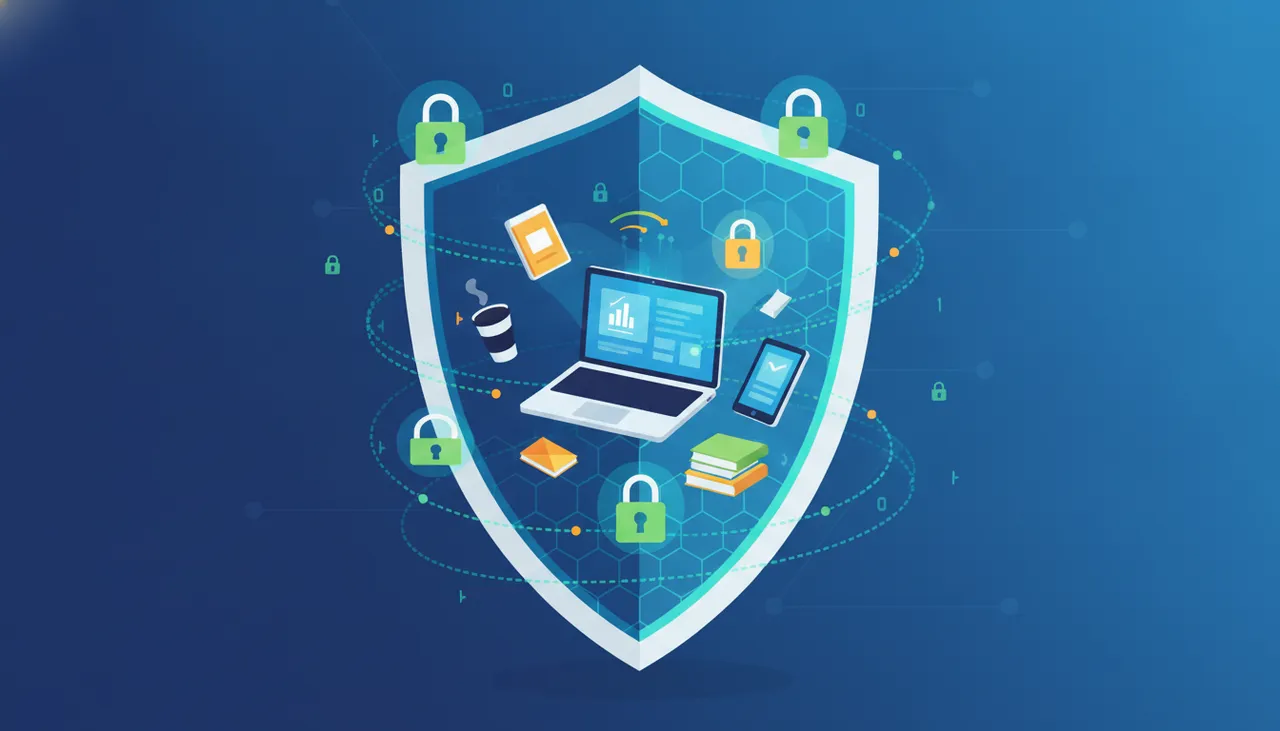
As the digital landscape evolves, the freelance economy in 2026 presents both unprecedented opportunities and heightened risks. For independent professionals, digital security is no longer a luxury but a fundamental requirement. Protecting your online identity, intellectual property, and financial assets is crucial for sustaining your career and ensuring peace of mind. This article provides a practical framework for freelancers to fortify their digital presence against emerging threats.
Understanding the Freelance Threat Landscape
Freelancers, by nature of their distributed work and reliance on various online platforms, often face unique vulnerabilities. These can range from phishing attempts targeting payment information to sophisticated attacks aimed at stealing client data or intellectual property. Common threats include:
- Phishing and Social Engineering: Deceptive attempts to extract sensitive information (passwords, bank details) by impersonating legitimate entities.
- Malware and Ransomware: Malicious software that can compromise your system, steal data, or hold your files hostage until a ransom is paid.
- Data Breaches: Unauthorized access to databases containing personal or client information, often due to weak security practices by third-party platforms.
- Identity Theft: Exploitation of personal information to impersonate the freelancer, potentially harming reputation or accessing accounts.
- Intellectual Property Theft: Unauthorized reproduction or use of creative works, code, or designs.
Pillars of Digital Identity Protection
Your digital identity is the cornerstone of your freelance brand. Protecting it requires a multi-faceted approach.
- Strong, Unique Passwords and Password Managers: Never reuse passwords. Utilize a reputable password manager to generate and securely store complex, unique passwords for all your accounts. This mitigates the risk of credential stuffing attacks.
- Multi-Factor Authentication (MFA): Enable MFA on every possible platform. This adds an extra layer of security, typically requiring a code from a mobile app or a physical security key in addition to your password.
- Regular Software Updates: Keep your operating system, applications, and web browsers updated. Software updates often include critical security patches that protect against newly discovered vulnerabilities.
- Privacy Settings Audits: Regularly review and adjust privacy settings on social media, collaboration tools, and other online platforms. Limit the information you share publicly.
Safeguarding Your Intellectual Property and Data
Your creative work and client data are invaluable. Proactive measures are essential to protect them.
- Secure Cloud Storage with Encryption: Use cloud storage services that offer robust encryption both in transit and at rest. Configure access permissions carefully, ensuring only authorized individuals can view or modify files.
- Regular Backups: Implement a consistent backup strategy for all your important files. This should include both local backups (e.g., external hard drive) and off-site cloud backups. Automate this process where possible.
- Non-Disclosure Agreements (NDAs): For sensitive client projects, ensure you have a signed NDA in place. While not a digital security measure, it provides legal protection in case of data misuse.
- Secure File Sharing: When sharing sensitive files with clients or collaborators, use encrypted file-sharing platforms rather than unsecured email attachments.
Financial Security Protocols
Protecting your earnings and financial information is paramount for any freelancer.
- Dedicated Business Bank Accounts: Separate your personal and business finances. This makes it easier to track income and expenses and limits the impact of a breach on your personal accounts.
- Secure Payment Gateways: Only use reputable and encrypted payment processing services for transactions. Be wary of requests for direct bank transfers outside of established platforms without strong vetting.
- Monitoring Bank Statements: Regularly review your bank and credit card statements for any suspicious activity. Report unauthorized transactions immediately.
- Beware of Invoice Scams: Verify the authenticity of invoices, especially for large amounts or new clients, before making payments. Cybercriminals often target freelancers with fake invoices.
Practical Steps for Freelancers in 2026
- Conduct a Digital Security Audit: Assess your current security practices. Identify weak points in your passwords, software, and data storage.
- Implement a Password Manager: Choose a reputable password manager (e.g., LastPass, 1Password) and commit to using it for all accounts.
- Enable MFA Everywhere: Prioritize enabling multi-factor authentication on your email, banking, social media, and freelance platform accounts.
- Automate Backups: Set up automated cloud and local backups for all critical work files.
- Educate Yourself Continuously: Stay informed about the latest cybersecurity threats and best practices. Follow reputable security blogs and news sources.
- Use a VPN for Public Wi-Fi: If you frequently work from public places, use a Virtual Private Network (VPN) to encrypt your internet connection.
Digital security is an ongoing process, not a one-time setup. By adopting these robust strategies, freelancers in 2026 can confidently navigate the digital world, protecting their valuable assets and building a resilient, sustainable career.




Comments 0
No comments yet — be the first to share your thoughts.
Share your thoughts
To comment, sign in first — we email you a one-time code (no password). This keeps the discussion clean.
Sign in to comment →